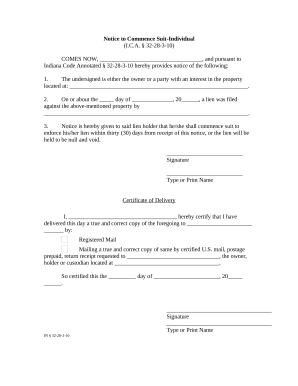
ITEM ORD 00-04974 2025

Get Form
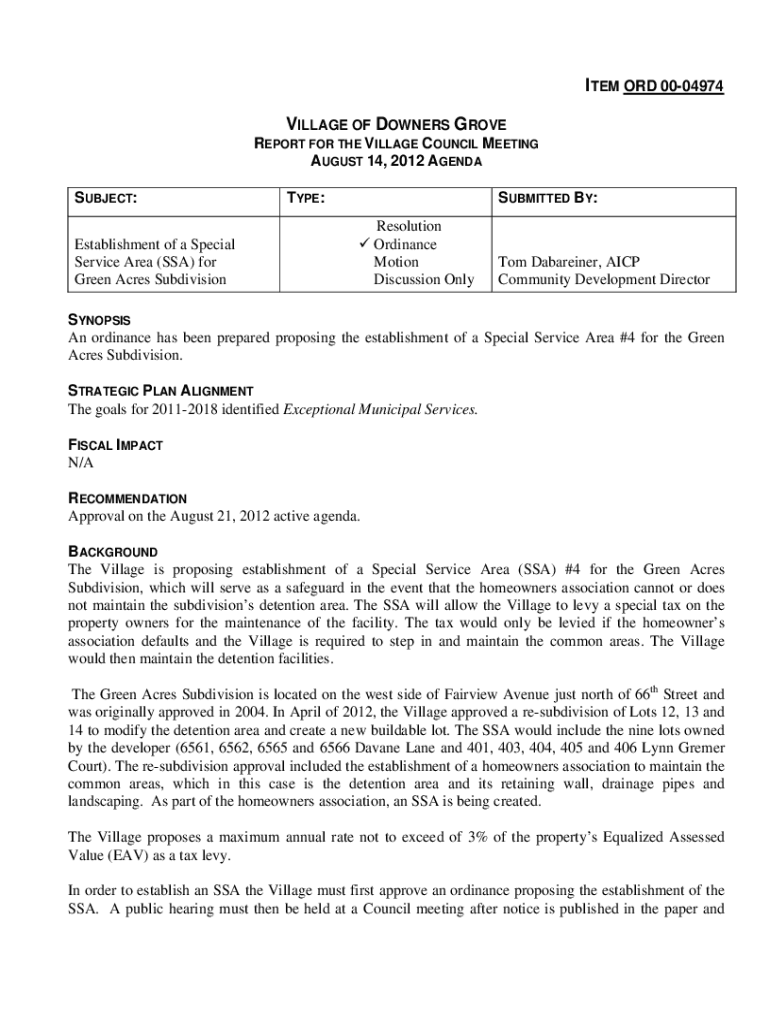
ITEM ORD 00-04974 Preview on Page 1

Here's how it works

01. Edit your form online
Type text, add images, blackout confidential details, add comments, highlights and more.
02. Sign it in a few clicks
Draw your signature, type it, upload its image, or use your mobile device as a signature pad.
03. Share your form with others
Send it via email, link, or fax. You can also download it, export it or print it out.

How to use or fill out ITEM ORD 00-04974 with our platform

Form edit decoration
9.5
Ease of Setup
DocHub User Ratings on G2
9.0
Ease of Use
DocHub User Ratings on G2
  1. Click ‘Get Form’ to open ITEM ORD 00-04974 in the editor.
  2. Begin by reviewing the 'SYNOPSIS' section, which outlines the purpose of the form. This will help you understand the context of your submission.
  3. Fill in the 'SUBMITTED BY' section with your name and title, ensuring that it reflects your role accurately.
  4. In the 'RECOMMENDATION' field, indicate your approval status for the agenda item. Use checkboxes or text fields as provided.
  5. Review and complete any additional sections such as 'BACKGROUND' and 'FISCAL IMPACT', ensuring all relevant information is included.
  6. Once all fields are filled out, utilize our platform's signing feature to add your signature if required.
  7. Finally, save your document and share it directly from our platform for easy distribution to stakeholders.

Start using our platform today to streamline your document editing and completion process for free!

be ready to get more

Complete this form in 5 minutes or less

Get form
be ready to get more

Complete this form in 5 minutes or less

Get form