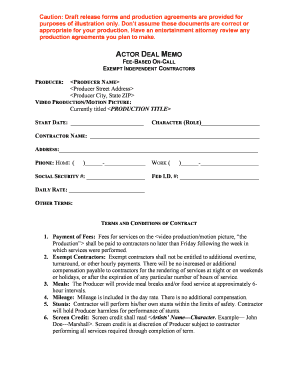
01. Edit your form online
Type text, add images, blackout confidential details, add comments, highlights and more.

Type text, add images, blackout confidential details, add comments, highlights and more.

Draw your signature, type it, upload its image, or use your mobile device as a signature pad.

Send it via email, link, or fax. You can also download it, export it or print it out.
The term "form online" refers to a digital version of a document that is designed for electronic completion and submission. These forms are intended to simplify processes that would traditionally involve physical paperwork, such as applications, registrations, and more. By utilizing online forms, users can input their information directly through a web interface, often through interactive fields like text boxes, checkboxes, and dropdown menus. This method not only improves efficiency by reducing the need for manual data entry but also enhances accessibility for users across different locations.
Using an online form involves several straightforward steps that leverage digital tools for ease of use. Typically, users access the form through a web browser, either via a direct URL or a link provided by an organization or service provider. Once in the form, users interact with various fields to input their information. Features like autofill and data validation are often implemented to streamline the process and reduce errors. After completing the necessary fields, users can review and submit the form for processing. Some platforms offer a confirmation or summary screen to allow for the review of entered information before final submission.
Completing a form online involves a series of specific actions designed to ensure accuracy and completeness. Beginning with a clear understanding of the form's purpose, users should gather any necessary documents or information prior to starting. This preparation helps facilitate a smoother completion process. Users then proceed to fill out the required fields, paying close attention to mandatory sections that must be completed for form validation. Finally, users should review their entries for accuracy before submitting the form.
Using online forms offers numerous advantages that cater to both individuals and organizations. Online forms significantly reduce paper waste, align with eco-friendly practices, and enhance data security through digital encryption methods. Users benefit from the convenience of accessing forms anytime from any location, provided they have internet access. This flexibility supports a faster and more efficient workflow, reducing the time it takes to gather and assess information. Additionally, form creators can leverage online formats for dynamic data collection, allowing for real-time analytics and improvements to form structure based on user interactions.
Online forms typically include several key elements that facilitate user interaction and data collection. The primary components are input fields, which may include text boxes for data entry, radio buttons for single-choice questions, and checkboxes for multiple selections. Dropdown menus offer users a predefined list of options, helping maintain consistent data responses. Signature fields are often included on forms requiring authentication, validation, or consent, ensuring that the act of signing is both simple and legally binding. Together, these elements create a robust system for collecting and processing information efficiently.
A wide spectrum of users across various fields rely on online forms for different purposes. Businesses and corporations utilize digital forms for internal processes like employee onboarding and client feedback collection. Educational institutions implement forms for student registrations and surveys. Legal professionals may use them for document submissions and client intake. Online forms also serve governmental purposes, such as tax filings and license applications. Their versatility and accessibility make them appealing to anyone needing to collect, process, or submit information efficiently.


Online forms are often employed in legal settings to facilitate and formalize processes digitally. Due to their flexibility, these forms can be adapted for various legal applications, including contract agreements, consent forms, and affidavits. They adhere to legal standards by incorporating necessary security measures such as encryption and electronic signatures, which are recognized by legislation like the ESIGN Act. This ensures that documents submitted through online forms are legally binding and enforceable, providing both parties with reliable legal documentation.
Compatibility of online forms with various software platforms is essential for efficient data management and integration. Many online forms are designed to work seamlessly with popular software such as Microsoft Office applications, Adobe Acrobat, and cloud-based services like Google Drive and Dropbox. This compatibility allows users to import and export data easily, facilitating smoother transitions between different work environments and tools. Users can take advantage of automated data mapping and syncing features to maintain data integrity across platforms.
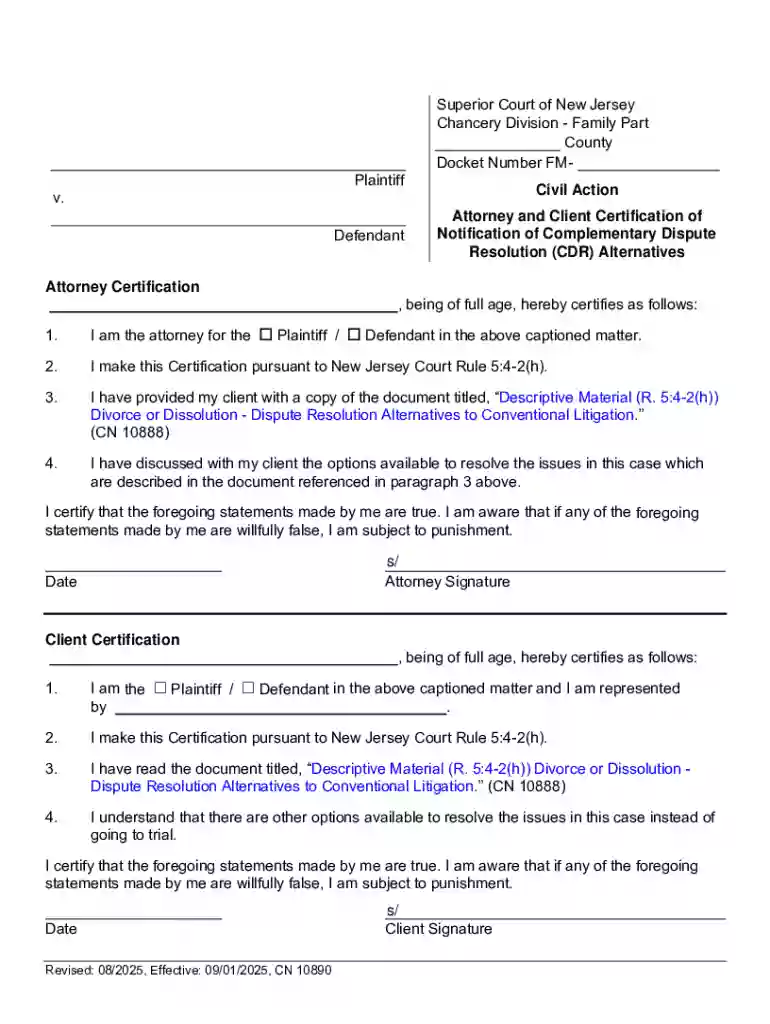
We've got more versions of the New Jersey Attorney and Client Certification of Defendant Notification form. Select the right New Jersey Attorney and Client Certification of Defendant Notification version from the list and start editing it straight away!
At DocHub, your data security is our priority. We follow HIPAA, SOC2, GDPR, and other standards, so you can work on your documents with confidence.