
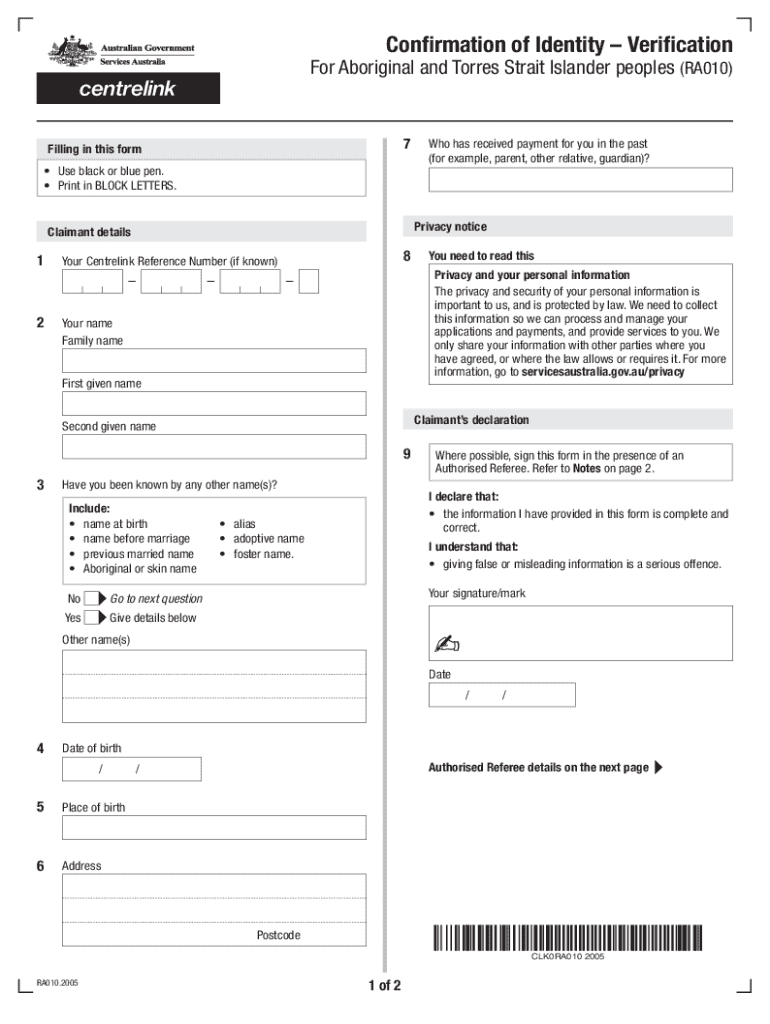







Definition and Meaning of Form Online
In today's digital age, filling out forms online has become a standard practice due to its convenience and efficiency. The phrase "form online" typically denotes any document or application that can be accessed, filled out, and submitted via the internet. These forms are designed to simplify data collection and submission processes across various domains, such as government services, business transactions, legal applications, and educational enrollment. By facilitating immediate access, online forms eliminate the need for physical paperwork, enable real-time data updates, and often integrate directly with databases to streamline information processing.
How to Use the Form Online
Once you access a form online, the interface generally guides you through each step to ensure accurate completion. The process involves entering data into designated fields, which may include text boxes, checkboxes, dropdown menus, and other interactive elements. Some platforms provide tooltips or instructions adjacent to each section to clarify the type of information required. Upon completing the form, most systems allow users to review their entries for any errors or omissions before submission. For added user convenience, features like auto-save and content validation are commonly implemented to reduce errors and data loss.
How to Obtain the Form Online
Securing a form online is typically straightforward. Most governmental or organizational websites host relevant documents, offering users easy access through a dedicated forms section or by conducting a simple search. To download or complete the form, a user may need to create an account or provide basic information like an email address. Many sites also provide options to download a form in various formats (such as PDF or DOC) for offline completion, if necessary. With internet access, users can effortlessly obtain and initiate the form-filling process from anywhere.
Steps to Complete the Form Online
- Access the Form: Navigate to the appropriate website where the form is hosted.
- Create an Account (if required): Register or log in to gain access to the form.
- Fill in the Details: Input the necessary information into the designated fields.
- Use checkboxes or dropdowns for multiple-choice sections.
- Attach any required documents as prompted.
- Review Your Entries: Double-check all fields for accuracy and completeness.
- Submit the Form: Follow the on-screen instructions to complete the submission process.
- Confirmation: Receive confirmation via email or on-screen notification that your form has been successfully submitted.
Why Should You Form Online
Transitioning to online forms presents several benefits, primarily tied to saving time and resources. Online forms eliminate the need for physical paperwork, which in turn reduces printing and storage costs. They also facilitate faster processing and approval times, given the automatic data validation and seamless integration into digital workflows. Furthermore, online forms offer enhanced accessibility, allowing individuals to submit documents from any location with internet access, reinforcing inclusivity for those unable to visit physical locations.
Who Typically Uses the Form Online
Online forms cater to a diverse set of users across multiple sectors. They are utilized by individuals such as students applying for educational programs, job seekers submitting applications, and citizens accessing government services like tax filings or social benefits. Entrepreneurs and business entities benefit from online forms for registrations, licensing, and compliance filings. Moreover, organizations leverage these forms to collect survey responses, organize events, or manage client interactions, highlighting their universal applicability.


Important Terms Related to Form Online
- Interactivity: Refers to fields that allow user input in forms, such as text boxes and dropdown menus.
- Validation: A process ensuring that the data entered is complete and formatted correctly before submission.
- Submission Confirmation: Final notification confirming that a form has been successfully submitted and received.
- Auto-Save: A feature that periodically saves form data to protect against data loss.
- Data Encryption: Cryptographic protection safeguarding the data transmitted through the online form.
Legal Use of the Form Online
Online forms must adhere to specific legal standards to ensure data privacy and security, especially in the United States. Compliance with laws such as the Electronic Signatures in Global and National Commerce Act (ESIGN Act) is essential for forms involving electronic signatures, ensuring they are recognized and enforceable. Moreover, platforms hosting online forms often implement encryption and authentication protocols to safeguard sensitive information, aligned with regulations like the General Data Protection Regulation (GDPR) for international users.
Examples of Using the Form Online
- Tax Filings: Individuals utilize online forms for submitting federal and state tax returns, utilizing platforms that ensure compliance with IRS requirements.
- Business Registration: Entrepreneurs can register new businesses by completing online forms that comply with legal standards and provide all necessary documentation.
- College Applications: Students submit applications to educational institutions via online forms, which streamline the evaluation and admission process.
- Healthcare Services: Patients fill out medical history forms online before appointments, optimizing the intake process while ensuring privacy regulations are met.




