
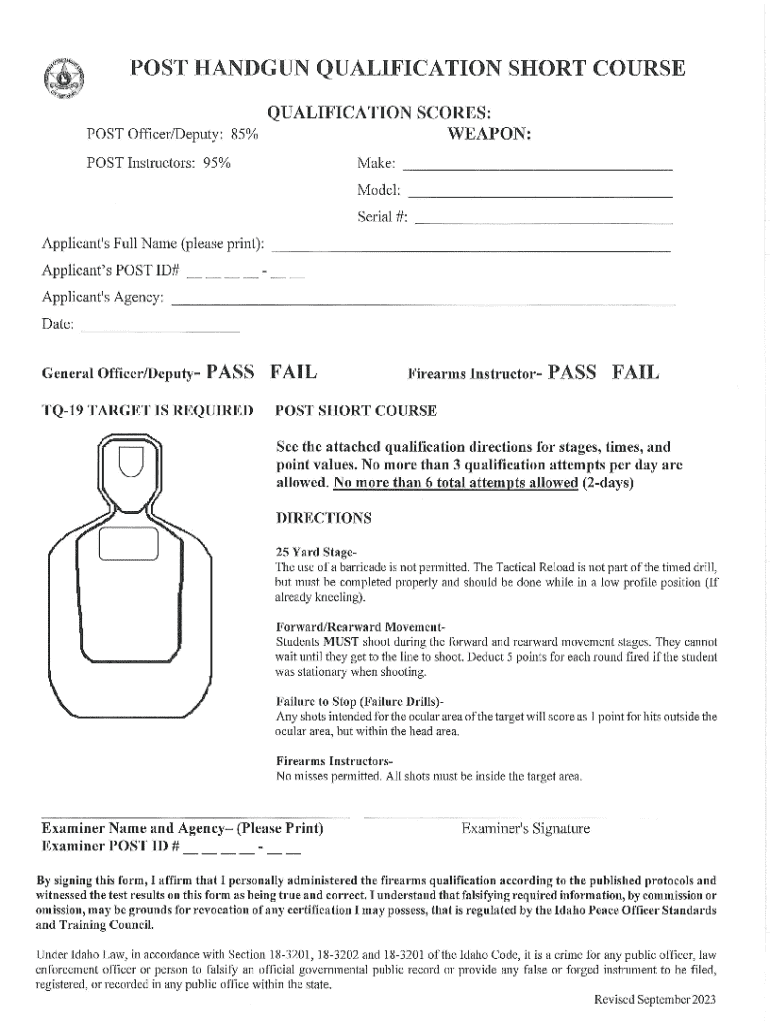







Definition and Meaning of Online Forms
Online forms are digital documents that allow users to input and submit information over the internet. They are utilized in various domains such as application processes, surveys, and data collection. Unlike traditional paper forms, online versions offer flexibility, efficiency, and enhanced accessibility, enabling users to complete them from any location with internet access. This technological advancement eliminates the need for physical document handling and ensures streamlined data management.
How to Use Online Forms
Utilizing online forms involves several straightforward steps. First, access the form via a web link or through a specific platform like DocHub. Review the instructions carefully to understand the required information and formatting. Utilize built-in features such as text fields, dropdown menus, and checkboxes to input data. Once completed, verify the entered information for accuracy before submitting. Some platforms also offer options to save progress and return later, making the process user-friendly and flexible.
Steps to Complete the Form Online
- Access the Form: Navigate to the form link or log in to the relevant platform.
- Read Instructions: Carefully read any provided guidelines to ensure complete understanding.
- Input Information: Fill out the required fields using the digital tools available, such as text boxes and dropdowns.
- Review Entries: Double-check for accuracy and completeness of all entered information.
- Submit: Click the submit button to send the form. You may receive an email confirmation or submission receipt.
Why Use Online Forms
Online forms offer significant advantages, including:
- Convenience: Fill out forms anytime, anywhere with internet access, eliminating geographical and temporal restrictions.
- Efficiency: Automated features reduce processing time and the likelihood of errors compared to manual data entry.
- Security: Advanced encryption protocols ensure data is protected during transmission and storage.
Who Typically Uses Online Forms
A wide array of users engage with online forms, from individuals applying for jobs or educational opportunities to businesses conducting market research. Government agencies often use them for tax filings and license applications. Nonprofits rely on online forms for volunteer applications and donor registrations, demonstrating their extensive applicability across sectors.
Key Elements of Online Forms
- Text Fields and Areas: Spaces for users to input short or long text responses.
- Checkboxes and Radio Buttons: Allow for multiple or single selections.
- Dropdown Menus: Facilitate choice selection from a predefined list.
- Signature Fields: Enable users to provide electronic signatures, validating form contents legally.
Legal Use of Online Forms
Online forms are governed by laws such as the ESIGN Act, which grants electronic signatures the same legal validity as handwritten ones. This legal backing makes online forms suitable for contracts, legal agreements, and other official documentation. Users must ensure compliance with relevant legal standards to maintain the legitimacy of submissions.
Important Terms Related to Online Forms
- E-Signature: An electronic version of a handwritten signature, legally recognized in digital forms.
- Data Encryption: A method of securing information by converting it into code to prevent unauthorized access.
- Submission Confirmation: An acknowledgment that indicates successful form submission, often accompanied by a confirmation number or email.
Software Compatibility
Online forms can be integrated with various software tools, enhancing their functionality. Platforms like DocHub allow seamless interaction with tools such as Google Workspace, enabling users to edit, share, and store forms directly through familiar applications like Google Drive. This compatibility ensures forms fit naturally into users' existing digital workflows, improving overall productivity.




