
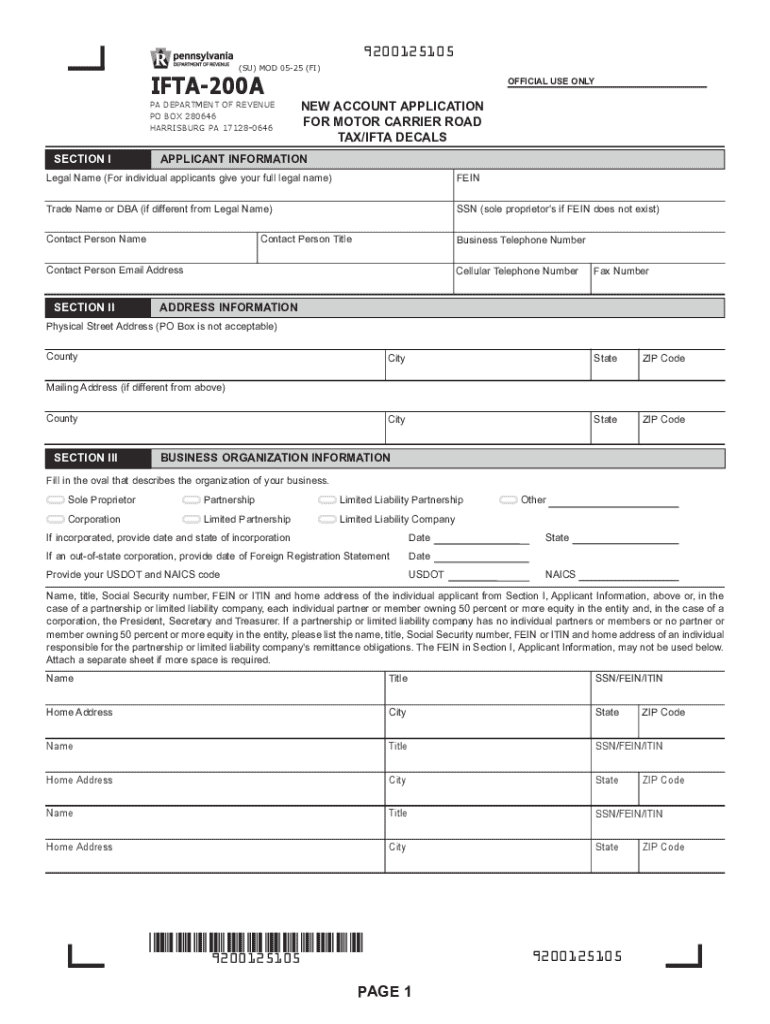







Definition & Meaning of Form Online
In the context of document management and workflow, a "form online" refers to a digitally accessible document used to collect, process, and manage information electronically. This contrasts with traditional paper-based forms that require manual completion and submission. Online forms streamline data entry by enabling users to fill out fields directly within a web interface or application, often with automated features to guide the user through the process. As technology evolves, online forms have increasingly become integral in business operations, enhancing efficiency and enabling real-time data collection and integration.
How to Use the Form Online
Using an online form involves a few straightforward steps that can enhance productivity and streamline data collection. To begin, access the form via your preferred web browser by navigating to the document’s host platform, such as DocHub. Upon accessing the form, you will typically encounter interactive elements like text fields, checkboxes, and dropdown menus designed for user input. Fill out each required field, ensuring all necessary information is accurate and complete. Once completed, the form can often be electronically submitted directly through the platform, reducing the need for physical mail or in-person delivery.
How to Obtain the Form Online
Securing an online form typically involves accessing a web platform that hosts these digital documents. Many government and corporate entities provide downloadable or directly accessible forms via their official websites. For instance, by visiting DocHub, users can browse, select, and utilize various online forms tailored to different needs, from tax documents to application forms. Depending on the form, it might be available for download as a PDF or directly fillable within an online interface, offering flexibility depending on user needs and preferences.
Steps to Complete the Form Online
Completing an online form entails a methodical approach to ensure all entries are accurate and complete. Follow these steps for a seamless experience:
- Access the Form: Navigate to the website hosting the form, such as DocHub.
- Review Instruction: Carefully read any instructions or guidelines provided, which outline how to complete the form correctly.
- Fill in the Details: Input your information into the designated fields. Use drop-down menus for appropriate selections and ensure text entries are clear and concise.
- Review Your Entries: Double-check your entire form for any mistakes or omissions to ensure all information is correct.
- Submit Electronically: Once confirmed, use the provided submit button to send in your form or download and submit it according to the host's instructions.
Why Should You Use Forms Online
Utilizing online forms presents numerous benefits over traditional paper forms. The foremost advantage is efficiency; online forms can be filled and submitted quickly without the delays associated with physical mail. Additionally, they reduce errors through real-time data validation and prevent loss or misplacement with secure digital backups. Online forms also offer enhanced accessibility, allowing users to complete them from any device with internet connectivity, dramatically improving accessibility and convenience. This capability is especially beneficial in collaborative settings where quick turnaround and accuracy are crucial.
Who Typically Uses the Form Online
A diverse array of users engages with online forms, reflecting the versatility and efficiency these tools offer. In professional settings, businesses leverage online forms for HR processes, client onboarding, and feedback collection. Educational institutions utilize them for admissions processes, surveys, and examinations. Government agencies make extensive use of online forms for tax filings, license renewals, and applications. Individuals, ranging from freelancers to corporate leaders, equally rely on online forms for personal finance management, legal documentation, and beyond, highlighting their broad applicability across industries and individual situations.


Key Elements of the Form Online
When considering the design of an effective online form, several key elements ensure optimal functionality and user experience:
- User Guidance: Clear instructions facilitate ease of use, guiding users through the form completion process.
- Interactive Fields: These include text boxes, radio buttons, and drop-down menus, allowing for precise data entry.
- Validation and Error Messaging: Real-time validation provides immediate feedback on errors, ensuring data accuracy before submission.
- Security Measures: Encryption and password protection features safeguard sensitive information against unauthorized access.
- Accessibility: Cross-platform compatibility ensures forms are usable on various devices, promoting inclusivity.
Legal Use of the Form Online
The legal implications of using online forms are significant, particularly in areas requiring compliance with digital transaction laws and data protection regulations. For example, electronic signatures collected via online forms must adhere to standards set by the ESIGN Act in the U.S., ensuring that they are recognized as legally binding. Additionally, online forms handling personal data must comply with privacy laws such as GDPR for European users or CCPA in California, enforcing stringent data management and protection practices to safeguard users' rights and information.




