







Definition and Meaning of Forms Online
Forms online refer to digital versions of traditional paper forms that have been converted into interactive and editable documents accessible over the internet. These forms can be filled out, submitted, and managed electronically through various platforms like DocHub. Utilizing forms online allows for seamless data entry, real-time updates, and streamlined workflows, making them ideal for both individuals and businesses. They support a wide variety of fields, from filling out basic contact forms to detailed tax submission forms, and can easily be integrated into existing digital infrastructures to enhance productivity.
Steps to Complete the Form Online
-
Accessing the Form: Begin by locating the online form you need. You can do this by visiting the appropriate website or accessing the form through a cloud-based service. If using DocHub, log in to your account and search through your documents or start a new form from scratch or a template.
-
Filling Out the Form: Once the form is open, use the interface tools to input your data. Enter information into relevant text fields, select options from dropdown menus, and check boxes as required. It's important to accurately fill out all required sections to avoid submission errors.
-
Reviewing the Information: Before submitting, carefully review all entered data. Make adjustments if necessary to ensure accuracy and completeness. For forms that require collaboration, you may invite others to review and contribute by sharing the document through the DocHub platform.
-
Adding Signatures: If a signature is required, utilize the electronic signature tools available. Create an e-signature by drawing, typing, or uploading an image of your handwritten signature. DocHub stores your signature for future use, making it easy to apply with one click.
-
Submitting the Form: After double-checking all the details, submit your form directly through the platform. Depending on the form's integration, it could be sent via email, exported to a cloud service, or submitted directly to the intended recipient's system.
Why Should You Use Forms Online?
- Efficiency: Reduce time spent on paperwork by filling out forms online. It eliminates the need for manual data entry and reduces errors typically associated with handwritten documents.
- Convenience: Access, complete, and submit forms from anywhere using any device with internet connectivity.
- Environmentally Friendly: Minimize paper usage and reduce waste by switching to digital forms.
- Accuracy: Automated features like validations and required fields ensure that all necessary data is entered correctly.
- Secure Transactions: Utilize platforms like DocHub that provide secure data encryption, ensuring that all transmitted information remains confidential.
Important Terms Related to Forms Online
- E-signature: A legally binding digital version of a handwritten signature that can be used to sign forms online.
- Document Encryption: A security measure that protects your form data through technologies such as 256-bit SSL encryption.
- Cloud Storage Integration: Options that allow users to store forms and related documents in services like Google Drive or Dropbox.
- Form Fields: Interactive components of a form, such as text boxes, checkboxes, and dropdown menus, that users fill out.
Legal Use of Forms Online
Forms online comply with various legal standards and acts, such as the ESIGN Act in the United States, ensuring that digital signatures are recognized as legally binding. It is crucial that users understand the extent of the legal responsibilities associated with the digital submission of forms. Organizations that issue legally binding documents must implement rigorous security measures to protect user data and maintain compliance with applicable regulations.
Key Elements of the Form Online
- User Interface: A clean, intuitive interface for easy access and completion of forms, including clear labeling and guidance.
- Form Fields and Validation: Interactive elements that require user input, with built-in validation to ensure accuracy.
- Collaboration Tools: Features that enable multiple users to contribute to the completion of a form, with options for leaving comments and assigning sections.
- Submission and Tracking: Systems in place to submit forms and monitor their status, including real-time updates and automated reminders for outstanding actions.
Examples of Using the Form Online
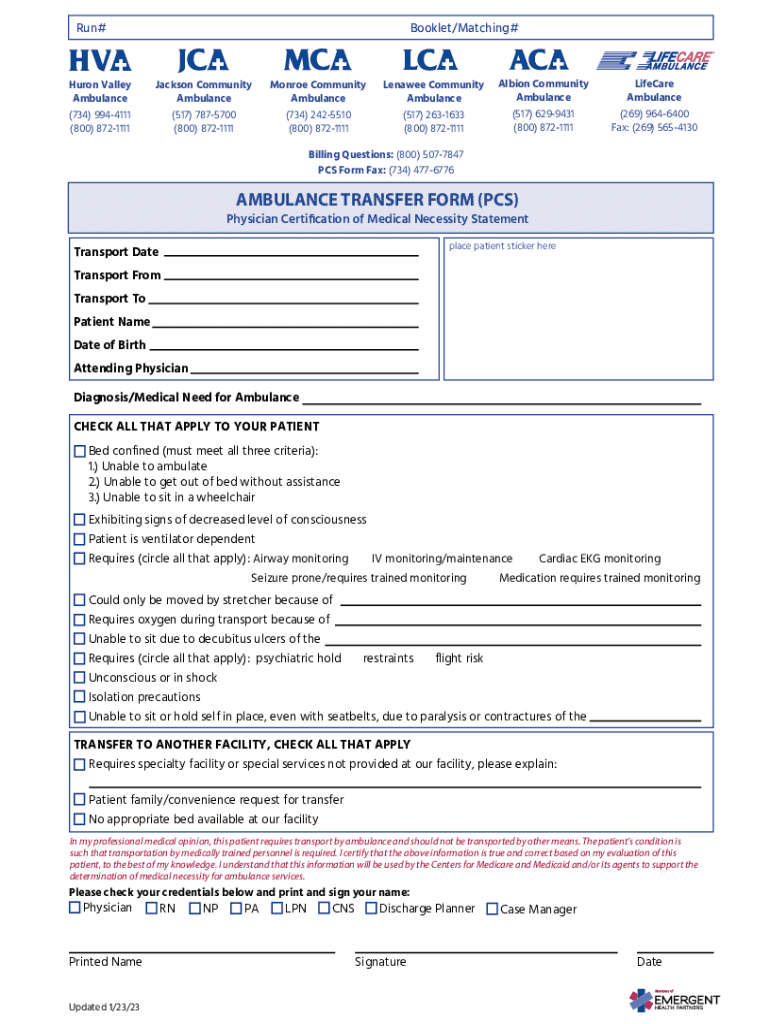
- Medical Forms: Forms used by healthcare providers to gather patient information electronically for easier data integration into medical records.
- Tax Forms: Platforms that allow taxpayers to fill and submit tax-related documents, streamlining the submission process.
- Business Applications: Companies utilize forms online for various purposes, including job applications, client intake forms, and customer feedback systems.
Software Compatibility
Forms online are designed to be compatible with various software systems to enhance user experience. Platforms like DocHub offer seamless integration with commonly used services such as Google Workspace, allowing direct access to forms through Google Drive or Gmail. Additionally, users can connect with other systems such as TurboTax or QuickBooks, streamlining document handling by enabling direct import and export options between these platforms.
By utilizing forms online, individuals and businesses can significantly increase their operational efficiency and maintain compliance with industry-specific legal standards.




