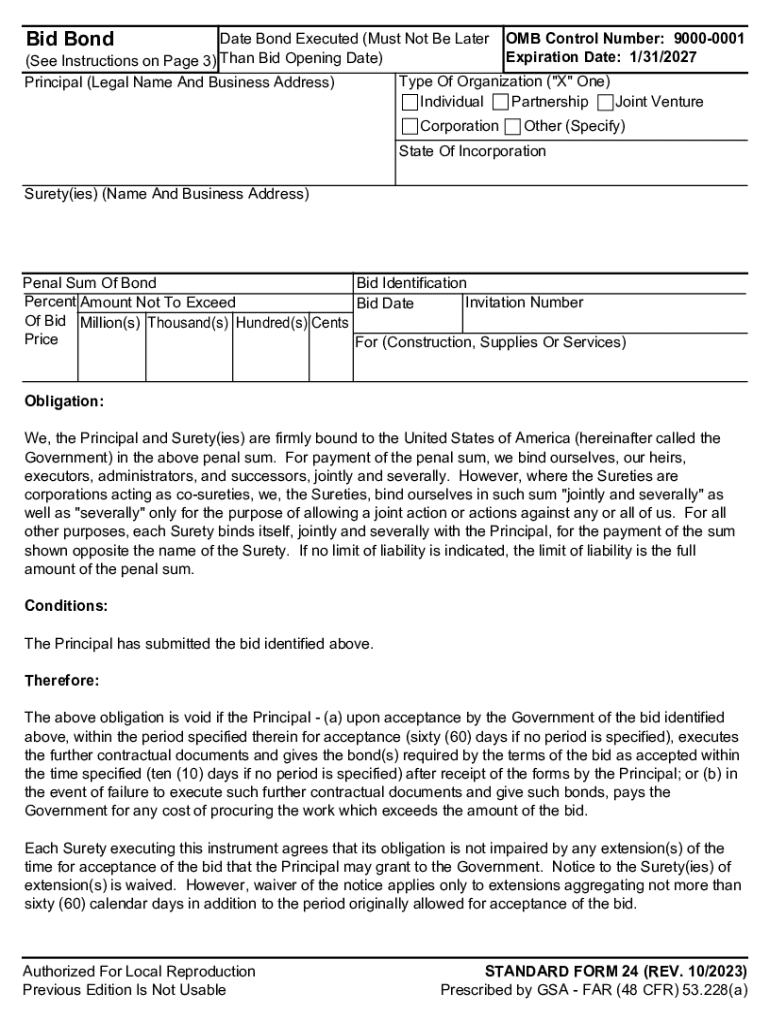







Definition & Meaning
"Form online" refers to electronic documents that users can access, complete, submit, and manage over the internet. These forms are designed to streamline various processes such as data collection, applications, surveys, and agreements. Unlike traditional paper forms, online forms offer enhanced functionality, including auto-fill features, digital signatures, and real-time validation, which improves accuracy and efficiency. The primary advantage is their accessibility; users can complete these forms from any device with internet access, ensuring convenience and flexibility.
Online forms are typically used for a wide range of purposes, including government applications, educational enrollments, customer feedback, and business transactions. Understanding what an online form entails is essential for leveraging its benefits effectively.
How to Use the Form Online
Using a form online involves several straightforward steps, tailored to enhance user convenience and ensure data accuracy. Here's a typical process:
-
Access the Form: Begin by locating the form on the relevant website. This might involve navigating to a government, institutional, or business portal where forms are available.
-
Form Completion: Enter required information directly into the designated fields. Some forms offer autofill options or drop-down menus to streamline data entry.
-
Validation: Many online forms include real-time error-checking features that prompt users to correct mistakes before submission. Pay close attention to these cues to ensure accuracy.
-
Submission: Once completed, online forms can be submitted with a single click. Some forms might require additional verification before submission, such as entering a CAPTCHA code or receiving a confirmation email.
-
Confirmation: After submission, users typically receive a confirmation email or a reference number to acknowledge receipt of the form.
Steps to Complete the Form Online
Completing an online form requires careful attention to detail to ensure all necessary information is accurately included. Below is a structured process:
-
Preparation: Gather all necessary documents and information before starting the form. This might include identification numbers, contact details, and any supporting documentation.
-
Form Navigation: Use the form’s navigation tools to move between sections. Online forms often allow for saving progress, enabling users to pause and return later without losing data.
-
Completeness Check: Double-check each section for completeness. Many forms highlight incomplete fields or provide summaries of missing information.
-
Review: Before submission, review the entire form to ensure the accuracy of the information provided. Check for spelling errors, incorrect numbers, or misplaced data.
-
Secure Submission: Use a secure connection when submitting sensitive information. Most forms include encryption to protect user data during transit.
Important Terms Related to Form Online
Understanding terms associated with online forms can enhance effective use. Here are key terms:
- Validation: A process ensuring the entered data meets specific criteria before submission.
- Encryption: A security measure used to protect data transmitted over the internet, commonly applied to online forms.
- Autofill: A feature that pre-populates form fields with data stored in a web browser or previous responses to streamline the process.
- Digital Signature: An electronic form of signing a document, ensuring authenticity and integrity.
- Responsive Design: Design feature ensuring that forms work effectively across various devices and screen sizes.
Key Elements of the Form Online
Online forms consist of several crucial elements designed to facilitate user interaction and data accuracy:
- Instructions: Clear guidance on how to complete the form, often included at the beginning.
- Input Fields: Various types including text boxes, radio buttons, checkboxes, and drop-down menus, providing formats for user data.
- Error Messages: Alerts notify users of incorrect or missing information, ensuring data accuracy.
- Submit Button: Finalizes the input process, sending the completed form to the intended recipient.
- Confirmation Message: Appears post-submission, verifying the form has been received.
Legal Use of the Form Online
Legal considerations for using forms online are crucial to ensure compliance with relevant regulations and standards:
- Electronic Signatures in Global and National Commerce (ESIGN) Act: This U.S. law provides that online signatures are legally binding.
- Privacy Policies: Ensure forms comply with privacy protections, like not collecting more data than necessary.
- Access Rights: Legal users of forms have distinct permissions regarding visibility and editability, maintaining data confidentiality.
- Data Protection: Forms should comply with regulations like GDPR for companies operating internationally, focusing on data privacy and user consent.
Software Compatibility
Online forms often need to be compatible with various software solutions to ensure seamless integration and user experience:
- Adobe Acrobat Reader: Common software for viewing and completing PDF-based forms.
- Microsoft Office Suite: Includes programs like Word and Excel, aiding in the management and integration of form data.
- Google Workspace: Facilitates form sharing and collaboration, particularly beneficial for teams.
- Web Browsers: Ensure compatibility with popular browsers like Chrome, Firefox, and Safari for widespread accessibility.
Digital vs. Paper Versions
Understanding the differences between digital and paper forms can help users choose the most suitable option for their needs:
- Efficiency: Digital forms offer faster completion and submission, reducing waiting times associated with mail delivery.
- Environmentally Friendly: Reduces paper usage, aligning with sustainability efforts.
- Accessibility: Available anytime and from any location, increasing convenience for users.
- Integration: Easier to integrate with databases and software for streamlined data processing.
Taxpayer Scenarios (e.g., self-employed, retired, students)
Different user scenarios highlight the utility of online forms for varied taxpayer situations:
- Self-Employed Individuals: Can use forms for quarterly tax payment submissions or income reporting.
- Retirees: Might need to complete forms related to pension payments or social security inquiries.
- Students: Frequently use online forms for financial aid applications or academic enrollment processes.
Understanding the broad applicability of online forms ensures that users can maximize their potential in managing personal and professional obligations efficiently.