
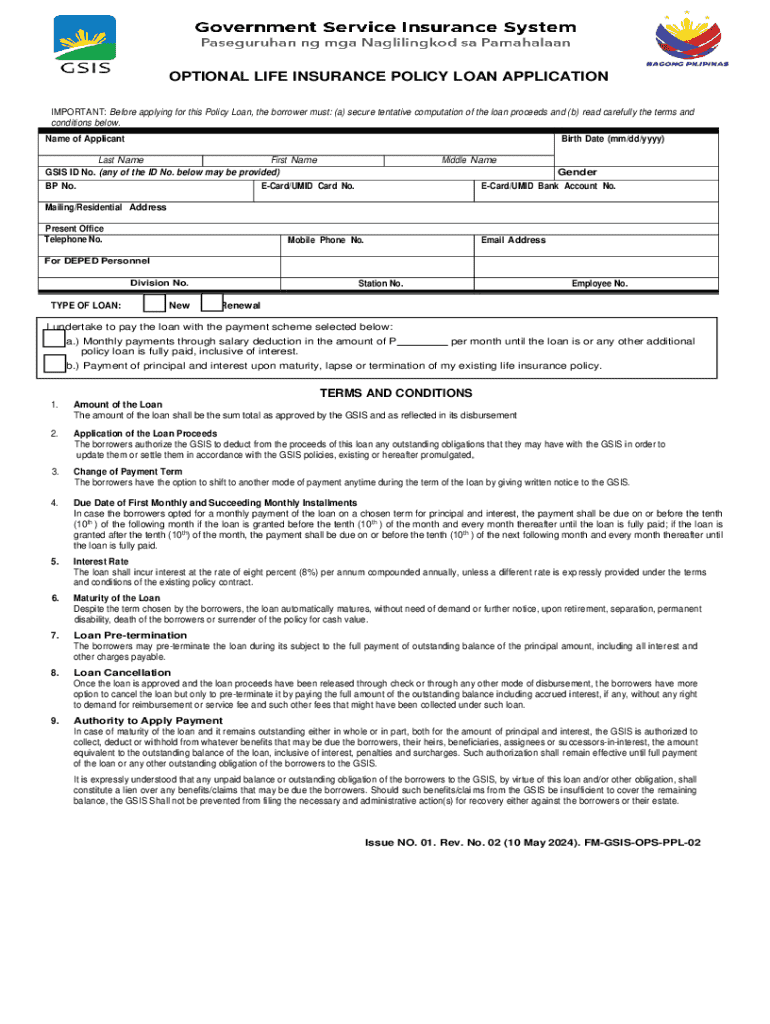







Definition & Meaning
The term "form online" refers to digital forms or templates that you can fill out and submit via the internet. Unlike traditional paper forms, online forms allow for immediate submission and data processing, making them a convenient choice for many applications. These forms can be utilized for a variety of purposes, including tax filings, insurance applications, and business registrations. They often come in multiple formats to accommodate different user needs, such as fillable PDFs, HTML forms, and web-based interactive templates.
Digital forms streamline processes by allowing users to input data directly into designated fields, reducing the risk of errors that often accompany manual paperwork. The "form online" facilitates seamless data collection because it can automatically validate the input, ensuring that all required fields are completed before the form is submitted. This digital approach eliminates the physical limitations of paper forms, enabling organizations to quickly gather, process, and store information.
How to Use the Form Online
Using a form online involves several straightforward steps. Begin by accessing the form through a compatible web browser on your preferred device. Once you have located the form, follow these general guidelines for completion:
-
Review Instructions: Before filling out the form, carefully read any accompanying instructions to ensure you understand the requirements and purpose of the form.
-
Input Data: Type your information into the specified fields, such as name, address, and other relevant details. Use dropdown menus, checkboxes, or radio buttons as necessary.
-
Validate Entries: Look for any immediate feedback provided by the online form, such as error messages or warnings about missing information. Many digital forms include built-in validation to help you correct mistakes on the spot.
-
Attachments and Signatures: If the form requires additional documents or electronic signatures, follow the prompts to upload files or create a digital signature.
-
Review and Submit: Before finalizing, review all entered data to confirm accuracy. Once validated, submit the form by clicking the designated button, usually labeled "Submit" or "Finish."
These steps ensure that your form is correctly filled out and submitted without delays or errors.
Steps to Complete the Form Online
Completing a form online effectively involves following a precise set of instructions to ensure accuracy and compliance. Here's a detailed step-by-step process to guide you:
-
Access the Form: Use a secure internet connection to navigate to the website or platform offering the form. Ensure you are in the right section or category for your specific form type.
-
Read the Guidelines: Familiarize yourself with any specific instructions or guidelines associated with the form. This can include eligibility criteria, required fields, or special conditions.
-
Fill Out the Form: Start entering the required information in each field. Use clear and accurate data to avoid discrepancies that could lead to rejections or further clarifications.
-
Use Tools and Features: Take advantage of online form features such as autofill options, spell-check, or data validation tools designed to ease the form-filling process.
-
Check for Completeness: Scan through the form to ensure every necessary field is filled. Look for any sections marked with an asterisk (*) indicating they are mandatory.
-
Attach Additional Documents: If required, upload any necessary supporting documents, such as identification proof or previous records. Ensure these attachments are in the acceptable format.
-
Digital Signature: Sign the form electronically if needed. Use a mouse, trackpad, or digital pen to input your signature or utilize options to type or upload it.
-
Final Review and Submission: Conduct a final review of all inputs and corrections. Ensure all information matches with what you intended to provide before clicking the “Submit” button.
By following these steps, you can efficiently complete and submit an online form without errors or omissions.
Key Elements of the Form Online
Every online form contains key elements designed to capture essential information accurately. Familiarizing yourself with these components ensures effective form completion.
-
Header Section: This includes the form's title, the institution or organization’s logo, and contact information.
-
Instructional Guide: Offers a brief overview of the form’s purpose and any specific instructions related to filling it out.
-
Input Fields: Text boxes, dropdown menus, checkboxes, and radio buttons that capture specific data, such as names, birth dates, or yes/no responses.
-
Validation Features: Automated checks that alert users to incomplete fields or inconsistencies, thereby ensuring data accuracy.
-
Submission and Confirmation Buttons: Options to either submit, print, or save the form. A confirmation message or receipt is often displayed once the form is successfully submitted.
Understanding these elements helps in navigating the form efficiently and ensuring all necessary information is accurately captured and submitted.
Legal Use of the Form Online
The digital nature of online forms necessitates adherence to specific legal regulations ensuring their validity and compliance. Forms completed and submitted online usually conform to acts and standards such as the ESIGN Act in the United States, which grants electronic records and signatures the same legal status as their paper counterparts.
-
Data Privacy Laws: Online forms must comply with privacy regulations like the General Data Protection Regulation (GDPR) or specific U.S. privacy acts, which dictate how personal data should be collected, stored, and processed.
-
Compliance with Electronic Records Regulations: Forms need to adhere to regulations governing electronic record-keeping, ensuring that these digital documents are archived responsibly and are retrievable for any legal purposes or audits.
-
Fraud Prevention Measures: Legal considerations include ensuring that online forms have robust authentication and security features to prevent identity theft and fraudulent activities.
By ensuring compliance with these legal standards, organizations and users can confidently utilize online forms for sensitive and official purposes.
Required Documents
Completing an online form often mandates the submission of various supporting documents to authenticate the information provided. Depending on the form's purpose, these documents may include:
-
Identification Proof: Such as government-issued ID or passport copies required to verify the identity of the submitting individual.
-
Financial Statements: Relevant for online forms related to loans or financial aid applications, where recent bank statements or income proofs are necessary.
-
Legal Agreements: For forms involving contractual obligations, supporting legal documents or previous agreements may be requested.
-
Tax Records: Essential for forms related to taxation matters, such as W-2s or previous tax returns.
Ensuring you have all necessary documents ready for upload can expedite the form submission process and reduce the risk of rejection due to incomplete documentation.
Form Submission Methods (Online / Mail / In-Person)
While online submission remains the most efficient method, some situations may require traditional alternatives. Understanding these submission avenues ensures proper compliance and choice based on individual circumstances:
-
Online Submission: The quickest and most efficient method, allowing immediate electronic delivery. Offers advantages such as instant confirmation and submission tracking.
-
Mail Submission: Ideal for those who prefer traditional methods or lack reliable internet access. It involves printing the completed form and mailing it to the designated address, often requiring a longer processing time.
-
In-Person Submission: Allows direct handover of the form to a representative, often providing immediate feedback or further assistance. This method may be preferred for high-stakes documents or situations requiring verification of identity.
Having an awareness of these various submission options ensures flexibility and convenience in meeting form-related deadlines and requirements.
Software Compatibility
Online forms often need to be compatible with various software solutions to enhance usability and integration into existing workflows. Key considerations include:
-
Document Platforms: Compatibility with systems like Google Workspace or Adobe Acrobat ensures that forms can be accessed, edited, and stored conveniently.
-
Tax and Accounting Software: Programs like TurboTax or QuickBooks often incorporate online forms into their systems, allowing users to directly transfer data from forms to tax or financial statements.
-
Cross-Browser Functionality: Ensuring the form can operate smoothly across all major browsers like Chrome, Firefox, and Safari to avoid accessibility issues.
Familiarity with the software compatibility associated with online forms supports seamless interactions and integrations, minimizing the need for additional conversions or modifications.




