
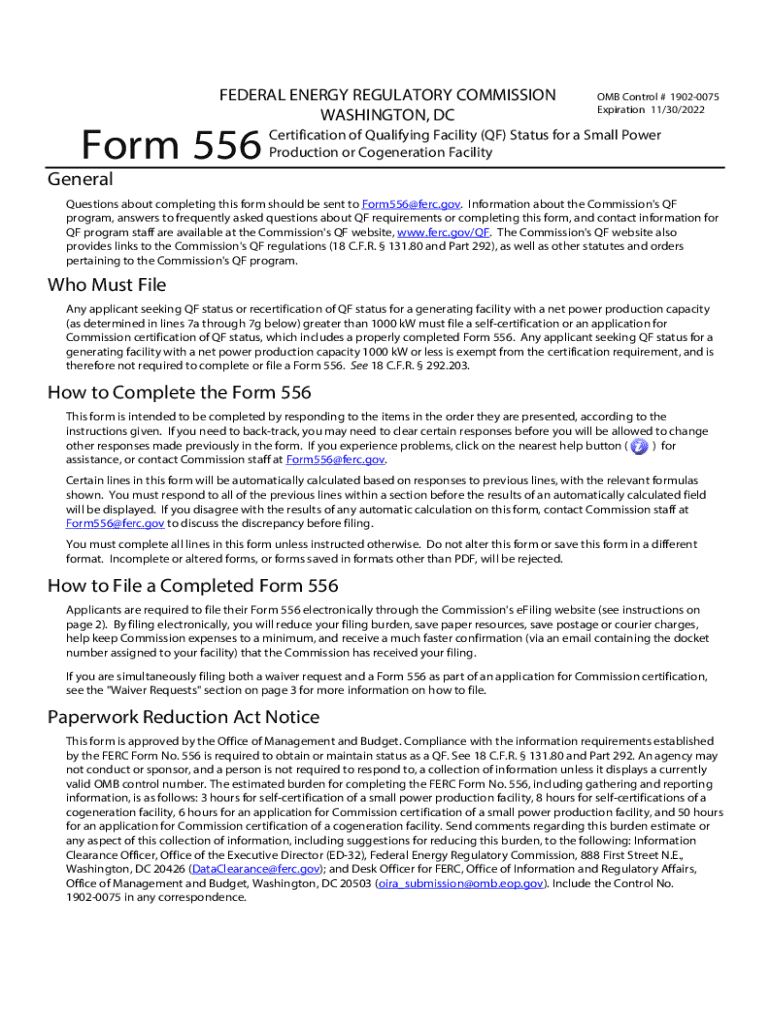







Definition & Meaning
"Form online" refers to the process of completing, submitting, and managing forms digitally, as opposed to on paper. This method leverages web-based platforms to streamline workflows, offering various tools to facilitate efficient document handling. Forms completed online can range from simple surveys to complex applications that require detailed information. By using online forms, individuals and businesses can save time, improve accuracy, and enhance accessibility.
How to Use the Form Online
Utilizing online forms typically involves accessing a web-based platform like DocHub. Users begin by selecting or creating a form that suits their needs. The process involves several steps, generally starting with filling out personal or business information. Users can easily add text, insert images, or upload documents as needed. After the form is completed, it can be securely saved, signed, and shared with others electronically. Platforms often provide options to email completed forms directly, streamlining the communication process and ensuring swift delivery.
Step-by-Step Process for Completion
- Access the Platform: Log in to the web-based service hosting the form.
- Select or Create the Form: Choose from available templates or begin a new form.
- Fill in Required Information: Enter the necessary data into provided fields.
- Attach Additional Documentation: Upload or link any supporting documents.
- Review and Edit: Double-check the information for accuracy and make any necessary edits.
- Sign and Submit: Use electronic signature options to sign the form, then submit it to the designated recipient.
Steps to Complete the Form Online
Completing an online form involves navigating a user-friendly interface that guides the user through the required fields and sections. The system ensures that all mandatory fields are filled before submission, reducing the likelihood of incomplete forms. Users are also provided with clear instructions and tooltips to assist with any complexities they might encounter.
Filling and Submitting the Form
- Choose the Form Type: Determine if the form is an application, registration, or another type.
- Input Accurate Details: Enter correct information to avoid delays in processing.
- Use Validation Tools: Take advantage of the platform's validation features to check for errors.
- Submit for Approval: Once the form is completed, submit it for review or approval through the platform's integrated submission functionality.
Important Terms Related to Form Online
Understanding the terminology associated with online forms can facilitate smoother interactions. Key terms often include:
- Digital Signature: An electronic equivalent of a handwritten signature used to authenticate the form.
- Encryption: A security measure that protects data during transmission.
- Interactive Fields: Areas within a form where users input data.
- Form Template: Pre-designed forms that can be customized for different purposes.
- Authentication: The process of verifying a user's identity before accessing a form.
Legal Use of the Form Online
The legal use of online forms adheres to regulations like the ESIGN Act, which validates the legality of electronic signatures in transactions. Organizations must ensure that the forms and processes comply with these regulations to maintain their validity. Legal compliance can vary based on the type of form and its intended use, particularly if sensitive data is involved.
Compliance Considerations
- User Consent: Ensure users give explicit consent to use digital signatures.
- Audit Trails: Maintain records of who accessed and signed the form.
- Data Protection: Implement security measures to protect personal information.
Key Elements of the Form Online
The core components of an online form are designed to collect, process, and store data efficiently. These elements typically include:
- Form Fields: Areas for entering data, such as text boxes, checkboxes, and dropdown menus.
- Submission Button: A feature that allows users to send their completed form.
- Help Resources: Built-in assistance tools like FAQs or support contacts.
- Responsive Design: Compatibility with various devices ensuring ease of use on desktops, tablets, and mobiles.
Examples of Using the Form Online
Online forms have widespread applications across various domains, such as:
- Job Applications: Companies use online forms to streamline recruitment.
- Tax Filing: The IRS provides forms for submission and reporting of taxes online, increasing efficiency and reducing paperwork.
- Feedback and Surveys: Businesses collect customer or employee feedback through structured online questionnaires.
- Event Registrations: Organizers employ forms for participants to register for events without the hassle of physical paperwork.
Software Compatibility (TurboTax, QuickBooks, etc.)
Many platforms facilitate seamless integration with popular software tools like TurboTax and QuickBooks. This compatibility ensures that data can flow easily between applications, reducing redundancy and enhancing productivity. Users can import and export data to ensure continuity in their work processes.
Integration Benefits
- Automatic Data Transfer: Moves information directly between systems without manual input.
- Real-Time Updates: Keep data synchronized between different applications.
- Reduction in Errors: Automates calculations and eliminates manual entry errors.
State-by-State Differences
State regulations may impact how online forms are filled out and submitted. Some states may have specific requirements regarding the usage of digital signatures or additional documentation. It's crucial to be aware of any local laws that may affect the process of completing forms online.
State-Specific Considerations
- Digital Signature Acceptance: Varies by state and affects legal status of the document.
- Data Retention Requirements: Differ in terms of how long forms must be stored.
- Submission Protocols: Some states require specific channels for form submission.
Penalties for Non-Compliance
Failing to comply with standards for online forms can result in penalties or fines. These consequences hinge on the form type and governing jurisdiction, with severe penalties for misrepresentation or unauthorized disclosure of sensitive information.
Avoiding Penalties
- Regular Updates: Keep up with legal requirements and regularly update compliance protocols.
- Training for Users: Ensure all users understand the importance of completing forms correctly and within regulations.
- Audit Trails: Maintain records of form submissions and access logs.
By adhering to these guidelines, users can maximize the efficiency and security of using online forms, ensuring compliance with legal requirements and optimizing their document handling process.




