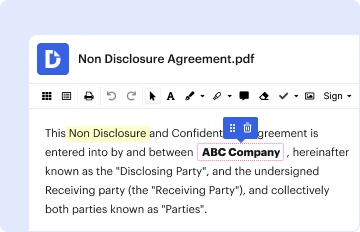
Type text, add images, blackout confidential details, add comments, highlights and more.
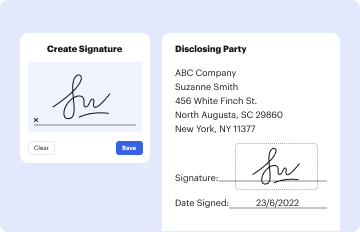
02. Sign it in a few clicks
Draw your signature, type it, upload its image, or use your mobile device as a signature pad.
03. Share your form with others
Send it via email, link, or fax. You can also download it, export it or print it out.
How to use or fill out SMSPRJ023 with our platform
Ease of Setup
DocHub User Ratings on G2
Ease of Use
DocHub User Ratings on G2
Click ‘Get Form’ to open SMSPRJ023 in the editor.
Begin by entering your name and student ID in the designated fields at the top of the form.
If you are a University of Otago staff member, navigate to the 'Departmental Support' section. Here, discuss your application with your Head of Department to obtain their endorsement for your participation.
Select the appropriate program you are applying for: Postgraduate Certificate, Diploma in Higher Education, or Master of Higher Education by checking the corresponding box.
Ensure that your Head of Department signs and dates the form in the provided fields.
Once all sections are completed, save the document to your computer. Then, upload it to your e:Vision application form as instructed on the web page.
Start using our platform today for free to streamline your document editing and submission process!
Cookie consent notice
This site uses cookies to enhance site navigation and personalize your experience.
By using this site you agree to our use of cookies as described in our Privacy Notice.
You can modify your selections by visiting our Cookie and Advertising Notice.