




01. Edit your ohio tax exempt form online
Type text, add images, blackout confidential details, add comments, highlights and more.

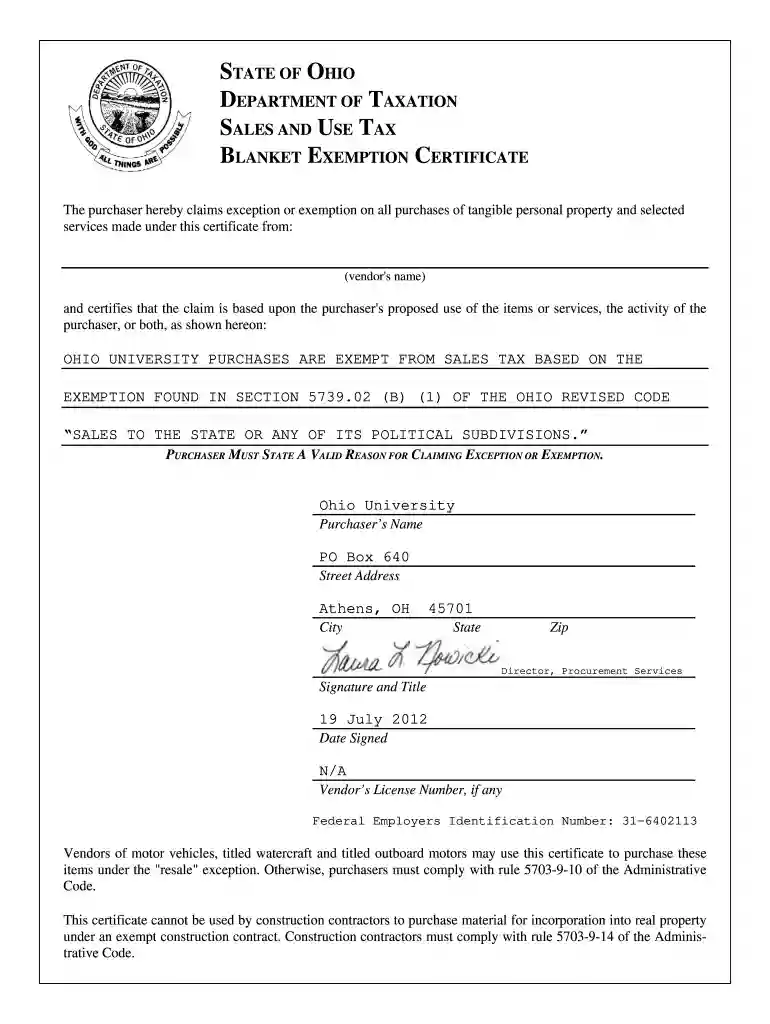
Type text, add images, blackout confidential details, add comments, highlights and more.

Draw your signature, type it, upload its image, or use your mobile device as a signature pad.

Send tax exempt form ohio via email, link, or fax. You can also download it, export it or print it out.

Start using our platform today to fill out your Ohio Tax Exempt Form quickly and for free!
At DocHub, your data security is our priority. We follow HIPAA, SOC2, GDPR, and other standards, so you can work on your documents with confidence.
Purchaser must state a valid reason for claiming exception or exemption. Purchasers name. Purchasers type of business. Street address. City, state, ZIP code.Read more
Exemption 5 Contents Introduction Text of Exemption 5 Scope of Exemption 5 Threshold Requirement: Inter-Agency or Intra-Agency Memorandums or Letters.Read more


