






Definition and Meaning
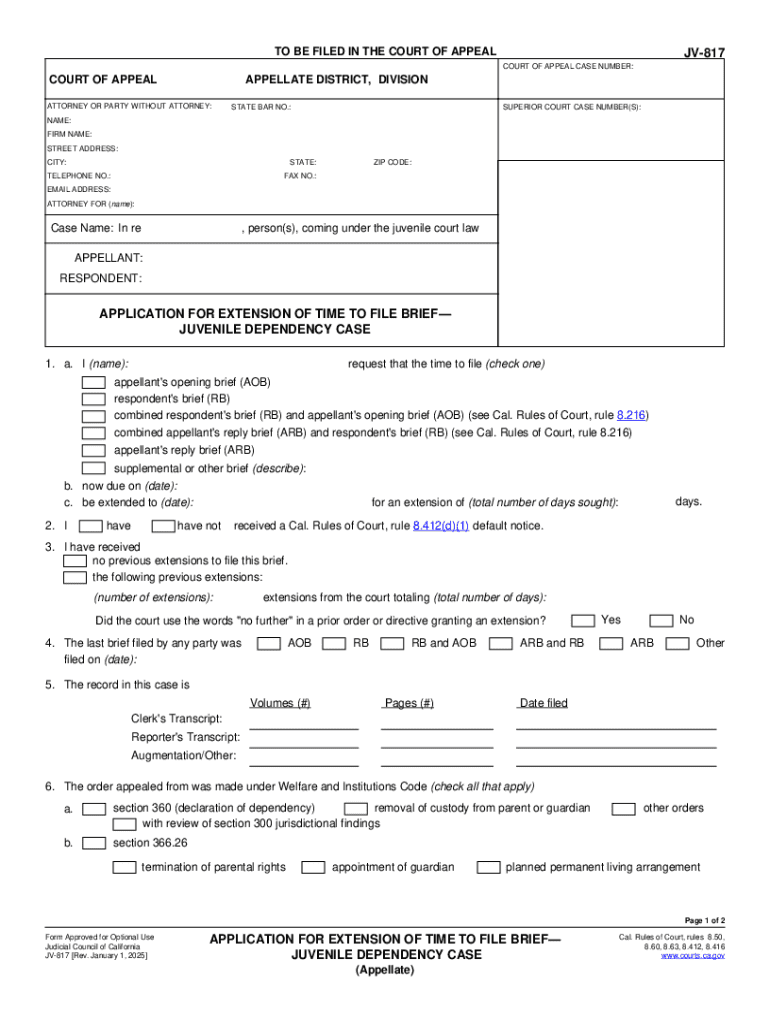
"Form online" refers to digital forms used for gathering information, making applications, or processing transactions via the internet. These forms are essential in various contexts, like legal, business, and personal applications due to their convenience and efficiency. By using online forms, individuals and organizations can streamline processes that would otherwise require more time and resources in physical environments. Online forms are designed to be accessible from any device with internet capability, ensuring a broad reach and ease of use.
Steps to Complete the Form Online
-
Access the Online Form: Start by navigating to the website hosting the form. Confirm that you have a reliable internet connection to avoid any disruptions while completing the form.
-
Review Instructions: Carefully read any instructions or guidelines related to the form. This will ensure that you understand what information is required and how it needs to be entered.
-
Enter Personal Information: Fill in the form fields with accurate personal information. This typically includes your name, address, and contact information.
-
Provide Additional Data: Depending on the form's purpose, you may need to input further details, such as financial information, employment history, or legal declarations.
-
Review Your Entries: Double-check all entered data to ensure accuracy. Mistakes can lead to processing delays or rejections.
-
Submit the Form: Once completed and verified, submit the form by clicking the designated button. Some platforms might offer a preview feature to review the form one last time before submission.
-
Save Confirmation and Copies: After submitting, save any confirmation number or receipt for your records. It’s also advisable to print or save a digital copy of the completed form.
Key Elements of the Form Online
-
Mandatory Fields: Must be filled out to proceed. These often include personal information such as name and contact details.
-
Optional Fields: Additional, non-essential fields that can provide more context or information if completed.
-
Validation Checks: Ensure that data entered meets specific criteria. This helps prevent errors such as incorrect formats or missing information.
-
Submission Buttons: The final step in completing the form. Features like "Submit," "Save," or "Finish" finalize the process.
-
Confirmation Messages: Provided after submission to inform you that the form has been successfully received.
Why Should You Form Online
Online forms offer several advantages over their paper-based counterparts, making them an attractive choice in modern workflows:
-
Efficiency: Online forms simplify data collection and management. They're instantly accessible and can often be processed automatically.
-
Cost-Effective: Reduce expenses related to printing, mailing, and storage of paper forms.
-
Convenience: Users can complete forms from virtually anywhere, anytime, which is invaluable for individuals with busy schedules or limited access to physical locations.
-
Environmental Impact: Minimizing paper usage positively affects the environment, aligning with sustainable practices.
Who Typically Uses the Form Online
-
Individuals: For personal tasks, such as applying for permits, licenses, or making transactional requests.
-
Businesses: To streamline administrative processes, client registrations, or human resource management.
-
Educational Institutions: For admissions, student records, and other departmental needs.
-
Government Agencies: To manage public interactions efficiently and securely.
-
Nonprofits and NGOs: For membership applications, donations, and volunteer sign-up processes.


State-Specific Rules for the Form Online
Different states may have varying regulations concerning the use of online forms, particularly when they relate to legal or governmental procedures. For instance:
-
Legal Requirements: Certain forms might require state-specific filings or compliance with local laws, especially in legal, real estate, or tax contexts.
-
Format and Signing: States may mandate specific digital signatory processes to ensure electronic submissions are legally binding.
-
Data Protection: Understanding privacy laws and data handling regulations unique to each state is crucial for compliance.
Legal Use of the Form Online
-
Authenticity: Ensures that digital submissions are legally recognized and have the same weight as signed paper documents.
-
Compliance: Documents filed online often need to comply with specific legal guidelines, such as those outlined in the ESIGN Act.
-
Proof and Audit Trails: Maintain records of submission, changes, and access to safeguard against disputes.
Examples of Using the Form Online
-
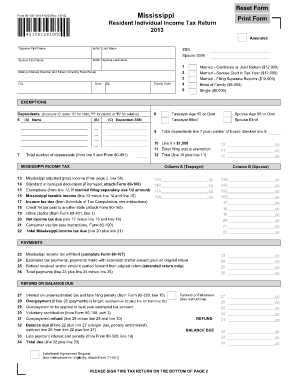
Tax Filings: Individuals can submit IRS forms online, which helps with prompt processing and refunds.
-
Legal Applications: Submitting court documents or legal motions online for quick adjudication.
-
Business Transactions: Processing purchase orders or client agreements via online forms ensures quick execution and documentation.
Each of these examples illustrates the broad applications of online forms, emphasizing their relevance across various sectors and uses.