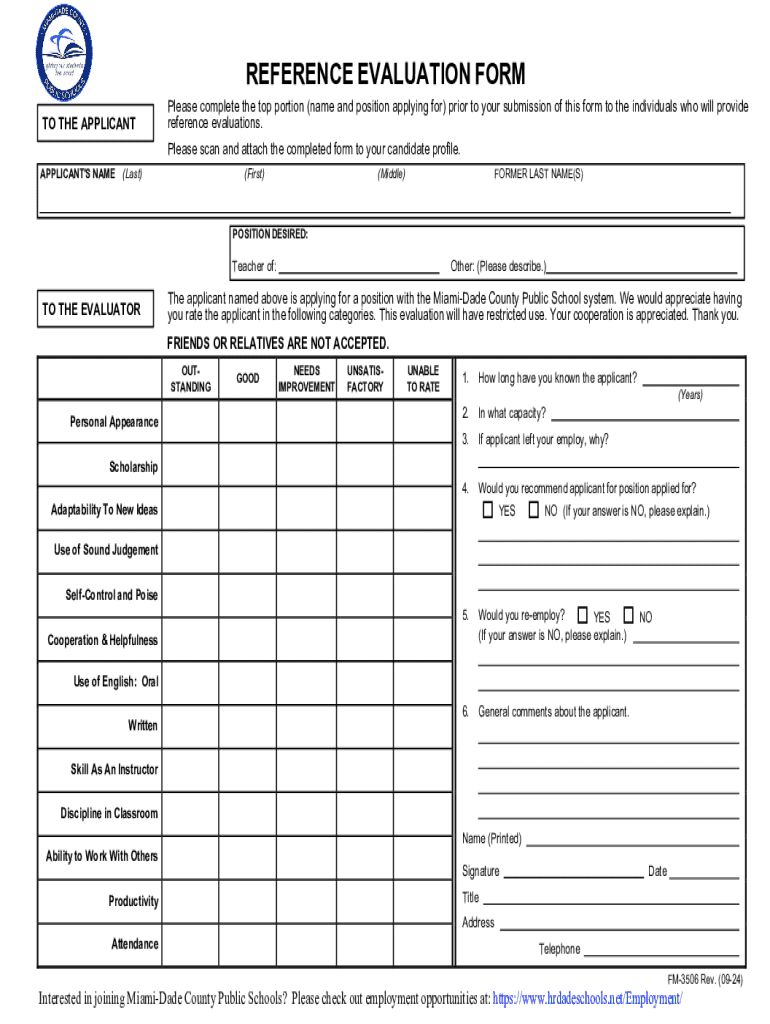







Definition & Meaning
"Form online" refers to any document or application that can be accessed, completed, and submitted using the internet. These forms are designed to streamline data collection and various administrative processes, eliminating the need for paper-based submissions. Online forms are widely used in different sectors, including education, government, legal, and business. Their key advantage is the ability to facilitate remote access, enabling users to fill out and submit necessary paperwork from any location with internet connectivity. These forms often allow for automated data processing, providing quick feedback and confirmation upon successful submission.
How to Use the Form Online
Using an online form begins with accessing the relevant platform. Most forms can be obtained directly from the issuer's website. Once accessed, users should ensure their internet connection is stable and begin by carefully reviewing the instructions and guidelines associated with the form. In many cases, forms are designed with an intuitive flow, guiding users through steps with prompts and tooltips. When filling out the fields, it is imperative to enter accurate data to avoid submission errors. Online forms often come equipped with built-in validation to catch common errors, such as missing required fields or incorrect formats for specific data like email addresses or phone numbers.
- Access the form from a trusted source.
- Review all instructions and guidelines thoroughly.
- Begin by filling in personal or required details.
- Use the validation prompts to ensure data accuracy.
- Double-check all entries before submission.
- Submit the form and await confirmation or follow-up instructions.
How to Obtain the Form Online
To locate and obtain an online form, begin by visiting the official website of the agency or organization responsible for the form. Most websites feature a dedicated section for forms and applications, often grouped by category or purpose. A direct search using specific keywords can expedite the process. For forms related to government or legal matters, sites like USA.gov provide comprehensive repositories. Upon locating the correct form, users can often download or launch it directly within their web browser. If registration or account creation is required, ensure that all login credentials are secure.
- Visit the official website of the issuer.
- Navigate to the forms or resources section.
- Use specific, relevant search terms to find the form quickly.
- Check for any registration requirements.
- Download or access the form directly in the browser.
Steps to Complete the Form Online
Completing an online form can be a straightforward process if approached systematically. Start by ensuring you have all necessary documents and information at hand, such as identification numbers, contact details, and other pertinent data. As you work through the form, each section may require different types of data, such as numerical entries or text responses.
- Gather all relevant information and documents before starting.
- Begin with personal identification sections.
- Proceed to additional sections, providing detailed, accurate responses.
- Use checkbox options and dropdown menus where applicable.
- Review all entries for accuracy before proceeding to the next page.
- Submit the form and save any confirmation for your records.
Why You Should Form Online
Filling forms online offers numerous benefits, primarily centered around convenience and efficiency. The reduced need for physical paperwork means lower costs associated with printing and mailing. Online forms also facilitate quicker processing times, as digital submissions are often processed automatically, reducing waiting periods significantly. This method aligns well with eco-friendly practices, reducing paper waste and promoting a more sustainable approach to information management. Additionally, real-time feedback aids in minimizing errors, as users can address any issues before final submission.
- Reduces costs and physical paperwork.
- Ensures quick processing and feedback.
- Aligns with sustainable practices.
- Facilitates easy amendments and updates before submission.
Key Elements of the Form Online
Online forms incorporate several key elements designed to enhance user experience and data integrity. These elements may vary based on the form's purpose, but commonly include:
- Text Fields: For detailed entries like names, addresses, and descriptions.
- Checkboxes & Radio Buttons: For multiple-choice answers or agreements.
- Dropdown Menus: To standardize responses and reduce input errors.
- Date Pickers: Ensuring consistent date formatting.
- Signatures: Using digital functionality for binding agreements.
- Validation Prompts: Guidance for correcting mistakes immediately.
Legally Binding Electronic Signatures
Incorporating electronic signatures within online forms is now common practice and is essential for legally binding agreements. These signatures comply with the ESIGN Act, giving them the same legal weight as handwritten signatures. Users can create e-signatures using different methods such as drawing with a trackpad, typing and selecting a font, or uploading an image of their signature. Often, platforms offer mobile functionality, allowing users to sign using touchscreen devices. This digital option facilitates a seamless approach to finalizing agreements, reflecting modern needs for flexibility in document execution.
Required Documents
Before initiating an online form, having all necessary documents prepared is critical. Commonly required documents might include:
- Personal identification (e.g., driver's license, passport).
- Financial statements or pay stubs for verification.
- Previous correspondence related to the form's purpose.
- Any supporting documents that substantiate claims or responses.
Ensuring readiness with these documents can prevent delays and the need for resubmissions or additional queries. Remember that certain forms may also require scanned or digital copies of supporting documents attached to the online submission.