






Definition & Meaning
"Form online" refers to the electronic version of various forms that can be completed, submitted, and processed over the internet. These forms cover a broad spectrum of uses, from tax filing and legal agreements to employment applications and educational enrollment. Utilizing forms online streamlines data collection, processing, and authentication, enhancing both convenience and efficiency for users. With technological advancements, completing forms online has become increasingly secure and user-friendly, ensuring accessibility and compliance with relevant regulations.
Steps to Complete the Form Online
- Access the Form: Visit the designated website or platform hosting the form, using your preferred web browser.
- Ensure Compatibility: Confirm that your browser supports the necessary features for filling out the form.
- Input Personal Information: Enter personal and contact details where required, including name, address, and identification numbers.
- Upload Required Documents: Attach any supplemental documents needed for submission, following platform guidelines for file types and sizes.
- Review and Validate: Carefully check all entries for accuracy and completeness; use any available validation tools to minimize errors.
- Submit the Form: Once satisfied with the contents, submit the form according to the platform's instructions.
- Receive Confirmation: Upon submission, await confirmation of receipt via email or direct platform notification; save or print the confirmation for future reference.
Key Elements of the Form Online
- Text Fields: Areas for inputting alphanumeric data like names, addresses, or descriptions.
- Checkboxes/Radio Buttons: Selection tools for choosing one or multiple options from a set.
- Dropdown Menus: Compact options for list selections, improving form readability.
- Signature Fields: Areas designated for digital or electronic signature markings, providing legal authentication.
- Security Features: Options for securing form data, such as encryption tools or password protections.
- Form Navigation: Tools for easily moving through multi-page forms, enhancing user experience.
Legal Use of the Form Online
Electronic forms benefit from legal recognition under various acts, including the E-SIGN Act in the United States, which mandates the enforceability of electronic signatures as legally binding. To ensure proper and legal usage:
- Confirm the form adheres to applicable regional and industry-specific laws and standards.
- Verify that any included electronic signatures comply with recognized authentication processes and platforms.
- Ensure completed forms are stored or archived with verifiable integrity, compliance, and accessibility standards.
Examples of Using the Form Online
- Tax Filing: Completing and submitting IRS forms like the 1040 electronically, ensuring expedited processing.
- Job Application: Filling out employment forms, uploading resumes, and providing cover letters online through digital portals.
- Educational Enrollment: Registering for courses at educational institutions, providing necessary credentials and personal details remotely.
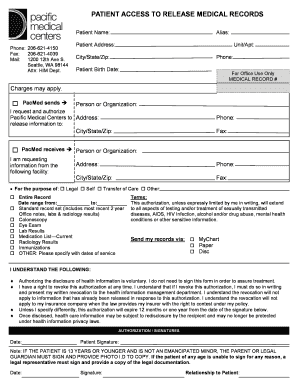
- Health Services: Submitting health records and insurance forms via secure online platforms to medical establishments.
Important Terms Related to Form Online
- Electronic Signature (e-signature): An electronic indication of intent to agree or approve the contents of a document, ensuring legal validity.
- Data Encryption: The method of converting data into code to prevent unauthorized access during electronic transactions.
- Web Form: A digital document hosted on the internet that allows users to enter information to be submitted for processing.
- Cloud Storage: Remote data storage systems where forms and supporting documents can be securely saved and accessed.
Software Compatibility
Compatibility with form-related software, such as TurboTax for tax forms or Adobe for PDFs, is crucial for ensuring seamless form online processes. Most modern platforms provide integration or export options to widely used software systems, facilitating data manipulation and record-keeping without requiring form redesign or manual updates. Compatibility considerations should include operating system requirements, browser specifications, and file type support.
Who Typically Uses the Form Online
- Individuals: For personal tasks like tax filings, university applications, and health services registrations.
- Businesses: For managing HR documentation, client contracts, and vendor agreements through integrated platforms.
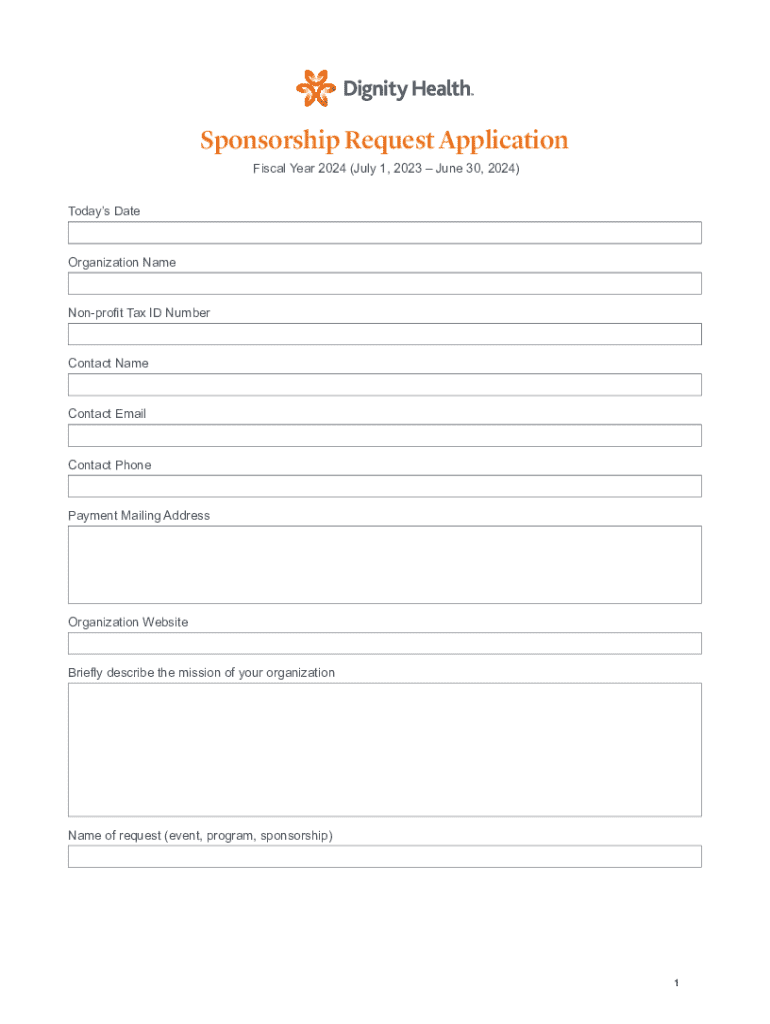
- Nonprofits: For applying for sponsorships, grants, and reporting related activities, such as the Sponsorship Request Application for Fiscal Year 2024.
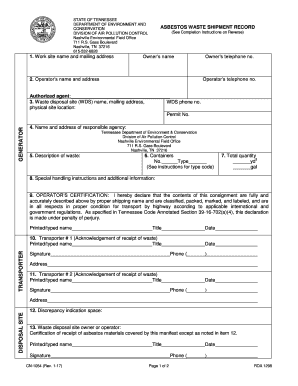
- Government Agencies: For streamline public service offerings, like permits and licenses, to constituents digitally.


Required Documents
Completing forms online often requires supplemental documentation to verify user-provided details. Documentation may include:
- Identification Proof: Such as a driver's license or passport.
- Financial Records: Bank statements or tax returns.
- Employment Verification: Pay stubs or offer letters.
- Academic Credentials: Transcripts or diplomas. Users must ensure documentation is current, legible, and formatted according to submission requirements specified by the platform or form guidelines.