





Definition and Meaning of Online Forms
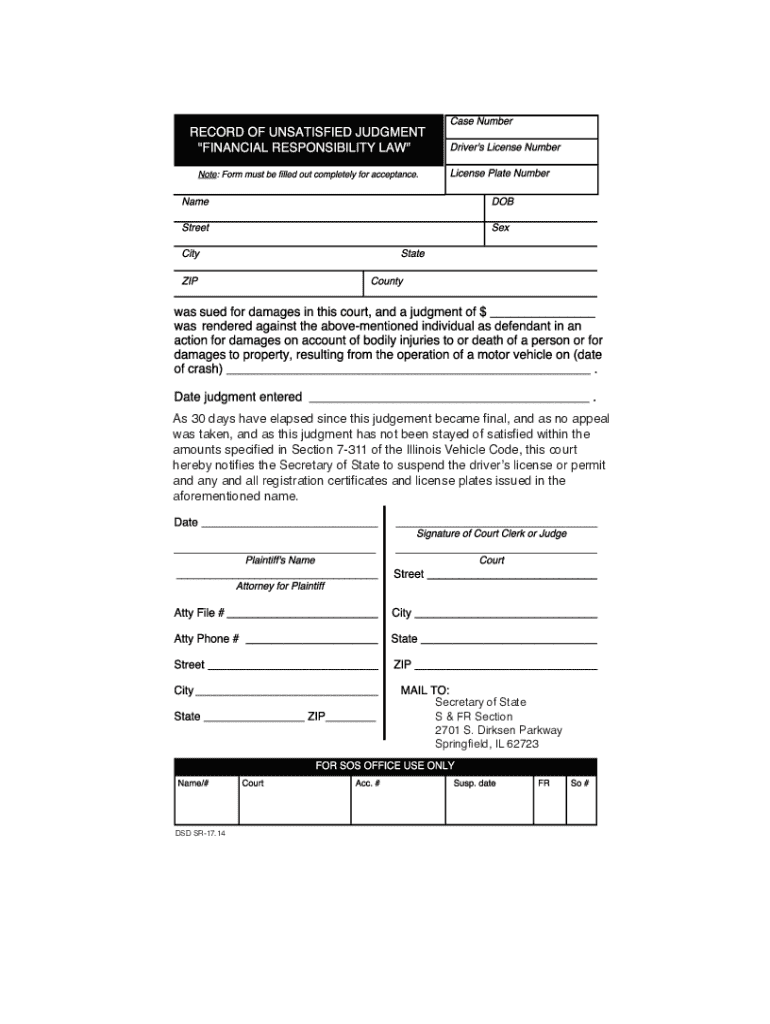
Online forms refer to digital versions of traditional paper forms, designed for easy completion and submission via the internet. These forms serve a multitude of purposes, ranging from data collection and feedback to official applications and registrations. They are widely used due to their accessibility, convenience, and efficiency. In the context of DocHub, online forms are leveraged to streamline document workflows by enabling users to fill, edit, and share forms digitally.
How to Use Online Forms with DocHub
Utilizing online forms on DocHub involves a straightforward process that enhances document management. Users can start by uploading existing forms from their computer or cloud storage services such as Google Drive and Dropbox. From there, DocHub's intuitive interface allows for the addition of text, images, and annotations, making it easy to complete the form. Once edited, forms can be sent for collaboration or electronic signing, ensuring a flexible and effective document workflow.
Steps to Complete a Form Online
-
Upload or Create a Form: Begin by importing a form from your device, cloud storage, or by creating a new form within DocHub.
-
Edit the Form: Use the editing tools to fill out required fields. Add text boxes, checkboxes, and signatures as necessary.
-
Customize and Annotate: Personalize the form with annotations, images, and special notes using DocHub’s array of tools.
-
Save and Share: Once complete, save your edits and choose whether to export the form back to storage or share it with others via email or direct link.
-
Track Changes and Signatures: Monitor collaborative edits and collect electronic signatures, ensuring that all parties have completed their parts.
Key Elements of an Online Form
Online forms offer several essential components that facilitate ease of use and data integrity:
- Fillable Fields: Text boxes, dropdown menus, and checkboxes guide users through providing the necessary information.
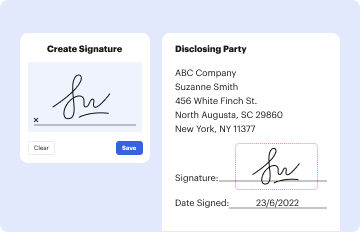
- Signature Fields: Spaces designated for electronic signatures secure and authenticate document approval and consent.
- Instructions and Guidance: Embedded instructions help users understand form requirements and avoid common mistakes.
- Submission Confirmation: Immediate feedback confirms to users that their submission was successful, reducing uncertainty.
Legal Use of Online Forms
Online forms used through platforms like DocHub conform to legal standards for digital transactions, particularly regarding electronic signatures. The ESIGN Act grants legal validity to digital signatures, ensuring that electronic submissions are recognized as binding. This legal framework supports the vast use of online forms for applications, agreements, and confirmations across various industries.
Who Typically Uses Online Forms
Online forms are versatile tools utilized by a diverse user base:
- Individuals: For personal applications, registrations, and feedback submissions.
- Businesses: To handle employee paperwork, client agreements, and customer feedback.
- Non-profits and Educational Institutions: For volunteer applications, event registrations, and surveys.
- Government Agencies: For collecting public data and processing applications.
Obtaining Online Forms
Accessing online forms through DocHub is straightforward. Forms can be acquired:
- Direct Upload: Import forms directly from your device.
- Cloud Integration: Retrieve forms stored in services like Google Drive or Dropbox.
- Form Creation: Design custom forms within the platform using DocHub's creation tools.
Examples of Using Online Forms
Online forms are applied across numerous scenarios that illustrate their usefulness:
- Job Applications: Companies simplify recruitment by allowing candidates to apply online.
- Customer Surveys: Businesses collect feedback efficiently through digital surveys.
- School Admissions: Educational institutions streamline enrollment with online application forms.
- Event Registrations: Organizations manage attendance and logistics through electronic registration forms.
Digital vs. Paper Version
Digital forms offer distinct advantages over their paper counterparts:
- Accessibility: Available at any time and place with internet access.
- Efficiency: Quick completion and submission reduce processing times.
- Environmentally Friendly: Reduces paper usage and associated costs.
- Data Accuracy: Minimizes errors through the use of predefined fields and instant validation.