
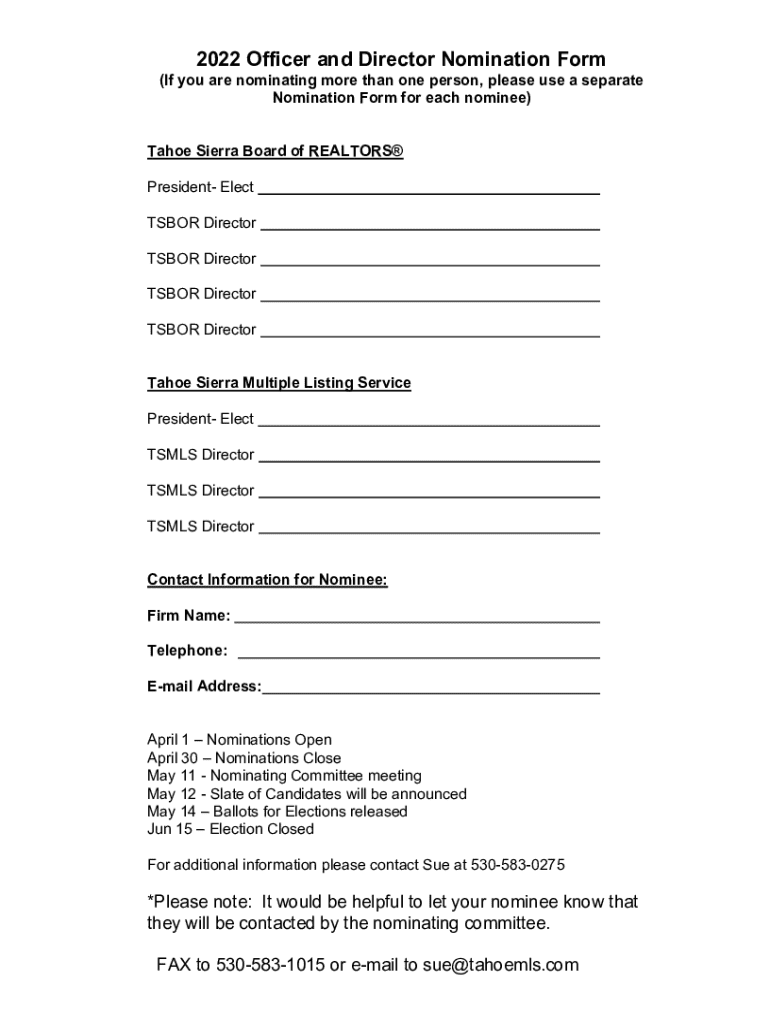







Definition & Meaning of Form Online
A "form online" refers to a digital format of documents that individuals or businesses can complete, submit, and manage via internet-connected devices. This approach replaces traditional paper-based forms, streamlining documentation processes and reducing environmental impact. Online forms often integrate features like fillable fields, electronic signatures, and automated validation checks to enhance user experience and improve data accuracy.
How to Use the Form Online
Using an online form involves several clear steps designed to make the process straightforward:
-
Access the Form: Navigate to the specific website or platform hosting the form, such as . Forms may be found in sections dedicated to specific activities or tasks, like tax filings or applications.
-
Fill Out Required Fields: Input data into designated fields. Users can encounter text boxes, dropdown menus, and checkboxes to submit their information accurately.
-
Review and Validate: Ensure all required sections are complete and accurate. Online systems often include data validation features to detect errors or omissions before submission.
-
Submit the Form: Press the submit button to send the form to its destination. Some platforms may provide an option to receive confirmation of submission via email or downloadable receipt.
How to Obtain the Form Online
Online forms can usually be obtained through various channels:
- Official Websites: Access forms directly from official websites, which may be governmental, educational, or corporate, depending on the form's purpose.
- Document Management Platforms: Services like DocHub allow users to browse, find, and manage forms relevant to their needs seamlessly. These platforms offer tools to customize and edit forms according to personal or business requirements.
Steps to Complete the Form Online
Completing an online form involves systematic steps:
- Initial Setup: Register or log into the hosting platform, if necessary. This step often involves creating an account with secure login credentials.
- Form Selection: Identify and select the specific form needed for the task at hand. Platforms typically categorize forms for easier navigation.
- Input Information: Follow form prompts to enter required information. Be mindful of required fields and specified formats.
- Attachments: Attach any necessary supporting documents before submission. Online platforms allow users to upload files directly from their devices or cloud storage.
- Final Review: Thoroughly review all form information before finalizing submission. Correct any detected errors or omissions.
Why Should You Use Forms Online
Embracing online forms offers numerous benefits:
- Efficiency: Online forms save time by minimizing redundant paperwork and reducing the time required for data transfer.
- Accessibility: Users can complete forms from any location with internet access, enhancing flexibility and convenience.
- Cost-effective: Eliminating physical paper and postage costs translates to financial savings.
- Environmental Impact: Reducing paper consumption supports eco-friendly practices.
Who Typically Uses Forms Online
Online forms cater to a diverse audience, depending on the specific application:
- Individuals: For personal services such as tax filings, voter registration, and passport applications.
- Businesses: For processes such as employee onboarding, compliance documentation, and license applications.
- Educational Institutions: For simplifying student registration, financial aid applications, and admissions processes.
Key Elements of the Form Online
Online forms contain several essential elements to ensure successful use:
- Form Fields: Include input fields for personal details, date selection, and dropdown options tailored to information requirements.
- Instructions: Guidance on completing the form may be embedded within each section to aid understanding.
- Submission Features: Include immediate and future submission options, allowing time for user review and corrections.
- Security Measures: Incorporate encryption and data protection policies to safeguard sensitive information.
Legal Use of the Form Online
Using forms online aligns with legal standards and regulations:
- Compliance: Established protocols, such as the ESIGN Act, ensure electronic forms are legally binding.
- Privacy Safeguards: Conformity to privacy laws like the GDPR or CCPA ensures user data is protected and processed lawfully.
- Accessibility: Platforms comply with the Americans with Disabilities Act (ADA) to maintain accessibility for users with disabilities.
Examples of Using the Form Online
Real-world scenarios demonstrate the application of online forms:
- Tax Filing: Individuals complete and submit IRS tax forms online, reducing the potential for errors and expediting return processing.
- Job Applications: Employers provide forms for online completion, streamlining the hiring process with built-in pre-screening questions.
- Event Registrations: Organizers use online forms for attendee registration, facilitating efficient data collection and management.
Form Submission Methods: Online vs. Mail
Comparison of submission methods highlights benefits of the online option:
- Speed: Online forms offer instant submission, whereas mailing takes several days.
- Convenience: Online forms allow for immediate confirmation of receipt, reducing uncertainty regarding mailed documents.
- Cost: Submitting forms online removes postage fees associated with mailing paperwork.




