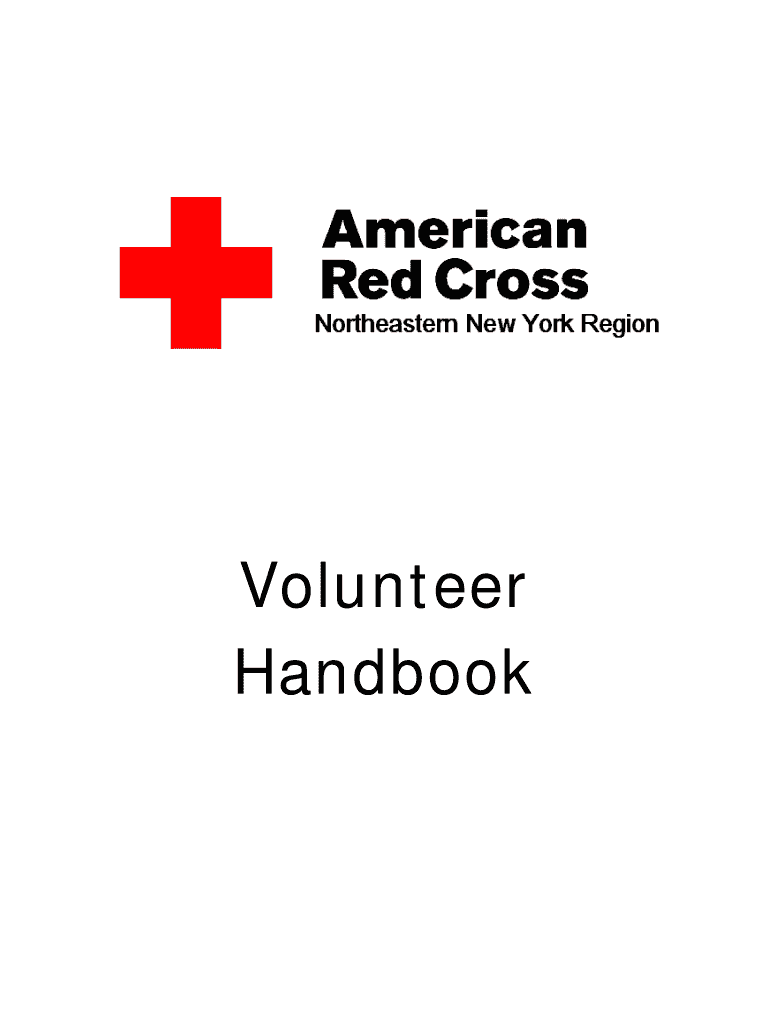
Volunteer Handbook 2026

Get Form
Volunteer Handbook Preview on Page 1

Here's how it works

01. Edit your form online
Type text, add images, blackout confidential details, add comments, highlights and more.
02. Sign it in a few clicks
Draw your signature, type it, upload its image, or use your mobile device as a signature pad.
03. Share your form with others
Send it via email, link, or fax. You can also download it, export it or print it out.

How to use or fill out Volunteer Handbook with our platform

Form edit decoration
9.5
Ease of Setup
DocHub User Ratings on G2
9.0
Ease of Use
DocHub User Ratings on G2
  1. Click ‘Get Form’ to open the Volunteer Handbook in the editor.
  2. Begin by reviewing the Welcome Message and American Red Cross Mission on pages 4 and 5. This will provide context for your volunteer role.
  3. Navigate to the 'Volunteer Policies' section. Here, you will find essential information about your rights and responsibilities as a volunteer.
  4. Fill out any required fields, such as your personal information and emergency contact details, in the designated sections of the handbook.
  5. Review the 'Acknowledgement and Receipt' section at the end of the handbook. Sign and date this form to confirm that you have read and understood the policies outlined.
  6. Once completed, save your changes. You can easily export or share your filled-out handbook directly from our platform.

Start using our platform today to streamline your volunteer experience!

be ready to get more

Complete this form in 5 minutes or less

Get form
be ready to get more

Complete this form in 5 minutes or less

Get form