Type text, add images, blackout confidential details, add comments, highlights and more.
02. Sign it in a few clicks
Draw your signature, type it, upload its image, or use your mobile device as a signature pad.
03. Share your form with others
Send it via email, link, or fax. You can also download it, export it or print it out.
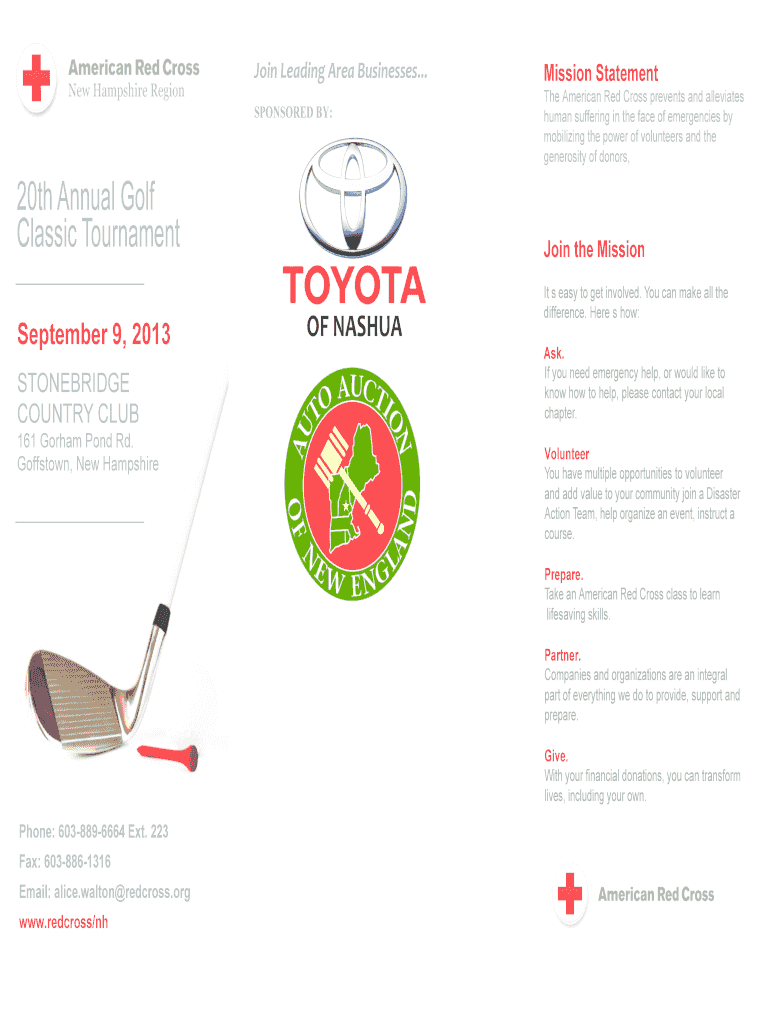
How to use or fill out Please see the Golf Classic brochure - American Red Cross
Ease of Setup
DocHub User Ratings on G2
Ease of Use
DocHub User Ratings on G2
Click ‘Get Form’ to open it in the editor.
Begin by entering your contact information in the designated fields, including your name, phone number, and email address. This ensures that the organizers can reach you with any updates.
Fill out the player information section for each participant. Specify if they will include the optional 'Power of Red' Pass for an additional fee.
Select your sponsorship level from the options provided. Each choice includes specific benefits, so review them carefully before making a selection.
Calculate your total fees by adding up the entry fees, sponsorship amounts, and any additional passes selected. Ensure accuracy for smooth processing.
Once completed, save your document and choose to either print it for mailing or send it via email directly to the provided address.
Start using our platform today to effortlessly complete your Golf Classic registration!
Fill out Please see the Golf Classic brochure - American Red Cross online It's free
The Golf GTI remains true to itself, still retaining its iconic detail the Black honeycomb radiator and front air intake grilles, side skirts and gleaming
Please join us at The Atchison Golf Club at Bellevue on Friday, October 24, 2025, for this years Raven Golf Classic. All proceeds from this event will directly
American Red Cross approved classes range from Level 1-6. Non- certified preschool classes are also available. Class times start at 10:10 am and are offered
Cookie consent notice
This site uses cookies to enhance site navigation and personalize your experience.
By using this site you agree to our use of cookies as described in our Privacy Notice.
You can modify your selections by visiting our Cookie and Advertising Notice.