





Definition & Meaning
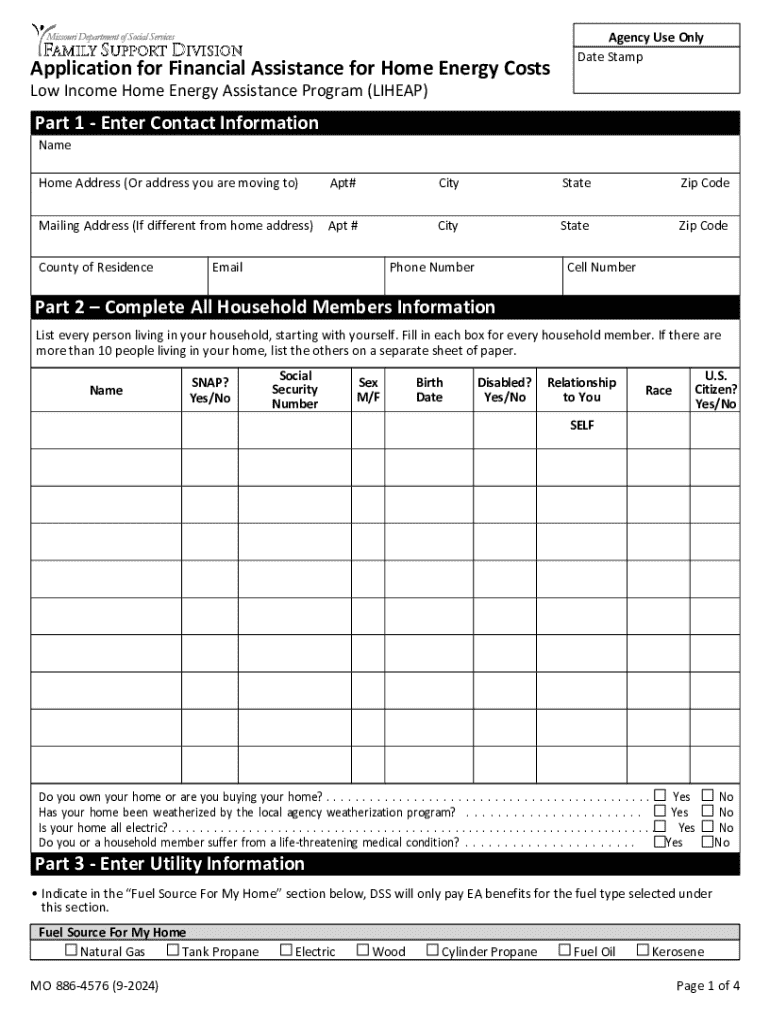
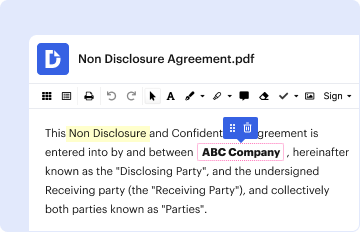
Understanding the term "form online" involves recognizing the evolution of traditional paper forms into digital versions that can be accessed, filled out, and submitted over the internet. This transformation offers the convenience of completing various official processes without the need to physically handle paperwork. Online forms are widely used for applications, surveys, registrations, and legal documentation. They often include interactive elements such as drop-down menus, checkboxes, and text fields that allow users to provide information efficiently and accurately.
The significance of online forms has grown with the digitalization of services, promoting ease of access and quicker processing times. Entities such as businesses, educational institutions, and government agencies frequently use these forms to streamline data collection and improve organizational workflows.
How to Obtain the Form Online
Acquiring an online form typically begins with identifying the organization or entity that issues the form. This information is often available on the official website of the relevant institution, such as a government agency or a private company. Many websites have dedicated sections for forms and applications, making navigation straightforward for users.
- Visit the official website of the organization that provides the form.
- Locate the forms section, often found under 'Resources' or 'Support.'
- Select the required form, ensuring it matches your specific need or situation.
- Download or directly fill out the form, depending on the platform's capabilities.
In some cases, an account might be needed to access full features, like saving progress or receiving notifications.
Steps to Complete the Form Online
Completing an online form involves several stages that ensure all information is correctly submitted:
- Read all instructions provided: Before filling out the form, become familiar with any instructions.
- Enter the required information accurately in designated fields; pay attention to mandatory fields.
- Use drop-down menus and checkboxes where applicable to ensure no mistakes when selecting options.
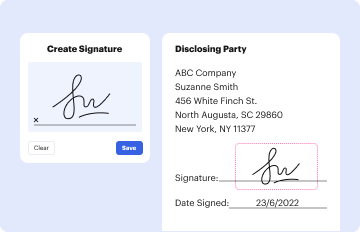
- Provide digital signatures if required, using tools that capture electronic signatures securely.
- Review the form for accuracy, checking all entries of data for possible errors.
- Submit the form, following the instructions provided for successful submission.
- Receive a confirmation: Keep a copy or a confirmation email as proof of submission.
Why You Should Form Online
Opting for online form submission offers numerous advantages over traditional paper forms:
- Convenience: Forms can be accessed and submitted from anywhere with internet access.
- Efficiency: Electronic submission reduces processing time and data entry errors.
- Environmentally Friendly: Going paperless contributes to environmental sustainability by reducing physical waste.
- Cost-Effective: Eliminates printing and mailing costs associated with paper forms.
- Secure: Integrated security protocols ensure the safe transmission of sensitive data.
These factors collectively make online forms a preferred choice for users and organizations aiming to optimize their processes.
Who Typically Uses the Form Online
Online forms cater to a diverse audience, including:
- Individuals: For personal applications such as job, school admissions, and tax filing.
- Businesses: Helping manage employee details, client interactions, and project documentation.
- Students: For class registrations, financial aid applications, and academic surveys.
- Government Agencies: Enabling citizens to access public services efficiently.
The widespread use of online forms spans across different sectors, signifying their adaptability and importance in modern society.


Important Terms Related to Form Online
Familiarity with key terms associated with online forms aids in understanding and effectively using them:
- E-signature: A digital version of a handwritten signature used to authenticate the form's contents.
- Captcha: A tool employed to verify that a user is human, protecting against automated form submissions.
- SSL Encryption: Security technology used to encrypt data sent through online forms, ensuring privacy.
- Field Validation: Process that checks the content of form fields for accuracy and completeness.
These terms are crucial for navigating and understanding the protocols and security measures associated with online forms.
State-Specific Rules for the Form Online
While online forms offer a standardized way to collect information, specific rules may vary by state, especially for government forms, licenses, and legal documents. For instance:
- Tax Forms: Filing requirements and deadlines can differ depending on the state.
- Business Licenses: State-specific regulations dictate what information is needed.
- Government Benefits: Eligibility criteria and application processes might vary.
Users must consult their state's guidelines or the issuing authority's website to ensure compliance with local regulations when completing a form online.
Legal Use of the Form Online
Online forms must comply with various legal standards to ensure that transactions remain legit and the data collected fulfills regulatory requirements.
- ESIGN Act Compliance: Ensures that electronic signatures on forms are legally binding.
- Data Protection Laws: Govern the management and protection of personal information, such as the GDPR in the EU or CCPA in California.
- Retention Policies: Mandate the duration and method for keeping records of submitted forms.
Adhering to these legal provisions safeguards both users and organizations, ensuring the integrity and reliability of online forms in transactions.




