
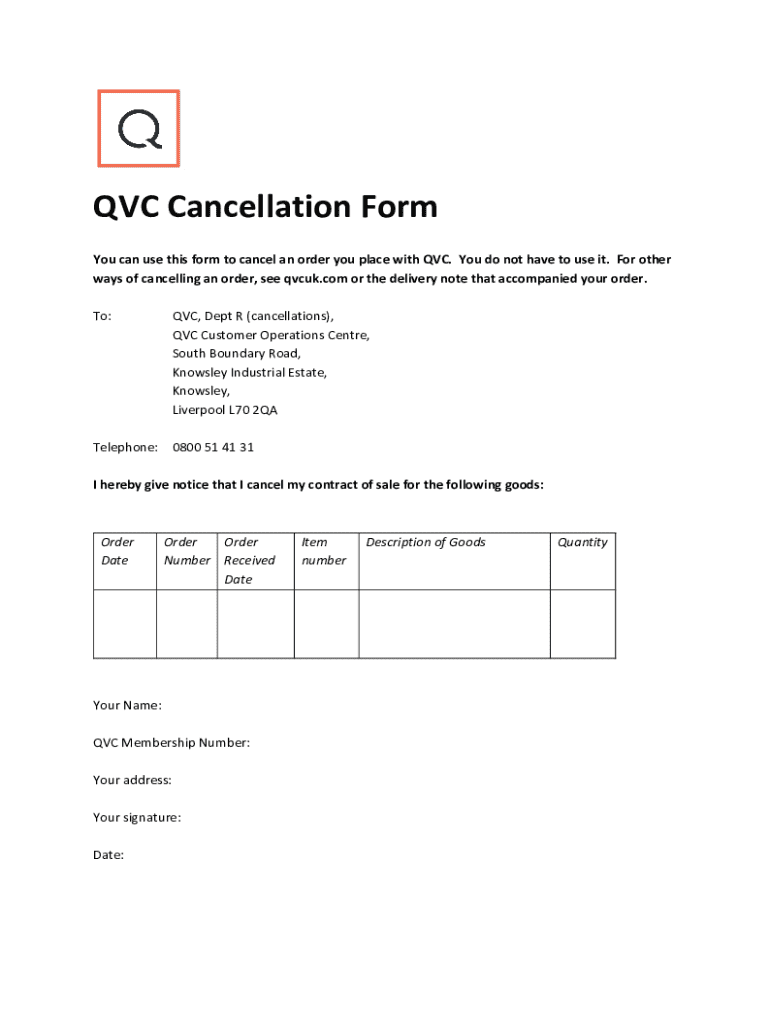







Definition and Meaning of Form Online
The term "form online" refers to digital versions of traditional forms that are used for data collection, applications, or document submission. These forms can be completed and submitted through an internet-based platform, facilitating remote access and efficient data management. By using forms online, individuals or businesses can bypass the need for physical paperwork, making the process faster and more environmentally friendly.
Benefits of Online Forms
- Accessibility: Available anytime from anywhere with internet access
- Environmentally Friendly: Reduces paper use, printing, and mailing
- Efficiency: Speeds up submission and processing times
- Data Management: Simplifies organization and storage of responses
How to Use the Form Online
Completing a form online involves a series of straightforward steps designed for ease of use. Most platforms offer intuitive interfaces to guide users through the process.
- Access the Form: Locate and open the form on a website or platform like DocHub.
- Fill Out Required Fields: Complete necessary sections, ensuring accuracy of information.
- Attach Supporting Documents: If applicable, upload any required attachments.
- Review and Edit: Double-check entries for completeness and correctness.
- Submit: Send the completed form through the platform's submission process.
Practical Tips for Use
- Use a Stable Internet Connection: Ensures smooth operation without disruptions.
- Save Progress: Regularly save your input if the platform allows, minimizing data loss.
- Check Instructions: Pay attention to field-specific guidelines or hints.
How to Obtain the Form Online
Forms can be conveniently accessed online via a variety of sources. Websites of governmental bodies, companies, or specific service providers often have dedicated portals for their online forms.
Common Sources
- Official Websites: Government, tax agencies, or corporations
- Service Platforms: DocHub, Google Forms, or other online form services
- Email Attachments: Direct links or attachments sent via official communication
Steps to Access
- Visit the Relevant Website: Start at the official or trusted source.
- Navigate to Forms Section: Look for sections labeled "Forms" or "Resources."
- Select the Appropriate Form: Choose the form that matches your specific needs.
- Download or Open: Depending on source, you may download or interact directly online.
Steps to Complete the Form Online
Filling out an online form correctly involves understanding its sections and required fields.
Detailed Procedure
- Login or Access Anonymously: Depending on requirements, log in or proceed as a guest.
- Follow Instructions: Read all instructions related to form completion.
- Input Information: Enter the relevant data in designated fields.
- Make Use of Interactive Features: Utilize dropdowns, checkboxes, or text fields as needed.
- Verify Entries: Ensure that all mandatory fields are complete and accurate.
- Submit When Ready: Confirm submission via the platform interface.
Edge Cases
- Incomplete Forms: Do not submit until all required fields are populated.
- Attachments: Make sure any required files are uploaded and correctly linked to your form.
Importance of Forming Online
Transitioning to online forms offers various advantages for users. Understanding why this shift is important helps underline its value in modern processes.
Key Reasons
- Efficiency: Online forms streamline the filing and processing stages, cutting down on time.
- Accuracy: Digital forms often include data validation to prevent errors.
- Cost-Effective: Eliminates costs associated with printing and postage.
- Instant Confirmation: Provides immediate acknowledgment of submission.
Individuals and Entities Using Forms Online
Online forms serve a broad array of users, each with specific goals or needs. They encompass a diverse group ranging from individual users to large entities.
Typical Users
- Individuals: Filing taxes, applications, or feedback
- Businesses: Administrative processes, client intake forms
- Educational Institutions: Enrollment forms, surveys
- Government Agencies: Tax filings, service requests
Legal Use of the Form Online
Many online forms have legal significance, especially when used for applications, agreements, or official submissions.
Compliance Measures
- Legally Binding: Many online forms adhere to laws such as the ESIGN Act for electronic signatures.
- Secure Transactions: Platforms employ encryption and authentication to protect data.
- Auditable Records: Digital forms often come with audit trails for verification.
Key Elements of the Form Online
Understanding the fundamental components of an online form enhances efficiency in filling out.
Core Components
- User Interface: The layout through which users interact with the form.
- Form Fields: Specific areas to input information like text boxes and drop-down menus.
- Submission Feature: Mechanism to submit completed forms securely.
- Security Measures: Encryption and authentication processes for data protection.
Providing a comprehensive understanding of each element ensures that users are well-equipped to handle the nuances of online forms.




