







Definition & Meaning
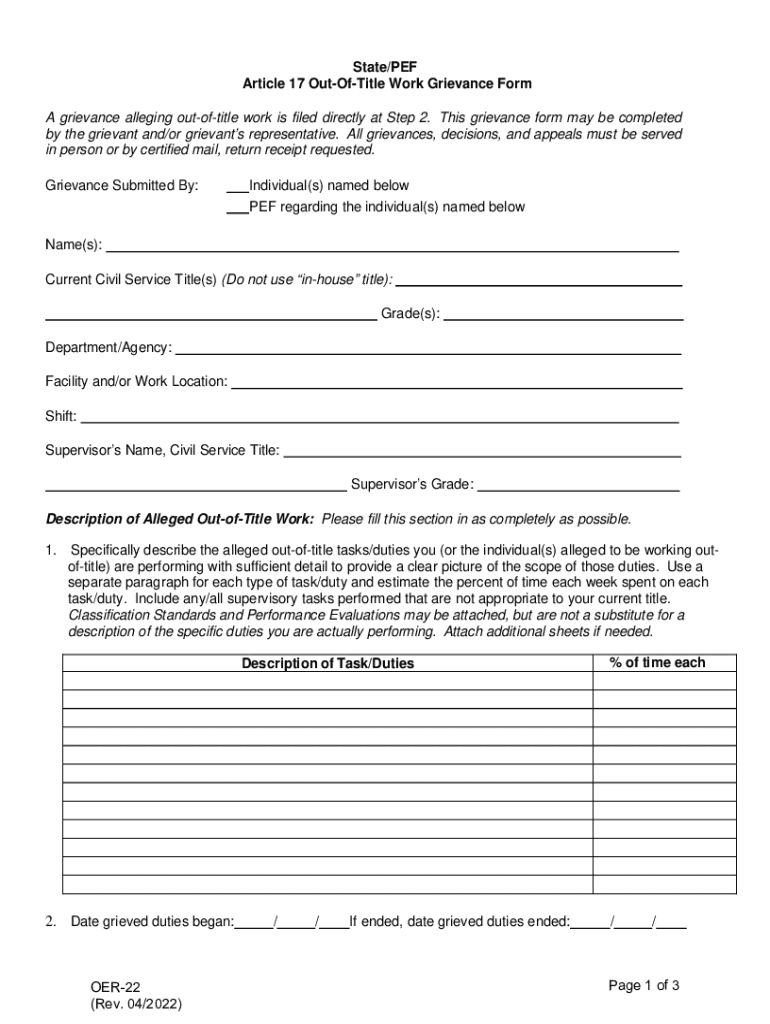
The term "form online" refers to the process of creating, completing, and submitting documents or forms through an online platform. Unlike traditional paper forms, online forms are digital and can be accessed and filled out on various devices, such as computers, tablets, and smartphones. This method streamlines data collection and reduces the risk of errors due to manual entry or illegible handwriting. An online form can be anything from a simple survey to complex tax documents, offering flexibility and efficiency in form management.
How to Use the Form Online
Using forms online involves a few straightforward steps. First, access the desired document through an online platform like DocHub, which allows users to edit and manage forms seamlessly. Once accessed, you can fill out the required fields by typing directly into the document. After completing the form, you can save and download it for your records or submit it electronically to the intended recipient. The convenience of online platforms allows for real-time editing and collaboration, streamlining communication and ensuring accuracy.
Steps to Complete the Form Online
-
Access the Form: Log into your online platform and locate the form you need.
-
Review Instructions: Carefully read any guidelines associated with the form to understand requirements and deadlines.
-
Input Information: Fill in the required fields accurately, ensuring all necessary information is provided.
-
Attach Documents: If required, upload any supporting documents directly onto the platform.
-
Review Entries: Check for any errors or incomplete sections.
-
Submit the Form: Once satisfied with your entries, submit the form electronically.
Key Elements of the Form Online
Online forms generally consist of several key components that facilitate data collection:
- Input Fields: Areas where users can enter text, numbers, or other data.
- Checkboxes: Options that allow users to select one or more choices easily.
- Dropdown Menus: Provide a list of selectable options to streamline responses.
- Signature Fields: Enable users to sign documents electronically, enhancing form authenticity.
Legal Use of the Form Online
Online forms, when completed and submitted through secure platforms like DocHub, are legally recognized in many jurisdictions, including the United States. Such platforms comply with legislation like the ESIGN Act, ensuring that digital signatures are as legally binding as handwritten ones. This is crucial for documents requiring authentication, such as contracts or official government forms.
Important Terms Related to Form Online
Understanding the terminology associated with online forms can enhance user experience:
- E-signature: A digital version of a handwritten signature.
- Authentication: Verifying a user's identity before they can access and submit forms.
- SSL Encryption: Ensures data security during online form submission.
Form Submission Methods (Online / Mail / In-Person)
Forms can typically be submitted through various methods, each with its advantages:
- Online Submission: Fast and convenient, allowing immediate processing.
- Mail Submission: Provides a tangible paper trail but can be slower.
- In-Person Submission: Allows for direct interaction with the recipient but may require more time and effort.
Software Compatibility
Online forms are often compatible with various software applications like TurboTax or QuickBooks, making them user-friendly for different audiences. This compatibility ensures forms can be integrated with existing systems, allowing seamless business operations for users who rely on such software for tax filing or financial management.
Examples of Using the Form Online
-
Tax Returns: Online tax forms can simplify the filing process, ensuring timely submission.
-
Job Applications: Employment forms are often completed online to expedite the hiring process.
-
Surveys and Polls: Businesses use online forms to gather customer feedback effectively.
These examples illustrate the versatility of online forms in various sectors, from personal finance to corporate operations.




