






Definition & Meaning
A form online refers to a digital version of a form that can be filled out, signed, and submitted electronically through an internet-based platform. These forms are designed to simplify processes that traditionally required paper, offering enhanced accessibility and convenience. They are versatile and can range from simple contact forms to complex applications or legal documents.
In the context of document workflow platforms like DocHub, an online form transforms the way individuals and businesses manage paperwork. By using digital forms, users can streamline operations, reduce errors often linked with manual forms, and ensure faster processing of information. Online forms are particularly important in environments where data needs to be collected efficiently and securely.
How to Use the Form Online
To use a form online, first access the platform hosting the form, such as DocHub. Once you navigate to the form, you can begin by reviewing the fields required for completion. Depending on the form's design, it may include text fields, checkboxes, dropdowns, or signature lines.
- Access the Document: Import it from cloud storage or upload directly from your device.
- Fill Out Required Fields: Ensure all necessary fields are completed, especially those marked as mandatory.
- Use Annotations: Add comments or notes if the form allows for collaboration.
- Proofread: Double-check for accuracy before submission.
Online forms on platforms like DocHub often offer features like automatic saving, which helps prevent data loss. Some forms may also include guides or example entries to assist in accurately completing them.
Steps to Complete the Form Online
- Engage with the Platform: Open DocHub or the relevant tool offering the form.
- Select the Form: Choose the appropriate template or upload the specific document you need to fill.
- Enter Personal Information: Include any specific identifying details such as name, address, or contact information.
- Respond to Questions: Complete any questionnaires or specific entries required by the form.
- Attach Required Documents: If the form requires additional documents, use the upload feature to attach them.
- Add Signatures: Use electronic signature tools to authenticate the form, if necessary.
- Review and Submit: Double-check entries for errors or omissions, then follow the submission instructions.
Platforms like DocHub often provide progress indicators, ensuring that no required element is left incomplete. Reminders may assist users in timely submission, especially if a form has a deadline.
Important Terms Related to Form Online
- Authentication: Verification of a user's identity before accessing or submitting a form online.
- Encryption: The process of encoding data, such as form input, to protect it from unauthorized access.
- Digital Signature: An electronic signature that validates the authenticity and integrity of a form.
- Interactive Fields: Elements within an online form that users can manipulate, such as dropdown menus or text input areas.
- Audit Trail: A record showing who has accessed or modified a form, ensuring transparency and accountability.
Understanding these terms is vital when engaging with online forms, especially when dealing with sensitive or legally-binding documentation.
Legal Use of the Form Online
Forms completed online hold the same legal weight as their paper counterparts, provided they meet necessary criteria. In the United States, online forms often comply with the ESIGN Act, which ensures that electronic signatures are legally recognized.
- Compliance: Verify the form complies with relevant laws, such as data protection regulations.
- Signatures: Electronic signatures must be obtained through recognized platforms to ensure legality.
- Security: Data should be handled in a manner that meets legal security standards.
Using platforms like DocHub, which emphasize security with features like SSL encryption, can further enhance the legal standing of digital forms.
Key Elements of the Form Online
An online form typically incorporates several critical elements to ensure comprehensive data collection and user-friendly interaction:
- Input Fields: Areas where users input data, such as text boxes, checkboxes, or radio buttons.
- Guidance Text: Instructions or tips to help users fill out the form correctly.
- Validation Rules: Automatic checks to ensure data is entered in the correct format.
- Signature Fields: Areas designated for adding electronic signatures.
- Submission/Save Options: Functionality to save progress or submit the completed form.
These elements are integral to optimizing the form for accuracy and user experience, promoting efficient completion and submission processes.
Software Compatibility
Forms processed online should be compatible with various software and applications to maximize accessibility and ease of use. DocHub integrates well with widely-used systems like Google Workspace, offering seamless transitions between platforms.
- Google Workspace: Import and export forms via Google Drive or Gmail for integrated workflow.
- Cloud Storage Services: Compatible with tools like Dropbox and OneDrive.
- Document Editing Tools: Supports editing in formats like DOC, PPT, and XLS.
Compatibility ensures users can interact with forms across different devices and operating systems without technical barriers.
Examples of Using the Form Online
Online forms have a wide range of applications across different sectors:
- Educational Institutions: Student data collection or consent forms.
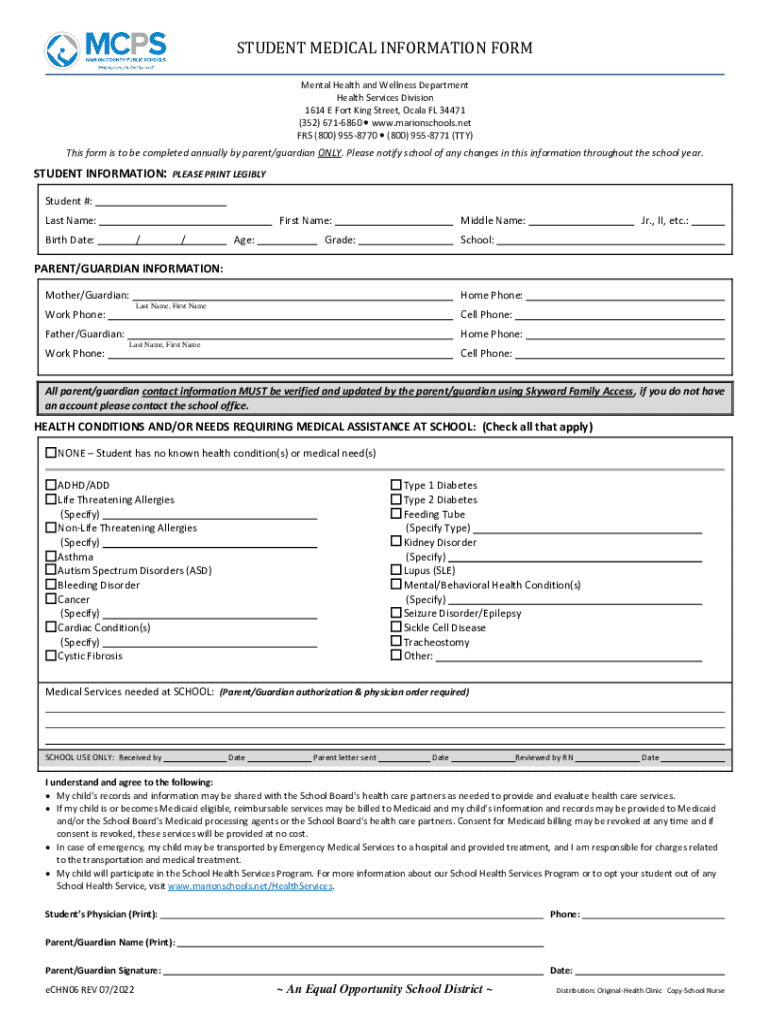
- Healthcare: Patient intake forms or medical history documentation.
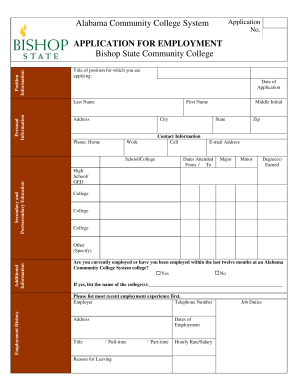
- Corporate Settings: Employment applications or performance reviews.
- Government Agencies: Tax filings or license applications.
These examples illustrate the versatility of online forms in adapting to various requirements, providing ease of use and accessibility in diverse contexts.