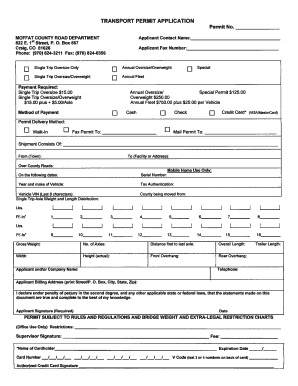
Type text, add images, blackout confidential details, add comments, highlights and more.
02. Sign it in a few clicks
Draw your signature, type it, upload its image, or use your mobile device as a signature pad.
03. Share your form with others
Send it via email, link, or fax. You can also download it, export it or print it out.
How to use or fill out IRPSCHED G with our platform
Ease of Setup
DocHub User Ratings on G2
Ease of Use
DocHub User Ratings on G2
Click ‘Get Form’ to open the IRPSCHED G in the editor.
Begin by entering your company name and account number in the designated fields at the top of the form.
Fill in your street address, city, state, and zip code to provide your official business location.
In the section for estimated distance, list each jurisdiction where your fleet will operate. Enter the estimated distance for each jurisdiction in the provided fields.
Indicate the total distance traveled by summing up all distances entered for each jurisdiction.
Specify the number of vehicles in your fleet by filling out the tractors and trucks sections.
For each route (Route #1, #2, #3), enter details such as point of origin, destination, highways used, distance per jurisdiction, and frequency of travel.
Finally, sign and date the form in the authorized signature section to complete your submission.
Start using our platform today to easily fill out and manage your IRPSCHED G form for free!
Cookie consent notice
This site uses cookies to enhance site navigation and personalize your experience.
By using this site you agree to our use of cookies as described in our Privacy Notice.
You can modify your selections by visiting our Cookie and Advertising Notice.