
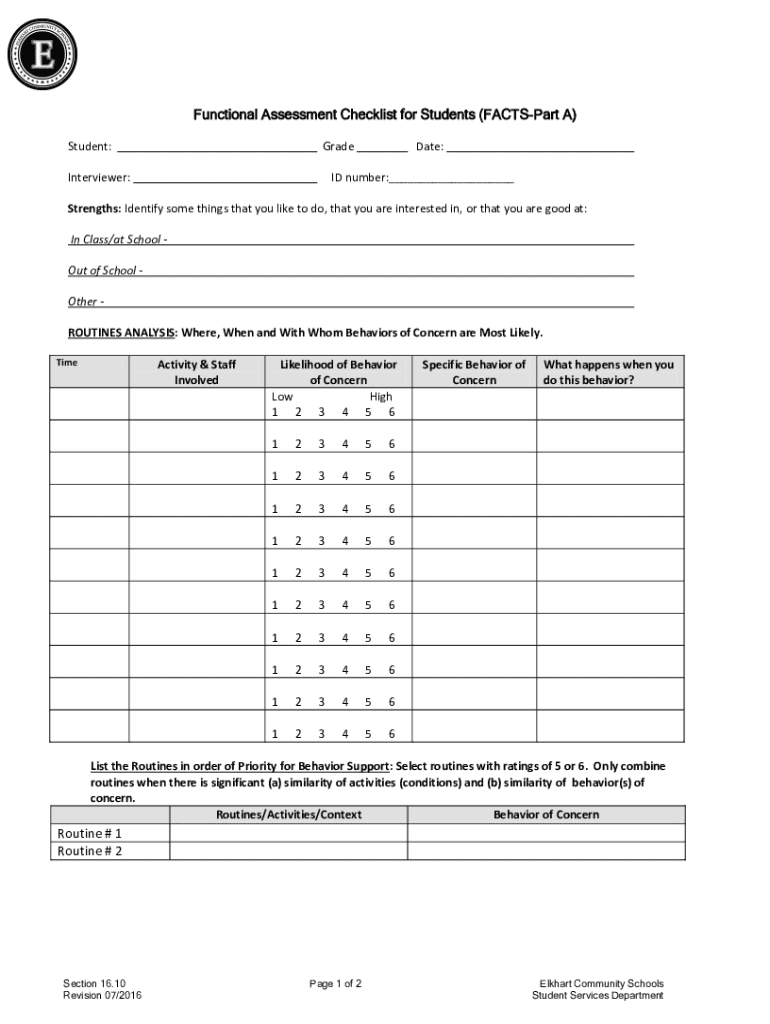







Definition & Meaning
"Form online" refers to digital forms accessed and completed through an internet platform, allowing users to fill out, submit, and process forms electronically. Online forms are designed to streamline the process of data collection, making it efficient for both the user and the organization managing the form. These forms are commonly used in various fields, including education, finance, legal, and healthcare, to facilitate paperwork without the need for paper-based processes. They can include a variety of input fields like text boxes, checkboxes, and dropdown menus, and often integrate features for electronic signature and submission.
How to Use the Form Online
To use a form online, begin by accessing the specific platform or website hosting the form. Here’s a step-by-step process:
- Access the Website: Navigate to the website where the form is hosted. This might require logging in or creating an account.
- Locate the Form: Use available search tools or navigation menus to find the desired form.
- Fill Out Required Fields: Enter information into the form’s fields. Ensure that mandatory fields, often marked with an asterisk (*), are completed.
- Use Provided Tools: Leverage any tools provided, such as adding annotations, editing, or attaching supplementary documents if necessary.
- Review for Accuracy: Carefully review your entries for any errors or omissions before submission.
- Submit the Form: Follow on-screen instructions to submit the completed form. Confirmation messages or emails typically follow successful submission.
Steps to Complete the Form Online
Completing a form online involves several straightforward steps:
- Preparation: Gather all necessary information and documents required for the form before starting. This might include personal identification, financial records, or previous correspondence files.
- Drafting: Some forms allow for saving a draft. Initially, input as much information as possible and use the draft-saving feature to return and complete later if needed.
- Utilize Help Features: Guidance features like tooltips, FAQs, or live chat can assist if you encounter difficulties while filling the form.
These steps ensure the data collection process is efficient and accurate, minimizing the risk of errors that can delay processing.
Key Elements of the Form Online
Online forms are structured to include several key elements for functionality and user experience:
- User Identification Fields: These fields typically require personal information such as name, address, and contact details.
- Input Sections: Designed for data entry, these sections include text boxes, checkboxes, and radio buttons for specific selections.
- Submit Button: A clear call to action for finalizing the form, usually accompanied by a reset or clear button to allow users to start over if needed.
- Acknowledgment Checkboxes: Often used to confirm that the user has read and agrees to terms and conditions or privacy policies.
Including these elements ensures the form captures essential information and is user-friendly.
Important Terms Related to Form Online
When dealing with forms online, it's important to understand key terminologies:
- Digital Signature: A method of signing a document electronically, ensuring authenticity and integrity.
- Secure Socket Layer (SSL): A protocol that encrypts data transferred over the internet, used to protect sensitive information in forms.
- OAuth 2.0: An authorization protocol enabling secure third-party access to user data without exposing credentials.
- Data Encryption: The process of securing data by converting it into a coded format to prevent unauthorized access.
Familiarity with these terms enhances comprehension and security awareness during online form use.
Legal Use of the Form Online
Online forms have legal standing when they meet the following criteria:
- Compliance with E-SIGN Act: Forms are recognized legally if they adhere to standards set by the Electronic Signatures in Global and National Commerce Act, which establishes the validity of electronic records and signatures.
- Audit Trails: An electronic log that records the history of form submissions and modifications, ensuring accountability and providing legal evidence if needed.
- User Consent: Requires express user agreement to terms and conditions before completion, reinforcing legal intent.
These factors together reinforce the legitimacy and enforceability of electronic forms.
Examples of Using the Form Online
Online forms are utilized in a variety of contexts, providing clear practical examples such as:
- Tax Forms: The Internal Revenue Service (IRS) provides online filing options for forms like the W-9, allowing freelancers and contractors to submit their taxpayer information easily.
- Job Applications: Employers offer online job application forms, allowing applicants to submit resumes and personal details directly through the company website.
- Event Registrations: These forms enable seamless participant signups for conferences, workshops, or webinars, often integrating payment processing if necessary.
These examples underline the versatility and efficiency of online form use.
Software Compatibility
Many online forms are compatible with software solutions integrating productivity and convenience tools:
- Document Editing Software: Platforms like TurboTax or QuickBooks can auto-populate fields in relevant forms, streamlining data entry for tax and financial documentation.
- Cloud Storage Integration: Forms are often designed to integrate with services such as Google Drive, Dropbox, and OneDrive, allowing for easy document import and export.
- Browser Extensions: Certain browser plugins enhance form-filling capabilities, offering features like auto-fill to save time and reduce manual entry errors.
Software compatibility broadens the accessibility and user experience of interacting with online forms.
Digital vs. Paper Version
Understanding the differences between digital and paper versions of forms includes:
- Accessibility: Digital forms are accessible from any location with internet connectivity, while paper forms require physical distribution facilities.
- Efficiency: Completing forms online is often faster due to automation features and integrated help resources.
- Sustainability: Digital versions eliminate the need for paper, contributing to environmental conservation efforts.
Choosing between digital and paper versions depends on context, accessibility, and user preference but digital offers enhanced efficiency and environmental benefits.




