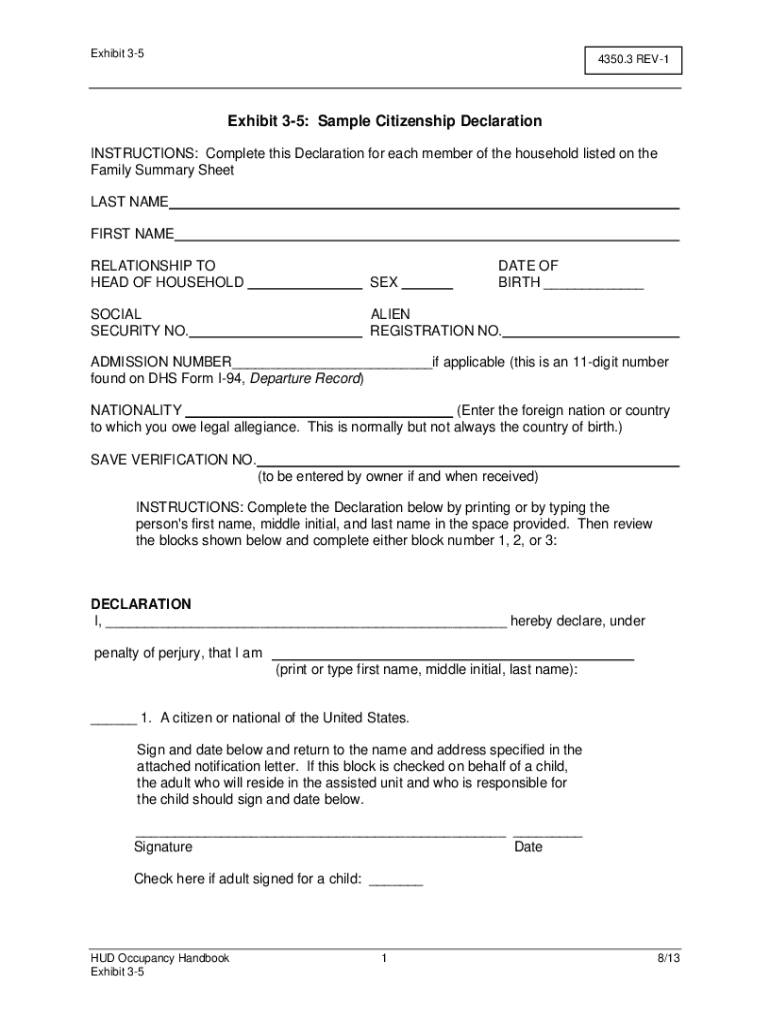







Definition & Meaning
The term "form online" refers to digital documents that can be filled out, submitted, and processed electronically. Online forms simplify data entry, accelerate information collection, and minimize errors associated with manual inputs. These forms cover a wide range, from legal documents and tax forms to surveys and feedback requests. Digitally managing forms streamlines workflows and significantly reduces the need for physical paperwork, allowing for an efficient, eco-friendly, and organized approach to document handling.
Common applications of online forms include job applications, registration forms, and government filings. Online platforms like DocHub enhance convenience by providing tools to customize these forms with various fields, viewable on different electronic devices.
How to Use the Form Online
Using a form online involves several straightforward steps to ensure accurate completion and submission:
-
Accessing the Form: Start by navigating to the platform hosting the form. On DocHub, forms can be imported from cloud storage services like Google Drive or accessed directly from your device.
-
Filling Out the Form: Utilize tools to enter data into designated fields. DocHub's intuitive editor lets you add text, select options from dropdown menus, and check boxes.
-
Reviewing the Information: Once all necessary fields are completed, review the form to ensure accuracy. The online interface supports commenting features, helping multiple users to review and amend the form collaboratively.
-
Submitting the Form: Online forms offer various submission options. After reviewing, submit the form digitally through the platform. Platforms like DocHub may also provide the capability to download or email the completed form for record-keeping or further processing.
-
Tracking and Confirmation: Post-submission, tracking features typically confirm the status of your form, especially critical for forms requiring further approval or completion by other parties.
Steps to Complete the Form Online
Completing online forms efficiently involves certain steps, ensuring that no critical data is overlooked:
-
Preparation: Gather all necessary information and documents before starting the process. This could include identification numbers, addresses, and other relevant personal or business information.
-
Initiation: Access the form on the chosen platform, such as DocHub, which allows easy importation and initiation of the form filling process.
-
Field Input: Enter data into the specified fields, which could be either mandatory or optional. The platform’s interface usually guides users with tooltips or instructions, assisting in data entry.
-
Validation: Key fields are often programmed for validation checks to ensure data accuracy, such as ensuring text fields don’t include numbers and vice versa.
-
Completion: Once all data is filled, review each section for completeness and double-check that all required fields are addressed before proceeding to submission.
-
Submission: With online forms, submission typically involves a simple button click. You might receive a confirmation email, allowing you to track the submission process.
Who Typically Uses the Form Online
Online forms cater to a broad audience across various sectors. They are widely used by:
-
Businesses: For employee onboarding, client intake processes, surveys, and feedback collection.
-
Government Agencies: For tax forms, registration processes, and permit applications.
-
Educational Institutions: For applications, student records, and feedback forms.
-
Healthcare Providers: For patient intake forms, appointment requests, and medical records management.
These forms improve efficiency across diverse applications, making the filing process simpler and more accessible for all users.


Key Elements of the Form Online
Online forms are typically structured with several key elements that enhance usability and data capture:
-
Text Fields: For detailed input such as names and addresses.
-
Checkboxes: To provide yes or no responses or select multiple options.
-
Dropdown Menus: Useful for selecting from predefined lists, minimizing errors in data entry.
-
Signature Fields: Enable secure signing of forms, especially for legally binding agreements.
-
Validation: Automated checks that help ensure data accuracy before submission, signaling any incorrect or missing entries upon form review.
These components work together to create a streamlined data capture process, which is crucial for accurate and efficient document management.
Legal Use of the Form Online
The legal status of online forms, especially those requiring signatures, is supported by laws like the ESIGN Act, which grants them the same legal standing as traditional paper documents. As long as the platform providing the form complies with legal standards and maintains the security measures necessary for protecting data, the form’s usage is valid within legal contexts.
Practically, this involves ensuring that any electronic signature captured is authenticated, verifiable, and associated with the document it validates. Platforms like DocHub integrate such features seamlessly, ensuring that signatures collected are legally compliant.
Examples of Using the Form Online
Several real-world scenarios illustrate the utility of online forms:
-
Tax Filings: Using IRS forms like the W-9 digitally, saving time and resources for both the filer and the processing entity.
-
Job Applications: Simplifying candidate applications by allowing resumes and forms to be submitted directly online.
-
Surveys and Feedback: Easily deployed for market research, customer satisfaction analysis, or internal reviews in organizations.
-
Rental Applications: Streamlining the property rental process by managing tenant applications through digital forms.
These examples demonstrate online forms’ flexible functionality, improving efficiency across various tasks and industries.
Software Compatibility with Online Forms
Compatibility with software such as accounting or document management systems is crucial for online forms. Platforms like DocHub are designed to integrate with a variety of popular tools, including:
-
Google Workspace: Allows direct file management, editing, and storage linked to Google Drive and Gmail.
-
Accounting Software: Streamlines document flow for financial records, invoicing, and tax preparation.
-
Collaboration Tools: Enhances teamwork by enabling shared access to editable documents on platforms like Slack or Microsoft Teams.
Integration with these systems ensures that online form data can be seamlessly incorporated into larger workflows, enhancing productivity by reducing redundancy and simplifying data management.