
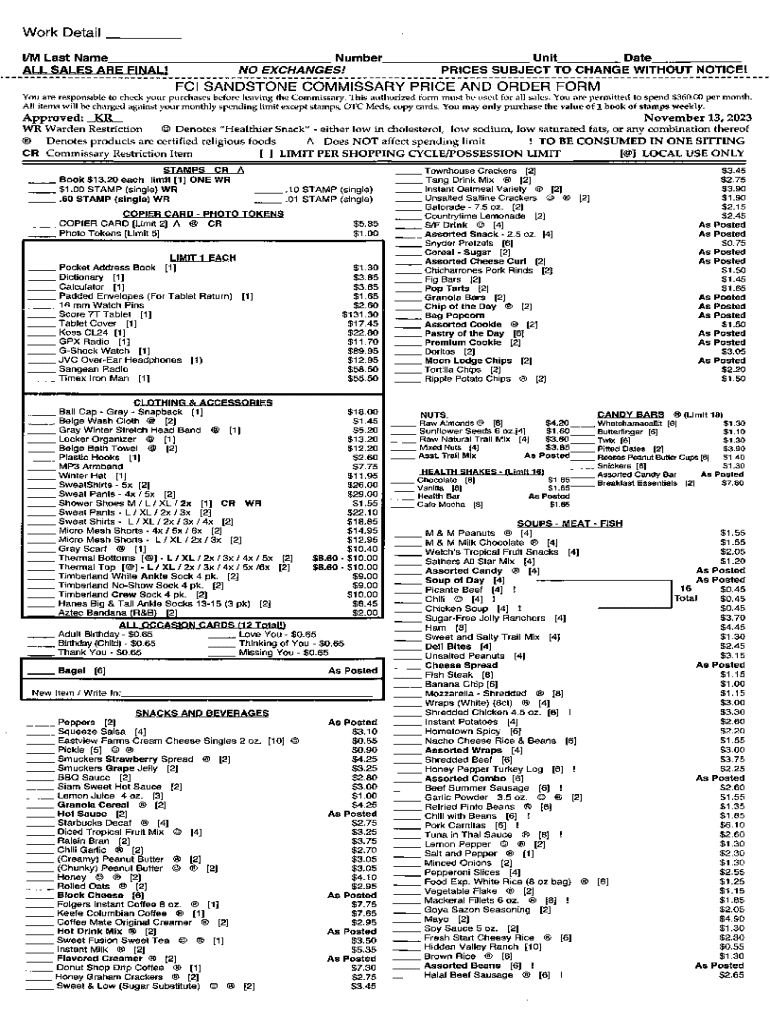







Definition and Meaning of "Form Online"
"Form online" generally refers to electronic forms that can be filled out and submitted digitally through the internet. This concept simplifies data collection and processing by enabling users to complete necessary forms without printing paper versions or mailing them physically. Instead, these forms are filled out using a web platform, which can streamline processes for both individual users and businesses, allowing for faster completion times and reduced errors. Digital forms can range from job applications to tax submissions and are commonly used in various industries, including finance, healthcare, education, and government.
- Types of Forms: Common examples include application forms, tax forms, survey forms, and registration forms.
- Accessibility: Forms online are accessible through web browsers on different devices, including smartphones, tablets, and computers.
- Data Collection: By using an online form, individuals or organizations can efficiently gather necessary data, automating parts of their workflow.
How to Use the Form Online
Using a form online is generally straightforward, thanks to its user-friendly design and step-by-step instructions typically provided right on the platform. Here's a common process for utilizing an online form effectively:
- Access the Form Platform: Visit the website or online service offering the form you need. Often, platforms like DocHub provide easy access to a wide variety of electronic forms.
- Select the Required Form: Navigate to or search for the specific form needed for your task. This could be a tax form, an application, or another type, depending on your needs.
- Fill Out the Form: Input all necessary information into the form fields. Many systems provide guidance through the fields to ensure complete and accurate submissions.
- Review Your Entries: Double-check the information you’ve entered to avoid mistakes. Some platforms offer previews so you can see how the completed form will look.
- Submit the Form: Once satisfied with the data entered, follow the provided instructions to submit the form. Submission might involve clicking a "Submit" button or confirming through an additional prompt.
Steps to Complete the Form Online
Completing an online form involves a few key steps to ensure accuracy and compliance:
- Gather Required Information: Before starting, collect any necessary documentation or information you’ll need, such as identification numbers, financial data, or other pertinent details.
- Create an Account or Log In: Some platforms may require you to create an account or log in before accessing forms. This also ensures data safety and allows you to save your progress.
- Navigate Through Form Fields: Proceed methodically through the form, filling out each field as required. Pay attention to mandatory fields, usually marked with an asterisk or highlighted in some way.
- Use Validation Tools: Many platforms incorporate validation tools to notify you of errors or incomplete fields. Make sure all required data is in the correct format.
- Add Digital Signatures: When necessary, add your electronic signature. Platforms like DocHub allow you to draw, type, or upload signatures for authenticity.
Legal Use of the Form Online
Legal considerations are crucial when dealing with forms online, especially for documents requiring electronic signatures or sensitive information. Digital forms and signatures are legally recognized under acts such as the ESIGN Act, which stipulate how electronic transactions should be treated.
- Compliance: Ensure that the use of online forms adheres to relevant laws and industry standards. In the U.S., following ESIGN and UETA ensures compliance for electronic records and signatures.
- Data Protection: The platform must offer robust security measures like SSL encryption to protect users' personal data.
- Record Keeping: Maintain copies of submitted forms for future reference or audit purposes. Many platforms offer downloading or cloud storage options for this purpose.
Key Elements of the Form Online
A useful online form should incorporate various elements that enhance user interaction and data collection:
- User-Friendly Interface: The design should enable easy navigation, with clear instructions and accessible fields.
- Interactive Form Fields: Employ dynamic fields like checkboxes, dropdown menus, and radio buttons to streamline the input process.
- Progress Indicators: Show users their position within multi-step forms to improve the completion rate.
- Validation Features: Real-time feedback about errors helps users correct mistakes before submission.
- Save and Resume Capability: Allow users to save progress and return to the form later, reducing completion time burdens and improving user convenience.
Form Submission Methods
Form submission can occur through various channels depending on the platform and user preference:
- Online Submission: The most common method, where users submit completed forms directly through the platform. Instantaneous and efficient.
- Email Submission: Some platforms allow forms to be sent via email, often as PDF attachments, to the intended recipient.
- Integration with Other Systems: Forms can be submitted through integrations with platforms like Google Workspace, enhancing their versatility across different systems and teams.
- Download and Print Options: Although primarily digital, forms can often be downloaded and printed if a paper copy is needed for personal records or physical submission.
Software Compatibility
Online forms should seamlessly integrate with various software and cloud service platforms to ensure flexibility and ease of use:
- Cloud Storage Integration: Compatibility with services like Google Drive, Dropbox, and OneDrive allows easy import and export of documents.
- Accounting and Tax Software: Compatibility with programs like TurboTax and QuickBooks can simplify financial form submissions by auto-loading relevant data.
- Web Browser Accessibility: Forms should be accessible on major web browsers like Chrome, Firefox, and Safari to ensure that users can complete forms regardless of their preferred browsing software.
State-Specific Rules for Form Online
When dealing with online forms, particularly those for tax or legal purposes, it's important to be aware of state-specific requirements:
- Diverse Regulations: Different states may have unique regulations on digital signatures or data submission, affecting how forms should be completed.
- State Tax Forms: For tax-related documents, ensure that you select the correct state-specific form version to comply with local laws.
- Localization Settings: Platforms may offer localization facilities to support state-specific rules, like adapting form fields or providing state-specific instructions.
Penalties for Non-Compliance with Online Forms
Failure to complete or submit online forms correctly can result in various penalties:
- Financial Penalties: For tax forms, incorrect submissions or delays can lead to fines or additional tax liabilities.
- Legal Repercussions: Non-compliance with submission requirements for legal forms could result in nullified agreements or contracts.
- Operational Delays: For business operations, late submissions might slow down processes like payroll or licensing, affecting overall productivity.
By understanding these aspects, users and businesses can better navigate the world of online forms and leverage their efficiency and security to improve their workflows.




