Key Elements of the List of Printed Forms for Revenue Office - Etowah County
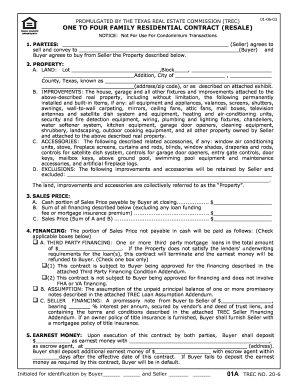
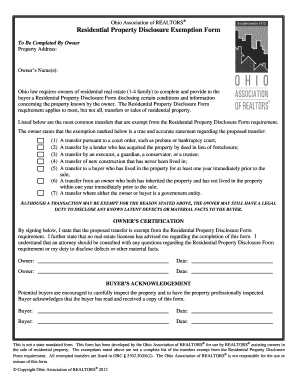
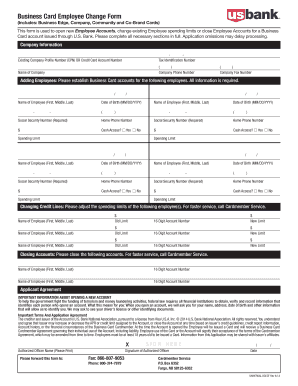
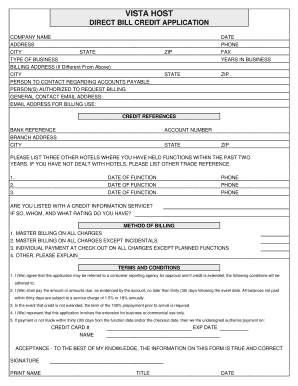
The list of printed forms is essential for efficient operations within the Etowah County Revenue Office. These forms include various categories such as tax forms, registration forms, and billing statements, and are integral to the functioning of the office. The printed forms are customized with precise specifications, including color-coded sections and predefined margins, to enable clear communication and streamlined processing.
- Tax Forms: These support various tax-related needs such as property tax submission, annual tax reports, and payment records.
- Registration Forms: Used for vehicle registration, business licenses, and related administrative processes.
- Billing Statements: Essential for generating invoices and statements related to County revenue collections.
How to Use the List of Printed Forms for Revenue Office - Etowah County
Using the list involves familiarizing yourself with the required forms for specific services and procedures. Each printed form comes with distinct instructions to ensure proper completion and submission.
- Identify Needs: Determine the service or process you require, such as tax payment or vehicle registration.
- Select Forms: Choose the appropriate forms listed for the specific service. Double-check the codes or names to ensure accuracy.
- Follow Instructions: Adhere to provided instructions on each form for correct completion. Pay attention to sections that require particular attention, like signatures or supporting documentation.
Steps to Complete the List of Printed Forms for Revenue Office - Etowah County
Completing the forms accurately is crucial for compliance and efficiency. Follow the steps provided below to ensure a smooth process.
- Gather Information: Collect all necessary details and documentation relevant to your need, such as personal identification, financial records, or property information.
- Fill Out Forms: Enter accurate information into each field. Use legible handwriting if completing by hand, or type responses if submitting digitally.
- Review and Verify: Double-check your entries for accuracy, ensuring all mandatory fields are completed.
- Submit Forms: Choose the applicable submission method—online, mail, or in-person—according to the guidelines provided with the forms.
Legal Use of the List of Printed Forms for Revenue Office - Etowah County
Legally, these forms must be completed truthfully and submitted within the stipulated timeframe to avoid penalties. They are covered by confidentiality agreements under state and federal laws, ensuring that all personal data is adequately protected.
- Confidentiality: Your personal and business information will be protected according to privacy laws.
- Compliance: Adhering to the listed form guidelines is necessary to ensure legal compliance.
Software Compatibility for the List of Printed Forms
For efficiency, select forms may be compatible with software such as QuickBooks or TurboTax. These platforms can be used to auto-populate fields, calculate taxes, and ensure form accuracy.
- Supported Formats: The forms can often be uploaded in PDF or DOC formats, enabling compatibility with popular accounting and tax software.
- Integration Benefits: Integration with software aids in reducing manual errors and improving processing speed.
Important Terms Related to the List of Printed Forms
Understanding key terms linked to these forms can facilitate better comprehension and avoid errors during completion.
- Submission Deadline: The final date by which the forms must be submitted to avoid penalties.
- Supporting Documents: Additional documentation that may need to accompany the forms, such as receipts or identification.
- Verification: The process of checking the accuracy and authenticity of the data entered on forms.
Penalties for Non-Compliance
Failure to accurately complete or timely submit the necessary forms can result in various penalties, including fines or legal action.
- Fines: Monetary penalties for late submission or false information.
- Legal Consequences: Potential legal actions if the violation is severe, such as fraudulent activity.
Filing Deadlines and Important Dates for the List of Printed Forms
It's crucial to be aware of specific filing deadlines to avoid incurring penalties. Deadline dates vary depending on the form type, such as property taxes or business registrations.
- Annual Property Tax Forms: Usually due by April 15th.
- Business Registration Renewals: Typically required by the end of the fiscal year.
- Vehicle Registrations: Based on the owner's birth month or purchase date.
By understanding these detailed aspects of the "List of Printed Forms for Revenue Office - Etowah County," you can navigate and utilize these forms effectively, ensuring compliance with local laws and efficient processing of your transactions.