
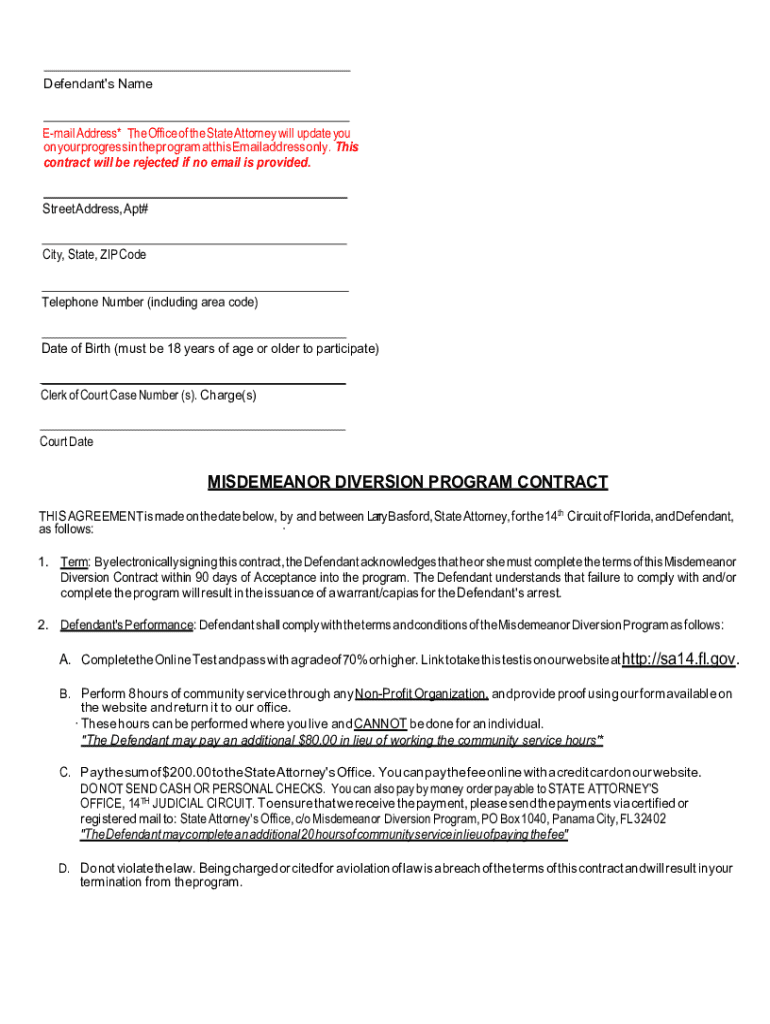







Definition & Meaning
The term "form online" refers to various digital forms that can be completed and submitted through the internet. These forms are used for a wide range of purposes, such as applications, legal agreements, and data collection. Online forms offer the convenience of accessing, filling out, and submitting forms from any location using a computer or mobile device. They eliminate the need for paper-based forms, which require physical handling and mailing. This digitization supports efficient document management and streamlining administrative processes.
Types of Online Forms
- Application Forms: Used for job applications, school admissions, or service sign-ups.
- Legal Forms: Contracts, agreements, or consent forms requiring signatures.
- Survey Forms: Designed to collect feedback or conduct research.
- Tax Forms: Used for filing taxes electronically.
How to Use the Form Online
Using an online form involves a few straightforward steps, making the process seamless and user-friendly. The critical aspect is ensuring the internet connection is stable throughout the process.
Step-by-Step Process
-
Access the Form: Visit the relevant website or platform hosting the form, such as DocHub. Forms might be embedded in an email or accessible via a direct link.
-
Read Instructions: Carefully review any guidance or requirements related to completing the form to avoid errors or omissions.
-
Fill Out the Form: Enter the required information into designated fields. Online forms often automatically validate input, reducing mistakes.
-
Review and Edit: Verify that all entered details are correct and make any necessary modifications before submission.
-
Submit the Form: Click the submit button to send the completed form. Confirmation messages or emails might be sent upon successful submission.
Benefits of Online Forms
- Efficiency: Reduces processing time by eliminating mailing delays.
- Accuracy: Minimizes errors with automated validation features.
- Accessibility: Forms are available around the clock from any location.
Steps to Complete the Form Online
Completing an online form can be broken down into critical stages to ensure it is filled accurately and submitted correctly.
Initial Preparation
- Gather all required information and documents beforehand, including identification numbers, contact details, and any supporting evidence needed.
Filling Out the Form
- Use a secure and private internet connection to enter details.
- Utilize tooltips and help icons, which often provide guidance on each field.
Reviewing and Submitting
- Double-check entries for accuracy and completeness.
- Use a preview function if available to view the form in its entirety before submission.
- Once satisfied, click the submit button. Save any confirmation or receipt details provided for future reference.
Why Should You Form Online
Submitting forms online offers numerous advantages over traditional paper-based submissions. Understanding these benefits can help users appreciate the shift toward digital solutions.
Advantages
- Convenience: Forms can be completed at any time without the need for physical travel.
- Speed: Instant submission boosts processing times and can lead to quicker responses or decisions.
- Eco-Friendly: Reduces paper usage, contributing to environmental sustainability.
Enhanced Security
- Online forms often integrate robust encryption protocols to protect sensitive data during transmission and storage.
Key Elements of the Form Online
Understanding the critical components of an online form ensures users can navigate and complete forms efficiently and effectively.
Typical Form Elements
- Text Fields: For entering names, addresses, and other personal data.
- Dropdown Menus: Offer selections from a list to streamline data entry and maintain uniformity.
- Check Boxes: Enable users to select multiple options for applicable queries.
- Signature Fields: Facilitate electronic signing, legally binding the document as per the ESIGN Act.
Interactive Features
- Validation: Ensures that users provide required information before submission.
- Dynamic Display: Some fields might appear based on previous selections, tailoring the form to the user’s inputs.
Legal Use of the Form Online
Using online forms for legal purposes requires an understanding of compliance and regulatory frameworks that govern electronic documents.
Compliance Standards
- Electronic Signatures in Global and National Commerce (ESIGN) Act: Ensures electronic signatures are legally recognized.
- Uniform Electronic Transactions Act (UETA): Provides a legal framework for using electronic records and signatures.
Validity of Online Forms
- Proper use and adherence to legal standards make online forms just as enforceable as their paper counterparts, as long as the necessary signatures and consent are documented.
Form Submission Methods (Online / Mail / In-Person)
Various submission methods for forms are available, each with its own set of advantages and considerations.
Comparison of Submission Methods
- Online: Fast, secure, and accessible from anywhere; preferred for its efficiency and reduced risk of data loss.
- Mail: Offers a tangible record of submission but is slower and subject to postal delays.
- In-Person: Enables direct interaction, which can be useful for complex submissions that require clarification or immediate feedback.
Choosing the Right Method
- Consider the form type, urgency, and level of personal interaction required when selecting the submission method.
Examples of Using the Form Online
Real-world use cases showcase the versatility and practicality of completing forms online across different sectors and needs.
Case Studies
- Educational Institutions: Students fill out applications for admissions or financial aid online, streamlining the selection process.
- Business Contracts: Companies use online forms to draft agreements and orders, with partners signing electronically to expedite deals.
- Government Services: Citizens submit tax returns and request public records via online portals, enhancing accessibility to essential services.
Sector-Specific Applications
- Healthcare: Patients use online forms for appointment requests and medical history documentation, improving administrative efficiency in clinics and hospitals.




