






Definition & Meaning
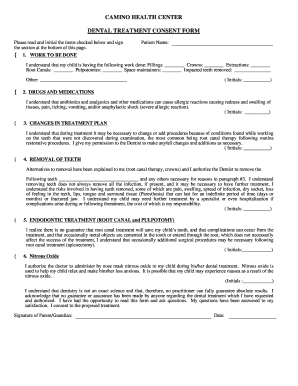
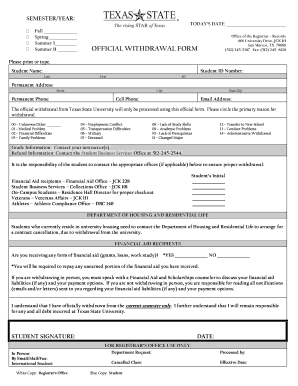
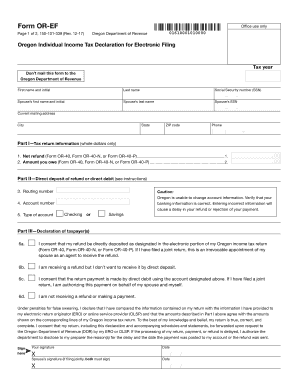
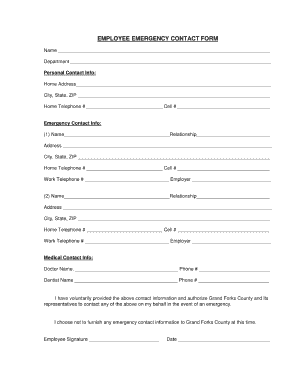
The term "form online" generally refers to any type of document or template that can be filled, submitted, or managed over the internet. This concept has become increasingly relevant as digital tools and platforms, like DocHub, enable users to handle forms digitally without the need for physical paperwork. These forms can include applications, authorizations, tax forms, or any document requiring structured input. The main advantage revolves around convenience, accessibility, and the ease of sharing and collaboration. Individuals, businesses, and legal entities benefit from the capability to create and manage forms efficiently, ensuring streamlined workflows.
How to Use the Form Online
To use a "form online" seamlessly, access a platform that supports digital form handling, such as DocHub. Generally, the process starts by importing your form from your device or cloud storage. The platform's tools allow you to add necessary information, attach files, and edit existing details in a user-friendly interface. Once completed, the online form can be stored, shared with others for further contributions, or submitted to relevant authorities. The ability to save progress and revisit to make changes at any point is a key feature, enhancing productivity and ensuring that information can be modified or updated as necessary.
Steps to Complete the Form Online
- Access the Platform: Begin by logging into your preferred online form service.
- Import the Form: Choose to upload a document from your computer or a cloud service.
- Edit and Populate: Use the platform's editing tools to fill in the form fields.
- Review and Revise: Before submitting, review the form to ensure all details are accurate.
- Save or Share: Either save the form for later use or share it with others for collaboration.
- Submission: Submit the completed form through the available online channels.
Key Elements of the Form Online
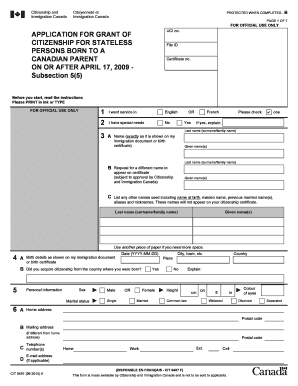
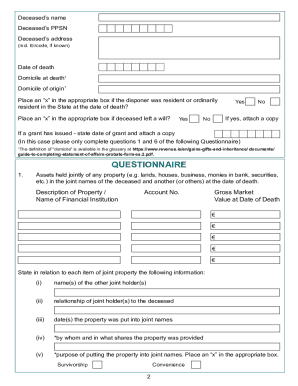
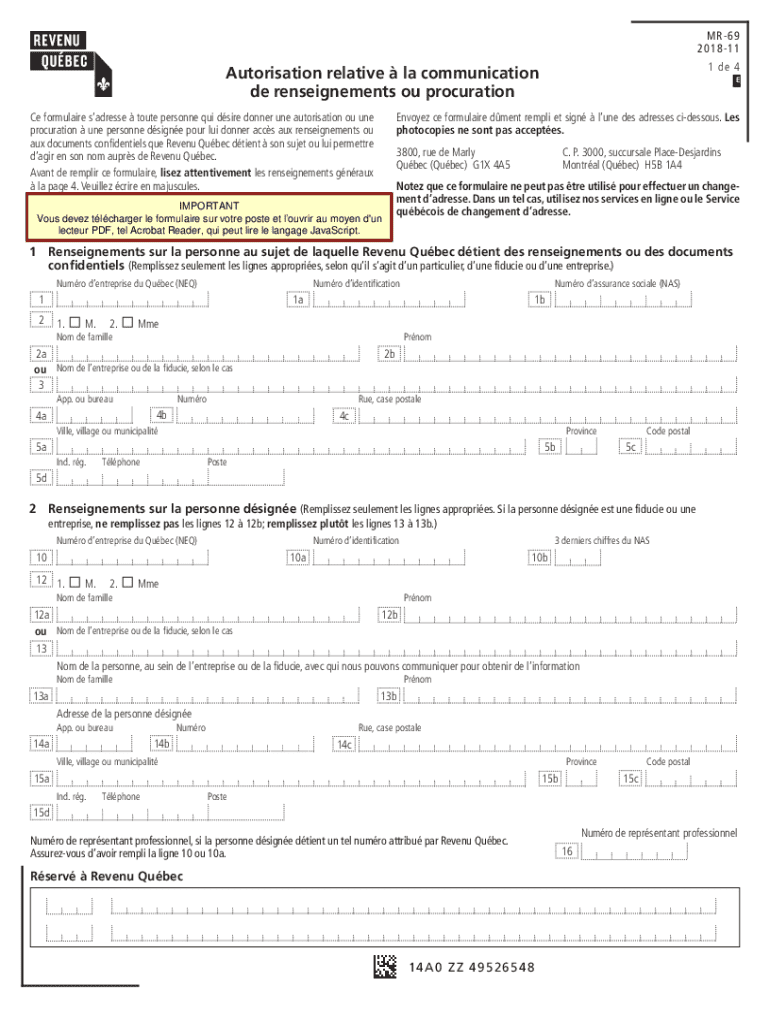
A typical "form online" comprises several key components which include fields for text input, checkboxes, dropdown selections, and signature fields. Additionally, instructional guidelines are often provided to help users accurately fill out each section. This ensures users provide only the required information in the correct format, aiding in streamline data collection and processing. Fillable fields may be interactive, prompting users with hints and immediate data validation. Such features reduce errors and omissions, ensuring that completed forms meet the necessary criteria before submission.
Legal Use of the Form Online
The legality of using forms online hinges upon compliance with relevant laws and regulations, which often vary by jurisdiction. For instance, electronic signatures collected via platforms such as DocHub are typically governed by the ESIGN Act in the United States, making them just as legally binding as paper-based signatures. It's crucial that users understand the specific requirements of the form they are handling to ensure compliance. When dealing with sensitive or confidential information, users should also ensure the form meets security standards to protect against unauthorized access.
Software Compatibility
Forms online are often compatible with various digital tools and software platforms, enhancing their versatility. For example, DocHub works seamlessly with Google Workspace, allowing users to easily integrate with Google Drive and Gmail. This compatibility extends to other popular software like TurboTax or QuickBooks, which are frequently used by individuals and businesses for tax-related forms. The ability to import, edit, and manage forms across different applications ensures users can maintain continuity in their workflows and data management processes.
State-Specific Rules for the Form Online
State-specific rules may affect how certain forms should be completed or managed online. Different states within the U.S. may have varying regulations regarding the submission and handling of online forms, especially in legal, financial, and government contexts. It’s important for users to consult relevant guidelines or seek professional advice to ensure their form submissions align with state-specific laws and requirements. This is particularly crucial for tax forms, business registrations, or any legal documentation that might affect compliance and enforcement.
Examples of Using the Form Online
An example of effectively using forms online could be found in businesses needing to process employee onboarding paperwork electronically. Using an online platform, HR teams can quickly distribute employment forms to new hires, who can fill them out remotely. Similarly, freelancers filling out IRS Form W-9 can use digital platforms to complete and send these forms securely to their contracting companies, ensuring they meet tax obligations promptly. These scenarios underscore the practicality of managing forms online across various use cases, enhancing efficiency and accuracy.
Penalties for Non-Compliance
Failing to comply with regulations when using forms online can result in significant penalties. Such penalties may include fines, legal action, or the voiding of documents, particularly when dealing with legal or government-required forms. Ensuring data is correctly entered, forms are fully completed, and submitted in adherence to deadlines or regulations can help prevent non-compliance. Utilizing online tools that check for errors or omissions and include validation prompts can significantly contribute to reducing the risk of non-compliance.