






Definition and Meaning of Form Online
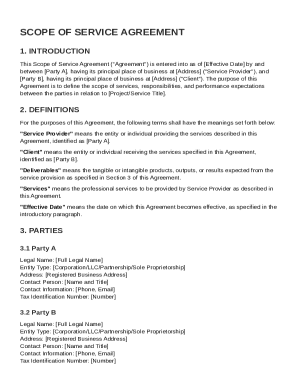
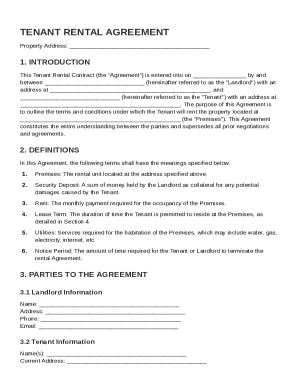
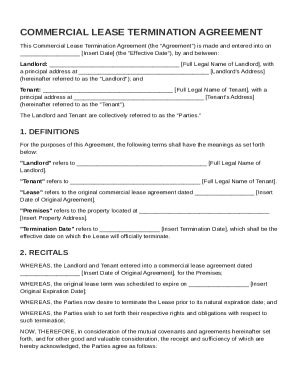
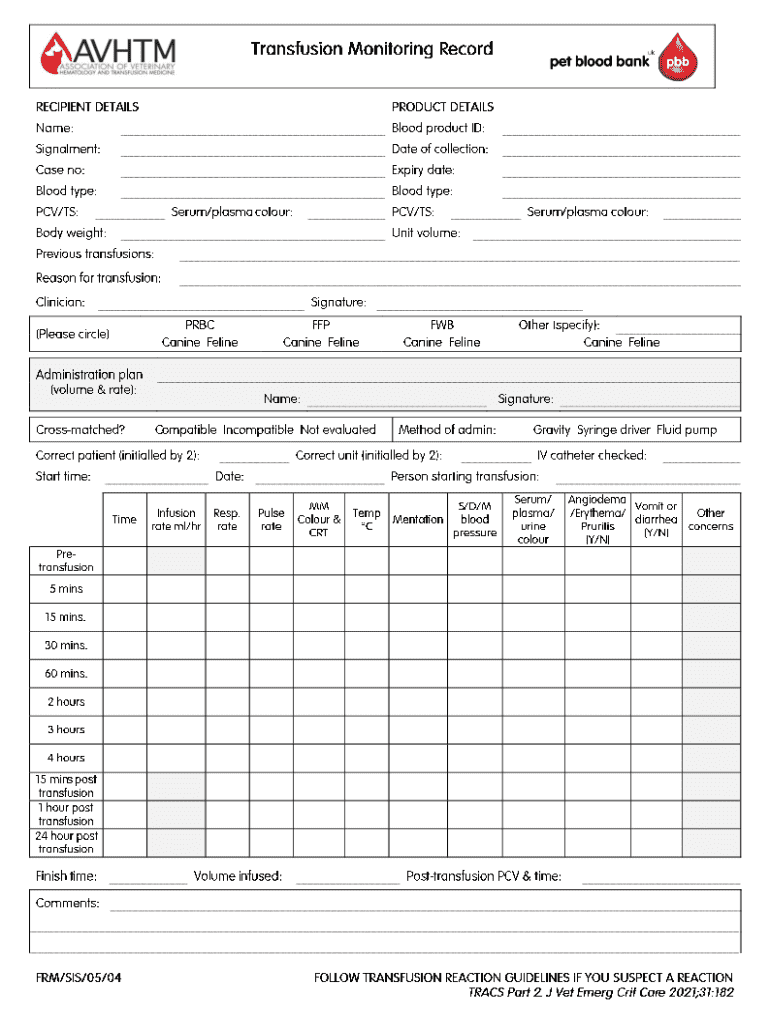
The concept of "form online" refers to the digital version of traditional paper forms, which are accessible and fillable using online platforms like DocHub. These forms are designed to streamline the process of data collection, providing a user-friendly interface for completion and submission without the need for physical handling. Digital forms are integral for various purposes, from tax filings and job applications to consent forms and surveys.
Features of Online Forms
- Interactive Fields: Online forms often include text boxes, checkboxes, and dropdown menus to facilitate user input.
- Accessibility: Forms are accessible from any location with internet access, supporting remote completion.
- Automated Calculations: Some forms may include built-in formulas for computing totals or other calculations automatically.
- Error Checking: Real-time validation can notify users of errors, ensuring accurate submission.
How to Use the Form Online
To use forms online effectively, users must understand the process of accessing and completing these forms digitally. Platforms like DocHub provide straightforward tools to manage this task.
Steps to Access and Complete Forms
- Log In to the Platform: Access your account on DocHub or another relevant platform with your credentials.
- Select the Form: Browse available forms or search for the specific form you need.
- Fill Out the Form: Use the interactive fields to enter the required information, ensuring each section is complete.
- Review and Edit: Confirm all information is correct, utilizing editing tools to make any necessary changes.
- Submit the Form: Once satisfied, submit the form directly through the platform, or save it for later submission.
Benefits of Online Form Completion
- Time-Efficient: Avoids mailing delays and allows immediate submission.
- Error Reduction: Prompts and validations minimize errors during completion.
- Convenience: Users can fill out forms at their convenience without requiring physical presence.
Key Elements of the Form Online
Understanding the critical components that comprise online forms improves both familiarity and ease of use.
Common Elements Found in Online Forms
- Section Headers: Identifies distinct parts of the form for clarity.
- Mandated Fields: Certain fields may be marked as required, ensuring all necessary information is captured.
- Instructional Tips: Provides guidance on how to fill out difficult or uncommon sections.
- Data Protection Measures: Details on encryption or protection of entered data.
Legal Use of the Form Online
The online submission and completion of forms must comply with legal standards to ensure their validity, particularly in official or sensitive contexts.
Legal Considerations
- Compliance with Acts: Conformance with laws such as the ESIGN Act, which recognizes electronic signatures.
- User Authentication: Online forms often require secure login processes to validate user identity.
- Privacy Protections: Forms include statements about data use and protection protocols.
State-Specific Rules for the Form Online
Online forms can be subject to variations based on state regulations, affecting how they are completed and submitted.
Understanding Variations
- State Regulations: Some states may impose specific requirements for certain forms, such as tax or legal documents.
- Format Differences: Variation in form layout or required documents due to jurisdictional preferences.
- Submission Portals: Different states may direct submissions to unique online portals or state-specific software.
Examples of Using the Form Online
To illustrate the utility and versatility of online forms, consider the following practical examples:
Common Applications
- Tax Filings: Forms such as the W-9, which requests taxpayer identification, are frequently completed online.
- Job Applications: Digital forms streamline the application process, allowing easy submission and tracking.
- Consent Forms: Medical or educational consents can be quickly completed and submitted for immediate processing.
IRS Guidelines for Online Forms
The Internal Revenue Service (IRS) provides specific guidelines for completing tax-related forms online.
Key Guidelines
- Uniformity: Adhere to prescribed formats to ensure prompt processing.
- Electronic Signature Acceptance: The IRS recognizes electronic signatures under certain guidelines.
- Submission Deadlines: Ensure forms are submitted electronically by the prescribed deadlines to avoid penalties.
Who Typically Uses the Form Online
Online forms cater to a variety of users, each leveraging the format for different purposes.


Typical Users
- Business Professionals: For employment contracts, vendor agreements, and business registrations.
- Taxpayers: Individuals and businesses filing returns and managing tax obligations.
- Healthcare Providers: For managing patient information, consent forms, and medical histories electronically.
These structured blocks offer comprehensive information relevant to understanding and utilizing the concept of forms online, specifically within the context of DocHub's offerings.