
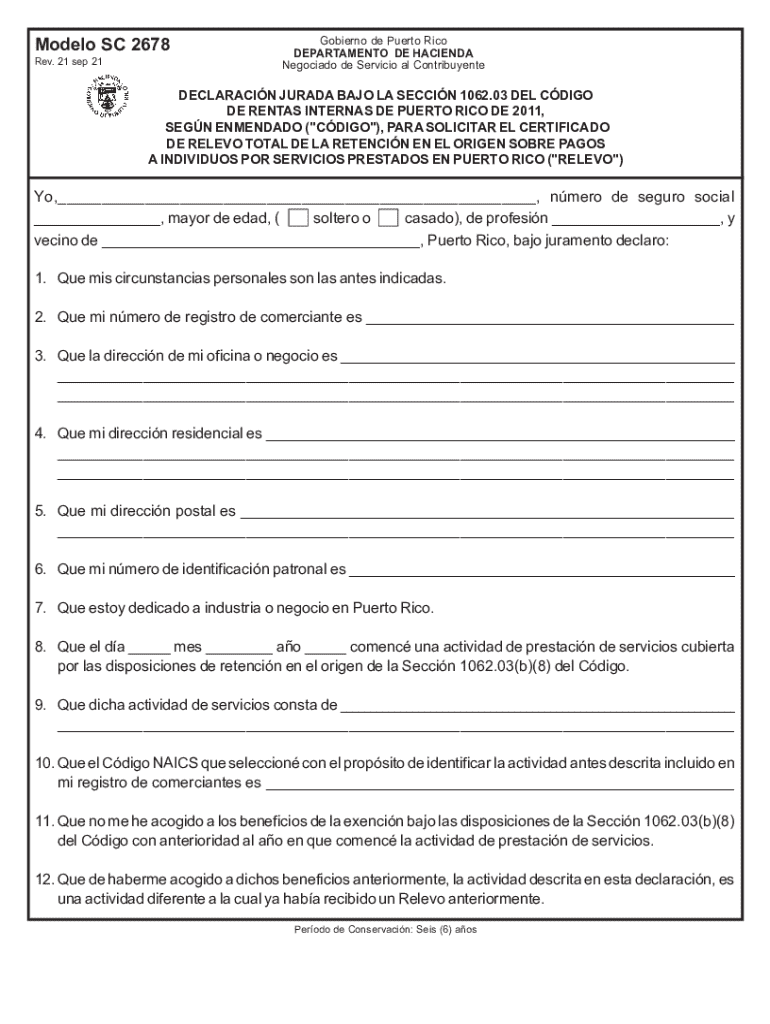







Definition and Meaning of "Form Online"
"Form online" refers to the process of accessing, completing, and submitting forms via the internet. This digital mode of form handling streamlines document-related tasks by leveraging online tools and platforms, thus eliminating the need for paper forms. Whether it’s an application, a tax return, or a legal form, performing these tasks online simplifies the procedure and makes it more accessible. Various platforms, including DocHub, provide features that allow users to interact with forms, add necessary information, and submit them securely and efficiently.
How to Obtain the Form Online
To obtain a form online, start by identifying the specific form you need. Most government agencies and businesses offer downloadable forms directly from their websites. For example, tax forms can be accessed through the IRS website, while legal and business forms might be available on state or private sites. DocHub simplifies this process by allowing users to import forms directly from cloud storage services like Google Drive, Dropbox, or by creating them from scratch. Once identified, forms can be downloaded or imported into online form editors such as DocHub for further action.
Steps to Complete the Form Online
Completing a form online involves several key steps. First, locate and access the form through an official platform or document editor. Import it into DocHub, where you can use the Form Fields manager to fill in the necessary details. Start by entering basic information, such as your name and address, into text boxes. Next, proceed to checkboxes or dropdown menus for specific selections. Add electronic signatures where required. Review the form carefully to ensure accuracy before finalizing and saving your changes. Finally, use the platform’s tools to either submit the form directly or save it for further processing.
Why Should You Use Form Online?
Using forms online offers numerous benefits over traditional paper forms. The primary advantage is convenience, as it allows users to access and complete forms 24/7 from any location with internet access. Security is another critical component, with features like 256-bit SSL encryption ensuring safe data handling. Online forms also reduce the risk of errors through features like automated data validation and spelling checks. Additionally, electronic submission saves time and resources, eliminating the need for postage and manual delivery while ensuring faster processing times.
Legal Use of the Form Online
Forms completed online hold the same legal weight as their paper counterparts, provided they meet specific criteria. They must comply with relevant legislation, such as the Electronic Signatures in Global and National Commerce (ESIGN) Act, which grants electronic signatures the same legal standing as handwritten ones. Platforms like DocHub ensure compliance by offering legally binding electronic signatures and secure document handling features. Users can confidently use online forms for a range of legal transactions, from business contracts to regulatory applications, knowing they meet necessary legal standards.
Who Typically Uses Form Online?
A wide range of users utilizes forms online, from individual taxpayers and professionals to businesses and government agencies. Self-employed individuals often use online tax forms for quarterly filings, while businesses might use them for HR processes, like job applications and onboarding paperwork. Educational institutions rely on them for student registrations and financial aid applications. Government agencies use online forms for everything from license renewals to census data collection, showcasing the versatility and broad utility of digital forms across various sectors.
Key Elements of the Form Online
Key elements of an online form include headings, sections, and a variety of input fields designed for specific data collection tasks. Headings and section dividers enhance navigation, allowing users to move through the form systematically. Input fields might include text boxes for free-form data entry, radio buttons for single selections, checkboxes for multiple selections, and signature fields for authenticating the document. These elements work in tandem to ensure comprehensive data collection while providing an intuitive and user-friendly experience.
Examples of Using Form Online
There are numerous practical examples where forms online are advantageous. Individuals filing a federal tax return can do so directly through the IRS website or third-party tax software. Job seekers complete employment applications online, often directly on a company’s career portal. For legal processes, such as business entity formation or name change applications, many states provide online submission options. These scenarios highlight the flexibility and accessibility of using online forms, demonstrating their applicability in various facets of everyday life.
State-Specific Rules for the Form Online
State-specific rules can affect how online forms are used and submitted. Each state may have distinctive regulations governing the acceptance of electronic documents and signatures. For example, some states require additional documents to accompany online filings or specify formats for digital submissions. Understanding these nuances is crucial for compliance, especially for legal and tax-related forms. DocHub and similar platforms often provide resources or guidance to help users navigate state-specific requirements, ensuring their forms are processed correctly and efficiently.




