01. Edit your form online
Type text, add images, blackout confidential details, add comments, highlights and more.

Type text, add images, blackout confidential details, add comments, highlights and more.

Draw your signature, type it, upload its image, or use your mobile device as a signature pad.

Send it via email, link, or fax. You can also download it, export it or print it out.
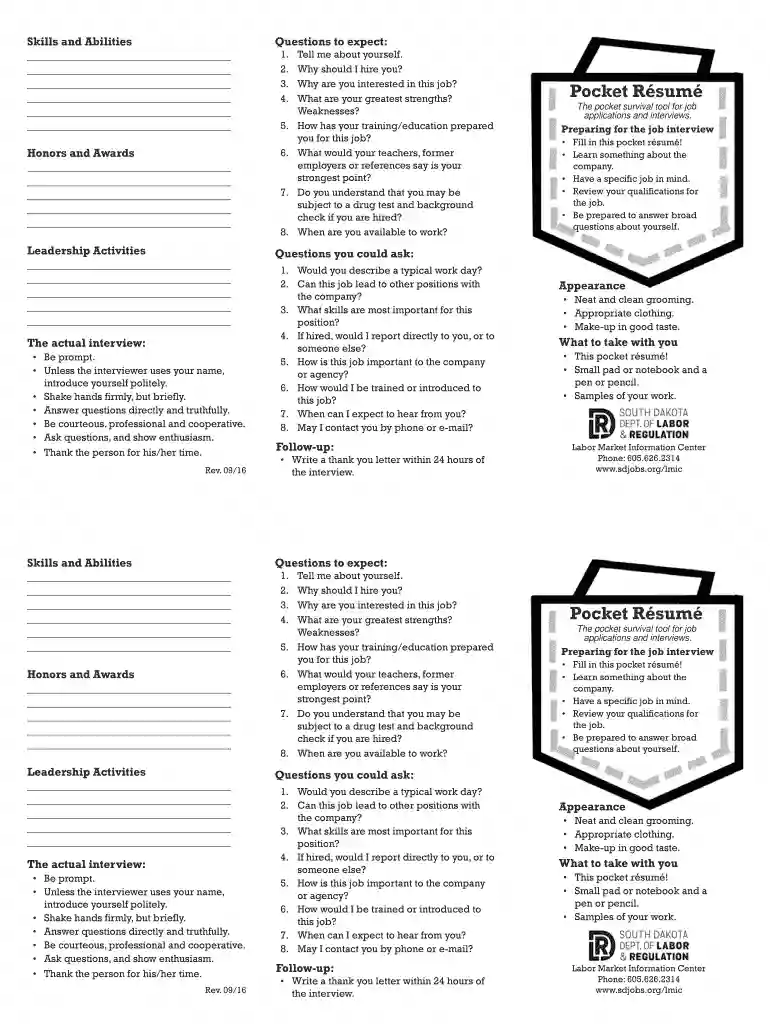
Understanding "skills and abilities" is crucial for both personal development and professional success. In this context, skills refer to the learned capacities to carry out tasks with precision and expertise, such as proficiency in Microsoft Office or data analysis. Abilities, on the other hand, are the natural or inherent talents that make performing tasks easier, such as problem-solving or adaptability. These elements are critical in job applications and performance evaluations, as they help employers identify suitable candidates for specific roles and projects.
Using a "Skills and Abilities" form effectively involves several steps:
Identify Your Skills: Begin by listing both hard and soft skills relevant to the job or task at hand. Hard skills are technical abilities learned through training or education, like programming or accounting. Soft skills include communication, teamwork, and leadership abilities.
Highlight Relevant Abilities: Consider your inherent talents and how they align with your professional responsibilities or ambitions.
Provide Concrete Examples: Demonstrate how you have applied these skills and abilities in real-world scenarios. Utilize case studies or past job experiences to illustrate your proficiency and problem-solving capabilities.
Regularly Update: Keep the form current by periodically revisiting it to add new skills learned or experiences gained, ensuring it reflects your professional growth.
Gather Information: Collect data on previous job descriptions, vocational training, and educational achievements that can inform your skills inventory.
List Skills and Abilities: Categorize them by hard and soft skills, and align them with relevant job responsibilities.
Provide Context: For each skill, include a brief description or example of its application. This proof will help differentiate similar skills by context and impact.
Prioritize Skills: Based on the job or situation, prioritize skills and abilities that best match the requirements, ensuring they are easily identifiable on the form.
Understanding these terms can provide clarity in creating an effective form:
Consider scenarios where the form can play a pivotal role:
Some software can help manage or compile skills and abilities more effectively:


We've got more versions of the Skills and Abilities form. Select the right Skills and Abilities version from the list and start editing it straight away!
At DocHub, your data security is our priority. We follow HIPAA, SOC2, GDPR, and other standards, so you can work on your documents with confidence.