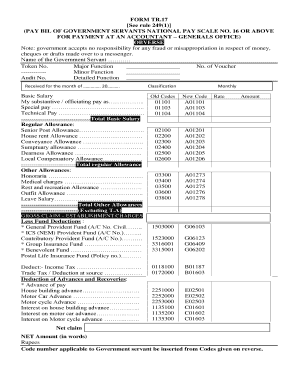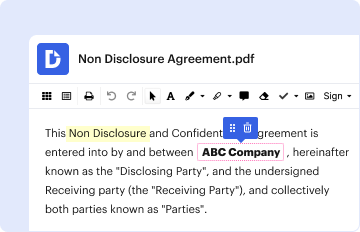
01. Edit your form online
Type text, add images, blackout confidential details, add comments, highlights and more.

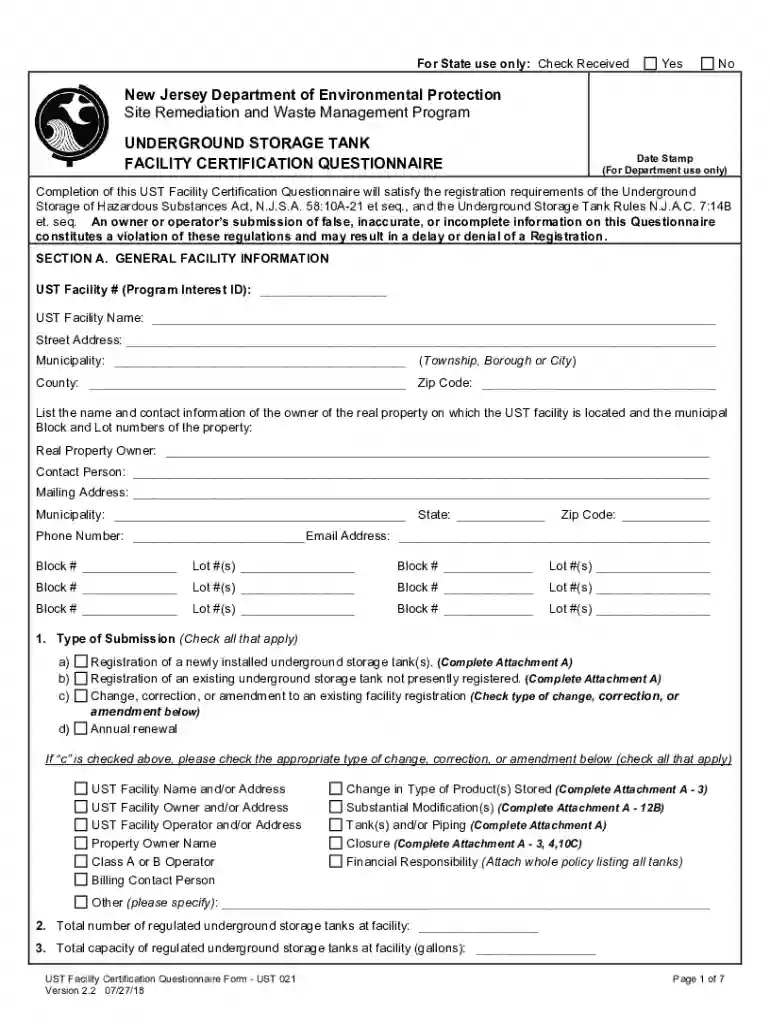
Type text, add images, blackout confidential details, add comments, highlights and more.
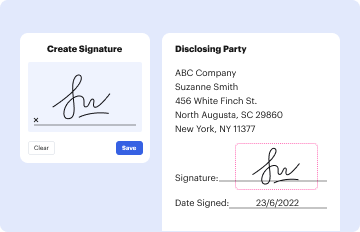
Draw your signature, type it, upload its image, or use your mobile device as a signature pad.

Send it via email, link, or fax. You can also download it, export it or print it out.
The "iLovePDF API Reference for developers" is a comprehensive guide designed for software developers who wish to integrate the functionalities of iLovePDF into their applications. The API (Application Programming Interface) provides programmatic access to a variety of PDF tools, such as merging, splitting, compressing, and converting documents. This documentation assists developers in understanding how to effectively use these features, ensuring that they can automate and enhance their document processing workflows efficiently.
Utilizing the iLovePDF API involves several steps that developers must follow. Firstly, developers need to obtain an API key, which provides access to iLovePDF services. With this key, they can make HTTP requests to the API endpoints, each corresponding to a specific document processing task. Here’s a high-level process of using the API:
Register for an API Key: Sign up on the iLovePDF website and obtain your API key.
Choose the Right Endpoint: Determine the specific API endpoint needed for your task, such as merging PDFs or converting documents.
Construct an HTTP Request: Use programming languages that support HTTP requests (such as Python, JavaScript, or Ruby) to structure your requests.
Handle API Responses: Process the API responses to manage errors or retrieve the desired output, such as a processed file link.
Integrate within your Application: Embed calls to the iLovePDF API within your software application to automate document processing tasks.
Understanding specific terminology is crucial for efficiently using the iLovePDF API. Some key terms include:
Endpoint: A specific URL pattern provided by iLovePDF to carry out distinct actions such as "convert" or "merge".
API Key: A unique identifier that authenticates requests associated with your project.
Request Payload: Data sent to the API, often in JSON format, specifying the parameters of your document processing actions.
Response Object: The data structure returned by the API, containing the results of the request, including operation status and links to processed documents.
Rate Limiting: A restriction on the number of API requests a user can make within a certain timeframe, ensuring fair use of resources.
Completing a task using the iLovePDF API involves several technical steps, each of which should be followed carefully to ensure success:
Authenticate your Requests: Include your API key in your request headers to authenticate your session.
Select the Operation: Identify the specific iLovePDF feature you need, like merging PDFs.
Prepare your Files: Upload files or specify file links to include them in your API calls.
Craft the API Request: Structure your HTTP request with all necessary parameters and file data.
Process and Monitor: Send your request to the appropriate endpoint and monitor responses to handle any errors.
Implement as Needed: Use the processed data returned by the API within your application scenarios.
Practical examples can illustrate the versatility of the iLovePDF API:
Automated Invoice Processing: A developer can use the API to merge multiple invoice PDFs into a single document for easier sharing with accounting teams.
Bulk Document Conversion: Companies can use the API to convert large batches of Word documents to PDFs efficiently and accurately, supporting document consistency requirements.
Workflow Enhancements: A bespoke application might integrate the iLovePDF API to enable users to compress large PDFs before emailing them, saving on bandwidth and storage.
Developers must adhere to the legal frameworks governing the use of the iLovePDF API. It is essential to comply with iLovePDF's terms of service and ensure that your usage respects data privacy laws, such as the GDPR for European users or the CCPA in California. Proper data handling practices must be maintained, especially when processing sensitive information via the API.
The iLovePDF API is designed to be compatible with a variety of software platforms and programming languages that support HTTP request creation and handling. Whether integrating into a web application using JavaScript, a backend service in Python, or a desktop application with Java, developers will find broad compatibility across different technological ecosystems. The API documentation provides code examples in multiple languages, facilitating smoother integration.
Critical components of the iLovePDF API include:
Endpoints: Offering specific functionalities such as file compression or format conversion.
Authorization: Implementing OAuth protocols to ensure secure access.
Error Handling: Providing detailed status codes and messages to aid in troubleshooting.
Data Security: Ensuring that data transmitted is encrypted, promoting safe data transfers.
Understanding these elements will guide developers in leveraging the API fully, supporting efficient document processing solutions.
We've got more versions of the iLovePDF API Reference for developers form. Select the right iLovePDF API Reference for developers version from the list and start editing it straight away!
At DocHub, your data security is our priority. We follow HIPAA, SOC2, GDPR, and other standards, so you can work on your documents with confidence.