




Here's how it works

01. Edit your dochub com fillable form online
Type text, add images, blackout confidential details, add comments, highlights and more.

02. Sign it in a few clicks
Draw your signature, type it, upload its image, or use your mobile device as a signature pad.

03. Share your form with others
Send cms40b via email, link, or fax. You can also download it, export it or print it out.
How to use or fill out cms 40b with our platform

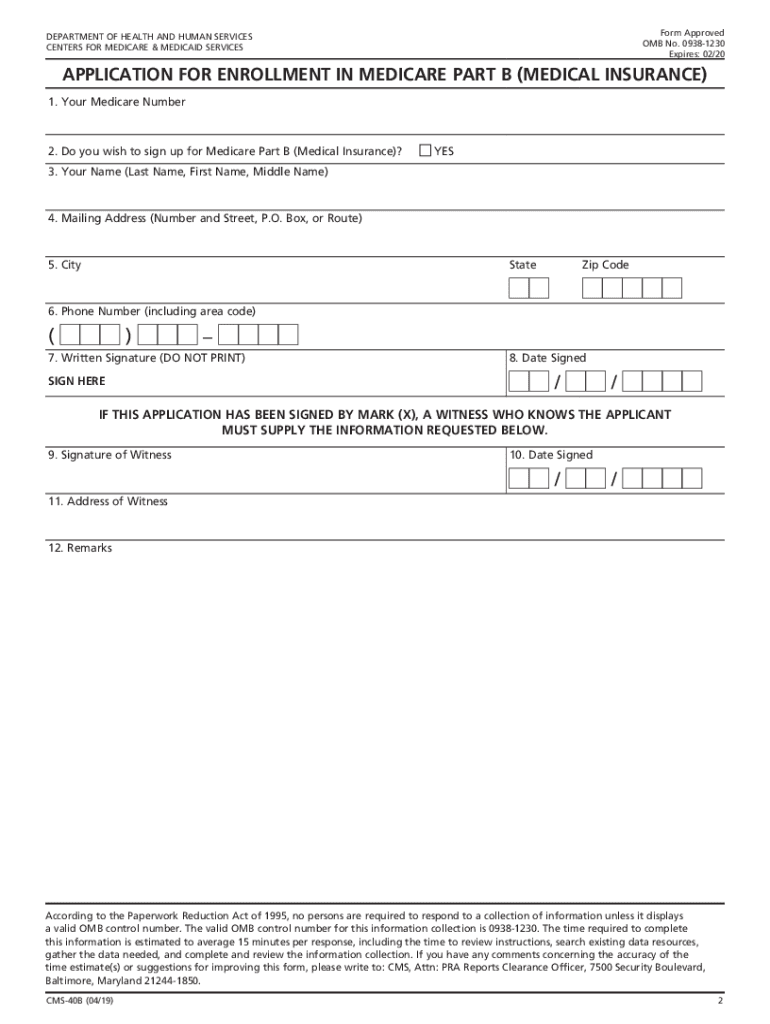
- Click ‘Get Form’ to open the cms 40b application in the editor.
- In the first field, enter your Medicare Number. This is essential for your application.
- Next, indicate whether you wish to sign up for Medicare Part B by marking 'YES' if you want medical insurance.
- Fill in your Name as it appears on your Social Security or Medicare documents, including last name, first name, and middle name.
- Provide your complete Mailing Address, including street number and name, P.O. Box, or route.
- Enter your City, State, and ZIP code accurately to ensure proper delivery of correspondence.
- Input your Phone Number with area code for any follow-up communications regarding your application.
- Sign the application in the Written Signature section; do not print your name here.
- If applicable, have a witness sign and provide their details if you marked an 'X' instead of signing.
- Review all fields for accuracy before submitting the form to ensure a smooth enrollment process.
Start using our platform today to fill out your cms 40b form online for free!
Fill out cms 40b online
It's free
Got questions?
We have answers to the most popular questions from our customers. If you can't find an answer to your question, please contact us.
Contact us
What is form CMS 40B for?
You will electronically sign the online application, so you will need to provide an email address. If you prefer, you can fax or mail the completed forms CMS-40B Application for Enrollment in Medicare Part B (Medical Insurance) and CMS-L564 Request for Employment Information to your local Social Security office.
Security and compliance
At DocHub, your data security is our priority. We follow HIPAA, SOC2, GDPR, and other standards, so you can work on your documents with confidence.
Learn more


Related forms
Illinois congessional license
The document is a request form for Congressional Medal of Honor License Plates issued by the Secretary of State's Vehicl ...
SUPPLEMENTAL FORM 3
The document is a form from the Minnesota Board of Law Examiners for applicants seeking admission to the bar. It require ...
Mi mc garnishment
The document outlines the Request and Writ for Garnishment related to intercepting income tax refunds or credits in the ...

Ca qr 500
The document is a customer authorization form from the California Department of Business Oversight, allowing financial i ...
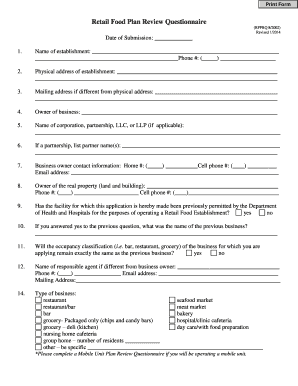
Retail food plan review questionnaire
The document is a Retail Food Plan Review Questionnaire used for submitting applications related to the operation of ret ...
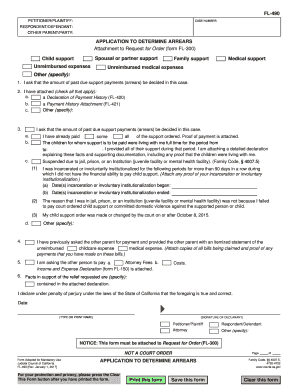
Fl 490
The document FL-490 is an application form used to determine past due support payments (arrears) related to spousal, chi ...
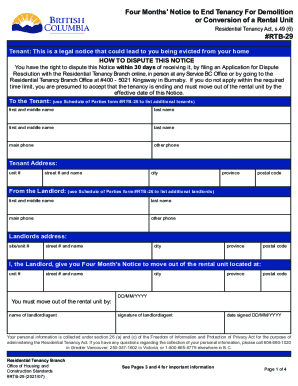
Four Months' Notice to End Tenancy For Demolition
The document is a legal notice under the Residential Tenancy Act informing tenants that their tenancy will end in four m ...
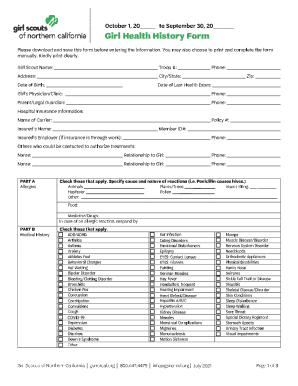
PDF COVID-19 and HIPAA: Disclosures to law enforcement ... - HHS.gov
The document is a Girl Health History Form that includes a section for parents or legal guardians to authorize their chi ...