




Definition and Meaning
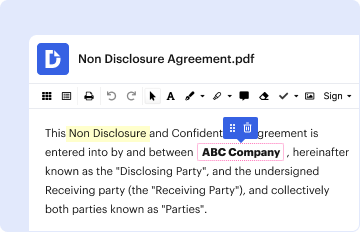
The term "form online" refers to a digital document that enables users to complete and submit various forms via the internet. These online forms can be utilized for a multitude of purposes including legal documentation, applications, surveys, and compliance checks. They provide a convenient and efficient method for data collection, reducing the need for physical paperwork.
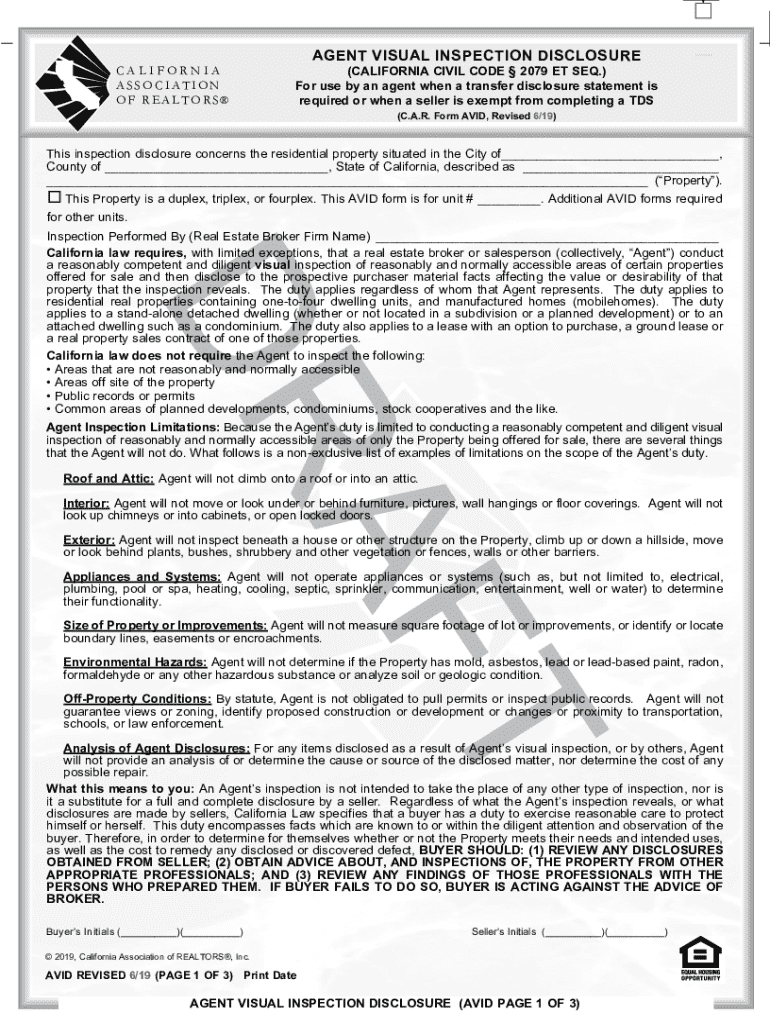
Online forms often include interactive features such as fillable fields, dropdown menus, and electronic signature capabilities. These features contribute to the flexibility and ease of use, making them an integral part of modern document workflows. For instance, in real estate transactions in California, forms like the Agent Visual Inspection Disclosure (AVID) can be completed and signed digitally, streamlining the entire process.
How to Use the Form Online
Using a form online typically involves several straightforward steps that begin with accessing the document via a web platform. Most digital form services, such as DocHub, allow users to search and select the form they need.
- Access the Form: Begin by logging into a document management platform like DocHub.
- Select the Form: Navigate through the available forms or use the search function to find your specific form.
- Complete the Form: Fill in the required fields, which could range from basic personal information to specific responses depending on the form type.
- Review and Submit: After filling out the form, review all entries for accuracy. Submit the form electronically once satisfied.
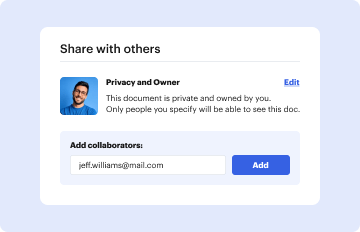
In cases where collaboration is needed, multiple users can contribute to the form by adding comments or making modifications in real-time.
How to Obtain the Form Online
Obtaining forms online is a streamlined process that typically involves accessing a digital repository or document management service. Here’s how you can easily obtain an online form:
- Identify a Trusted Platform: Use a reputable platform like DocHub, which hosts a variety of forms.
- Search or Browse: Utilize the search feature to find the specific form you need, or browse through categories if unsure.
- Download or Open Online: Once located, either download the form for offline use or open it directly in the online editor for immediate completion.
Platforms like DocHub enhance this process by offering integration with cloud storage services, allowing users to import and manage forms directly from Google Drive, Dropbox, or OneDrive.
Steps to Complete the Form Online
Completing an online form involves several critical steps to ensure all necessary data is provided accurately:
- Prepare Relevant Information: Gather all required information beforehand, such as personal identification and relevant documents.
- Open the Form: Use the document management software to open your selected form.
- Fill Required Fields: Carefully enter all necessary details into the provided fields; use guidance instructions if available.
- Attach Supporting Documents: If the form requires supporting files or signatures, attach these electronically.
- Verification: Double-check your entries for accuracy; incorrect information might lead to delays or rejections.
In consideration of U.S. regulations, ensure you're aware of legal requirements that might affect the form completion, such as notarizations or additional signatures for authentication.
Why Should You Form Online
Filling forms online offers several benefits over traditional paper forms:
- Efficiency: Digital forms decrease the time needed to fill and submit documents.
- Accessibility: Access forms from anywhere at any time, using any device with internet capabilities.
- Environmental Impact: Reducing paper usage helps in minimizing environmental footprints.
- Error Reduction: Automated field validations help in minimizing data entry errors.
Online forms are particularly useful in business environments where rapid data processing is necessary, saving both time and resources while also improving accuracy.
Who Typically Uses the Form Online
Online forms are utilized by a diverse range of users across different sectors:
- Individuals: For applications, such as university admissions or job applications.
- Businesses: For operational processes like client onboarding or regulatory compliance.
- Government Agencies: For public services, including tax filings and permit applications.
- Real Estate Professionals: For transactions and disclosures like the AVID form in California real estate.
The widespread use underscores the versatility and adaptability of online forms, making them essential tools in multiple contexts.

Key Elements of the Form Online
Online forms generally comprise several key elements to facilitate efficient data capture:
- Fillable Fields: Areas designated for inputting various types of information, such as text boxes and checkboxes.
- Submission Buttons: An area to submit the form once completed.
- Instructional Tips: On-screen guidance aiding users in sections that require specific actions.
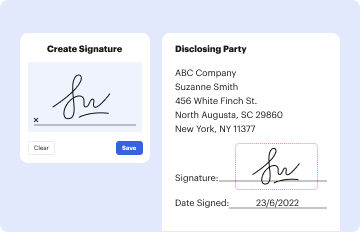
- Digital Signatures: Options for signing the document electronically.
These elements ensure that forms are user-friendly and adaptable for a wide array of purposes, enabling seamless data collection for businesses and individuals alike.
Legal Use of the Form Online
Forms completed online are subject to legal scrutiny to ensure they meet regulatory standards:
- Compliance Standards: Ensure that the form is compliant with the applicable governing bodies, such as the ESIGN Act for electronic signatures.
- Confidentiality Assurances: Any collected data must be protected under privacy laws such as the GDPR or CCPA.
- Audit Trails: Maintain records of submission and access to provide transparency and accountability for all parties involved.
In the United States, these measures enhance the credibility and acceptance of online forms in legal contexts, providing assurance to all submitting parties.