







Understanding the Concept of "Form Online"
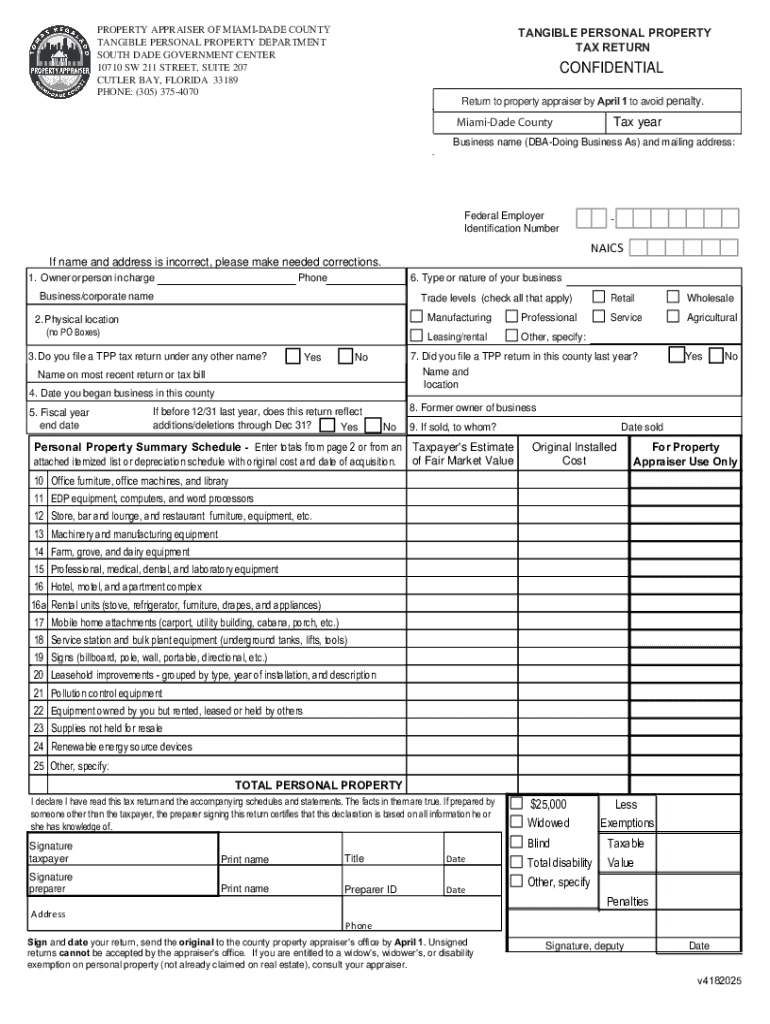
In the digital age, a "form online" refers to electronic versions of documents typically available on the internet for various purposes. These forms are designed to streamline tasks such as data collection, application submissions, and transaction processes. By offering a digital alternative to traditional paper forms, they facilitate greater efficiency, accessibility, and eco-friendliness.
Features and Benefits
- Accessibility: One of the primary benefits of online forms is their easy accessibility. Available 24/7, they can be accessed from any device with internet connectivity, reducing the need for physical proximity to government offices or business premises.
- Efficiency: Online forms often include validation features to ensure data accuracy, which minimizes errors and accelerates application processing or data analysis.
- Environmentally Friendly: Reducing paper use by eliminating the need for printing, online forms contribute to environmental conservation efforts.
How to Access Online Forms
There are several ways to obtain forms online. Here are the most common methods:
- Official Websites: Government agencies and businesses typically host online forms on their official websites, ensuring availability of the most current versions.
- Search Engines: Using search engines with specific keywords can swiftly direct users to relevant forms.
- Cloud-Based Platforms: Services like DocHub offer a centralized location for accessing and managing various types of forms, including those that can be directly filled out and submitted online.
Important Considerations
- Verification of Source: Ensure you are accessing the form from a reputable and official source to avoid outdated or fraudulent documents.
- Security: Check for secure website connections (HTTPS) to protect personal information during form submission.
Steps to Complete an Online Form
Filling out an online form is a straightforward process, but attention to detail is crucial for accuracy. Here’s a simplified guide:
- Identify the Correct Form: Ensure you have the right form type for your needs, as very similar forms might serve different functions.
- Read Instructions Carefully: Prior to filling out the form, read all accompanying instructions to understand requirements and restrictions.
- Gather Required Information: Collect all necessary documents or information beforehand, such as personal details, financial records, or identification numbers.
- Fill Out the Form: Complete all required fields accurately; use any provided tool tips for assistance.
- Review and Edit: Double-check for any errors or omissions and correct them before submission.
- Submit: Follow the submission instructions, which may involve uploading additional documents or verifying information.
Tips for Success
- Save Progress: Some platforms allow you to save your progress and return later, providing flexibility if you need to gather additional information.
- Use Clear Language: Ensure clarity by providing concise yet complete answers in the relevant fields.
Using Online Forms for Efficiency
Completing tasks through online forms offers significant advantages over traditional methods. Here's why many opt to use them:
- Timesaving: Instant submissions eliminate mailing or delivery time, expediting processes such as tax returns or permit applications.
- User-Friendly Interfaces: Designed for ease of use, online forms provide guided assistance through interactive elements.
- Data Storage and Management: Immediate digital records make storage and retrieval straightforward, reducing the physical space needed for document archiving.
Typical Users of Online Forms
The usage of online forms spans a wide range of individuals and businesses due to their versatility:
- Individuals: From students to retirees, individuals use online forms for applying to schools, filing taxes, or accessing benefits.
- Businesses: Companies use these forms for compliance, financial reporting, human resources, and customer feedback.
- Government and Non-Profit Organizations: These entities deploy forms for public services, grant applications, and resource allocation.
Real-World Examples
- Tax Filing: Many taxpayers prefer online tax forms for their convenience and speed, allowing them to meet deadlines without hassle.
- Business Licenses: Entrepreneurs applying for permits or licenses benefit from streamlined, electronic submissions.
Legal Implications and Compliance
When using forms online, it’s important to consider legal aspects, ensuring compliance with regulations:
- Legally Binding Agreements: Online forms, like employment contracts or service agreements, are legally enforceable when executed with intention and understanding.
- Data Privacy Laws: Forms must adhere to privacy laws like the GDPR or CCPA, ensuring that personal data is handled responsibly.
Common Pitfalls
- Non-Compliance Penalties: Failing to correctly fill out and submit forms on time can lead to penalties, highlighting the importance of adherence to deadlines and regulations.
Key Elements of an Online Form
To effectively serve its purpose, an online form typically incorporates several key elements:
- Input Fields: Text boxes, dropdowns, and checkboxes collect specific data.
- Submission Buttons: Initiates the sending of form data to the intended recipient.
- Validation Checks: Automated checks that reduce errors by verifying data before submission.
- Instructional Text: Guides users on how to complete the form accurately and completely.
Differences Across States
In the United States, the requirements and availability of online forms can vary by state, reflecting local regulations and practices:
- State-Specific Forms: Tax forms, licenses, or permits might differ due to varying state laws.
- Legal Requirements: For instance, notarizations or witnessing requirements might alter how forms are structured and completed.
Recommended Actions
- Consult Local Guidelines: Always check for any specific state guidance when completing forms.
- Seek Professional Advice: For complex forms, consider professional advice to navigate state-specific intricacies.
Utilizing online forms correctly ensures compliance and efficiency, greatly enhancing the user's ability to complete necessary tasks seamlessly.




