
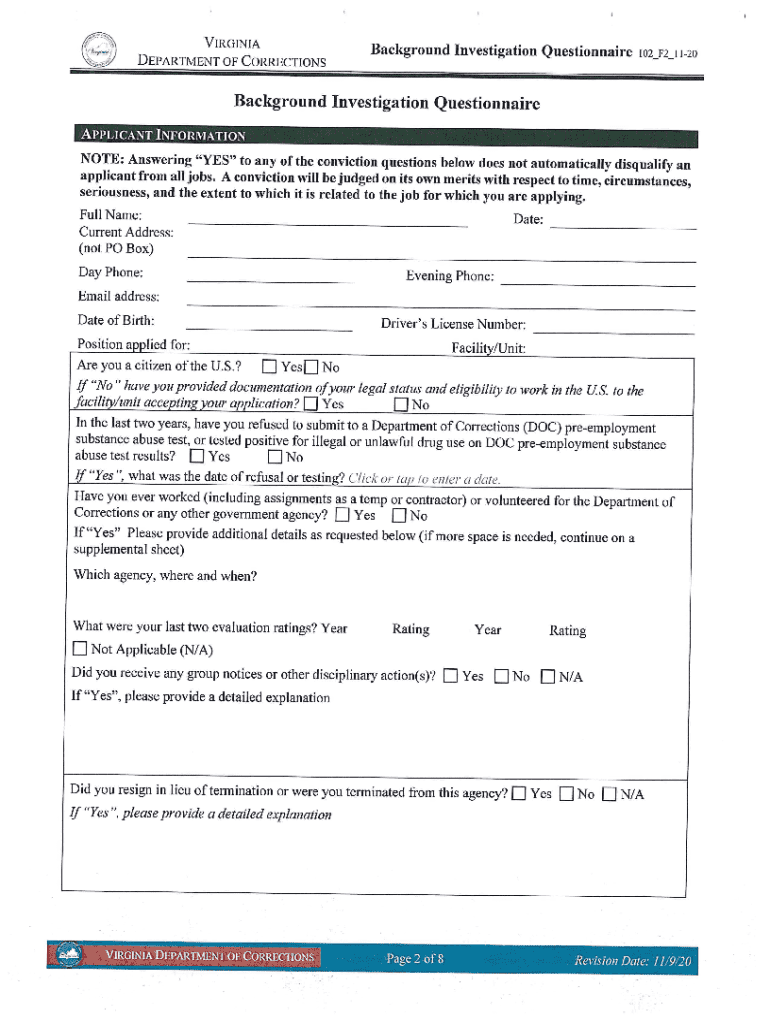







Definition and Meaning of Online Forms
Online forms are digital documents designed for data entry and submission over the internet. These forms facilitate a wide range of tasks, from gathering basic information to performing complex transactions. Unlike traditional paper forms, online forms offer the advantage of immediate processing and the ability to integrate with various applications and systems. They are widely used across different sectors, including education, healthcare, finance, and government services. The immediacy and accessibility of online forms make them a preferred choice for many organizations and individuals seeking to streamline data collection.
How to Use the Form Online
Utilizing an online form involves several straightforward steps, often beginning with accessing the form through a browser. Users can typically fill out the form by entering the required information into designated fields. Many platforms offering online forms, such as DocHub, provide additional tools that allow users to enhance or modify the form according to their specific needs. This can include adding signatures, comments, or additional information that may be necessary for processing the form. Upon completion, a simple click can submit the form to the required destination, often with the option to save a copy for personal records.
Practical Steps for Form Usage:
- Access the form via URL or platform.
- Enter information into specified fields.
- Modify form elements as necessary.
- Verify the information for accuracy.
- Submit the form and save a copy.
Steps to Complete the Form Online
Completing a form online involves a structured process that ensures accuracy and compliance with required procedures. Initially, the user must gather all necessary documents and information pertinent to the form. Once prepared, users can begin by filling out the fields, ensuring that each section is completed as specified. Platforms like DocHub often provide templates to facilitate this process, making it easier to visualize how text and other inputs should be laid out. After filling out, a thorough review is essential to catch any errors or omissions before submission.
Detailed Completion Steps:
- Gather all relevant documentation and information.
- Fill in the form's fields accurately.
- Use available tools for additional input or edits.
- Review the entire form for completeness and accuracy.
- Submit the form and confirm receipt.
Why Complete Forms Online
Choosing to complete forms online offers numerous benefits, including enhanced efficiency, reduced processing time, and improved accuracy. Online forms often come with built-in validation checks to ensure that users fill out all required fields correctly, minimizing errors that commonly occur with paper forms. The digital nature of these forms means that they can be easily stored, accessed, and shared, which is particularly advantageous for document-heavy processes. Additionally, online automation features can streamline workflows, facilitating fast approval and collaboration.
Advantages of Online Forms:
- Immediate processing and validation.
- Easy sharing and collaboration capabilities.
- Secure storage and retrieval.
- Reduced risk of error with built-in checks.
Who Typically Uses Online Forms
A diverse range of users engages with online forms due to their versatility and accessibility. Businesses often use them for employee onboarding, client feedback, and billing processes. In education, online forms facilitate student enrollment and event registration. Governments employ them for tax filings and public services applications. Individual users also benefit from online forms for personal tasks, such as applying for loans or signing up for services.
Common User Types:
- Enterprises and small businesses.
- Educational institutions.
- Government agencies.
- Individual consumers.
Key Elements of Online Forms
The effectiveness of an online form hinges on its structural elements and ease of use. Key components typically include text fields, buttons, checkboxes, and dropdown menus, allowing for a comprehensive range of inputs. Additionally, advanced features such as auto-fill options, field validation, and electronic signatures enhance user experience by ensuring completeness and compliance. The layout should be intuitive and responsive, adapting easily to different devices and platforms.
Fundamental Elements Include:
- Text and number input fields.
- Interactive elements (checkboxes, dropdowns).
- Submission buttons.
- Field validation for error prevention.
Legal Use of Online Forms
When it comes to the legal use of online forms, strict compliance with regulations is crucial. For instance, electronic signatures applied through online forms are legally binding under the ESIGN Act in the U.S., provided specific conditions are met. It is essential for users to understand that any digitally submitted information must be genuine and accurate, with false submissions often leading to legal repercussions. Platforms like DocHub assist in maintaining the legal integrity of online forms by providing secure data handling measures and audit trails.
Legal Compliance Considerations:
- Ensure all information is accurate and truthful.
- Use secure platforms for data protection.
- Understand the legal implications of signing documents digitally.
State-Specific Rules for Online Forms
Online forms may be subject to varying state regulations, especially when used for official functions such as tax filings or business registrations. Individual states may have specific requirements governing the submission and processing of forms, which can include additional fields or certifications. Users should ensure they are familiar with their state’s legal requirements to avoid non-compliance penalties. Additionally, some states provide detailed guidelines and resources for effectively utilizing online forms for state-specific processes.
Important State Considerations:
- Research state-specific filing requirements.
- Adapt forms to meet local regulations.
- Consult state guidelines for compliance.
Each section offers comprehensive insights into different aspects of using and understanding online forms, ensuring users are well-prepared to navigate these digital tools in various contexts.




