01. Edit your form online
Type text, add images, blackout confidential details, add comments, highlights and more.

Type text, add images, blackout confidential details, add comments, highlights and more.

Draw your signature, type it, upload its image, or use your mobile device as a signature pad.

Send it via email, link, or fax. You can also download it, export it or print it out.
Online forms are digital versions of paper forms that can be filled out and submitted electronically over the internet. They serve a range of purposes from applications, surveys, and registrations to feedback submissions and transactions. Unlike traditional forms, online versions offer the convenience of being accessible from anywhere with an internet connection, enabling users to complete and submit them without the need for printing or mailing. The use of online forms streamlines data collection and enhances efficiency by allowing data to be automatically entered into databases for easy analysis and record-keeping.
To effectively use an online form, start by accessing the form through the designated platform or website. Ensure that you have a stable internet connection to prevent disruptions during the process. Carefully read the instructions provided at the top of the form to understand the information required. Use the tab key to navigate through different fields, which are often divided into sections such as personal information, employment details, and financial data. Once all fields are completed, review your entries for accuracy before submitting. Some forms may allow you to save your progress and return later, which is beneficial if you need to gather additional information.
Access the Form: Navigate to the website hosting the form and ensure it is the official platform to avoid phishing scams.
Read Instructions: Before starting, go through any provided guidelines or tips to understand the form’s requirements.
Fill in Personal Details: Enter your personal information accurately, ensuring that all mandatory fields marked with an asterisk are filled.
Provide Supporting Documents: If required, upload necessary documentation using specified formats such as PDF, JPG, or DOCX.
Review Your Entries: Carefully review all the information you have entered to check for errors or omissions.
Submit the Form: Once satisfied with your entries, click the submit button. Wait for a confirmation message or email indicating the form has been successfully submitted.
Save Confirmation: Take a screenshot or save the confirmation receipt for your records, which might be needed for future reference.
Opting to form online offers numerous advantages, such as convenience, time-saving, and accessibility. Online forms eliminate the need for physical paperwork and postal services, reducing costs associated with stationery and postage. They provide an environmentally friendly alternative by minimizing paper usage. Online submissions are typically faster in processing compared to traditional methods, ensuring timely responses and actions. Additionally, many platforms offer enhanced security measures, including encryption and authentication, to protect sensitive information during transmission.
Online forms are used by a diverse range of individuals and organizations. Educational institutions often use them for student applications, enrollment, and surveys. Businesses leverage them for client feedback, recruitment applications, and order processing. Government agencies employ online forms for public services such as tax submissions, license applications, and voter registration. Nonprofit organizations use them extensively for volunteer sign-ups, donor contributions, and event registrations. Individuals also benefit from online forms in instances such as job applications, rental agreements, and health consent forms.
Online forms must be compatible with various software environments to ensure ease of access and functionality. Common software systems include web browsers like Google Chrome, Firefox, Safari, and Edge. Some forms are integrated into specific applications or platforms such as Adobe Acrobat for PDF forms or Google Forms. For those who integrate forms into business operations, compatibility with software like QuickBooks or HR platforms ensures seamless data integration. Compatibility extends to mobile devices, making online forms accessible on smartphones and tablets.
The legal use of online forms requires compliance with relevant digital and privacy laws. In the United States, online forms used for agreements, contracts, or sensitive data collection must adhere to the Electronic Signatures in Global and National Commerce (ESIGN) Act, which ensures that electronic signatures are legally binding. Platforms offering online forms implement 256-bit SSL encryption to protect data during transmission. Users should employ strong, unique passwords and enable authentication measures to safeguard access. Additionally, providing consent and transparency about data usage builds trust and ensures compliance with privacy regulations.
State-specific regulations may influence how online forms are utilized, especially for legal, health, and educational purposes. For example, certain states may have specific privacy laws that dictate how personal information collected through online forms must be stored and used. For educational institutions, adherence to state education department standards is required. Professionals using online forms in sectors like real estate or health may need to follow state licensing board regulations. Understanding the specific requirements in each state helps ensure compliance and valid data handling practices.
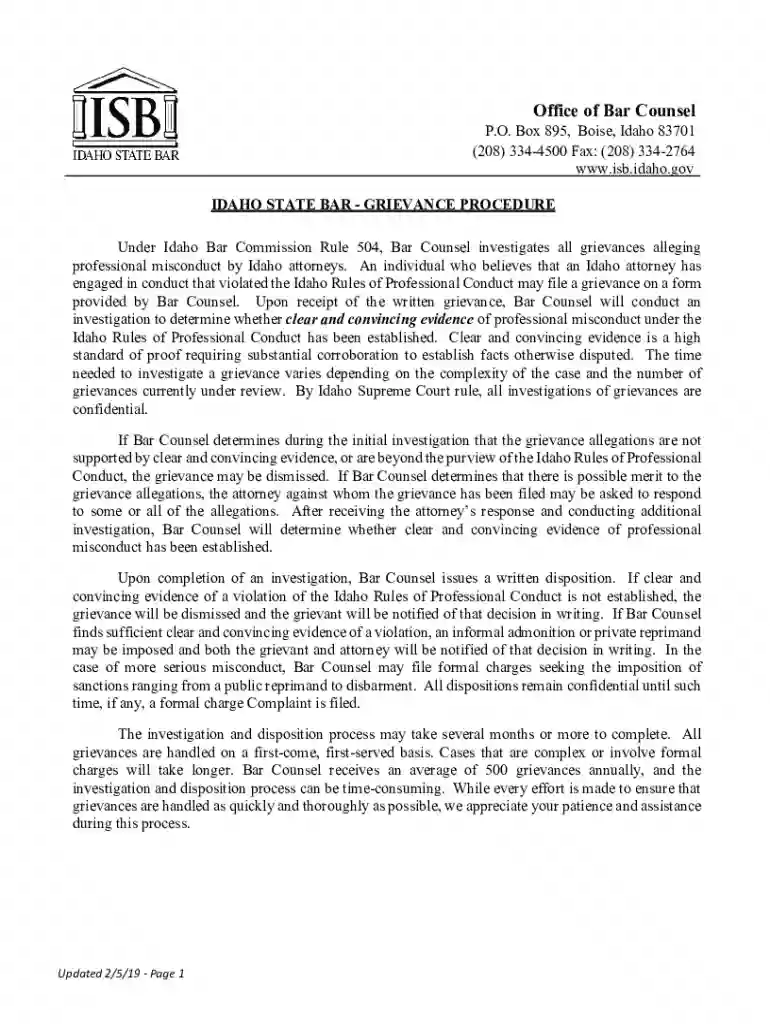
We've got more versions of the Idaho State Bar Grievance Form form. Select the right Idaho State Bar Grievance Form version from the list and start editing it straight away!
At DocHub, your data security is our priority. We follow HIPAA, SOC2, GDPR, and other standards, so you can work on your documents with confidence.