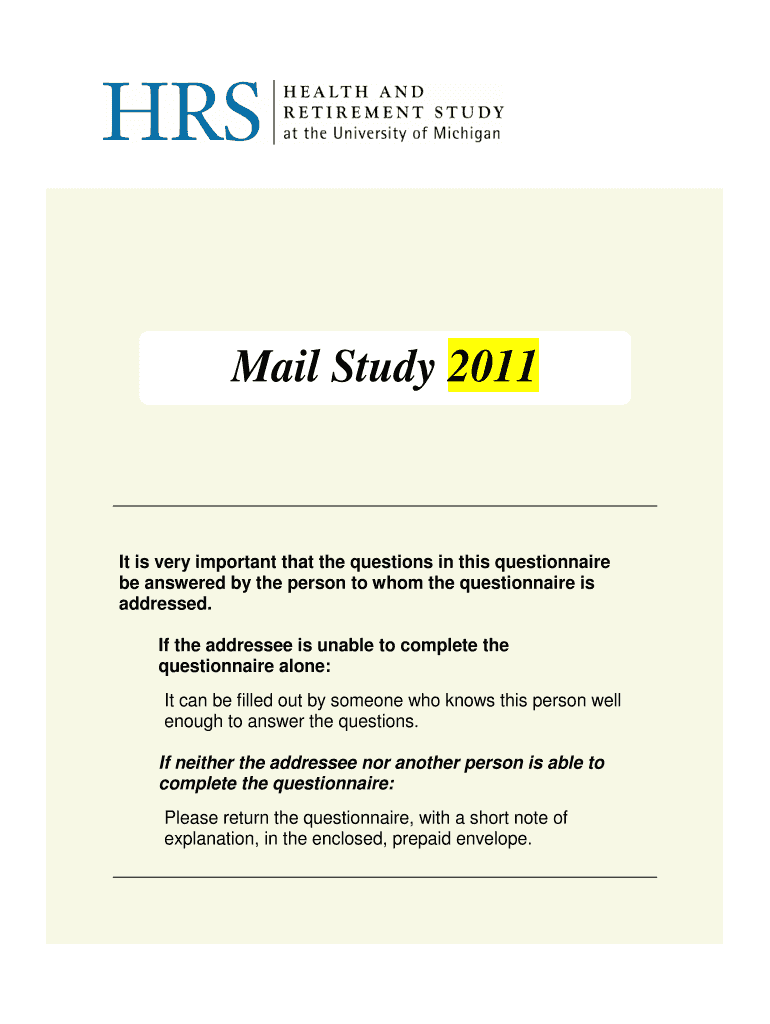
CAMS 2011 Questionnaire: Spouse - Health and Retirement Study - hrsonline isr umich-2025

Get Form
CAMS 2011 Questionnaire: Spouse - Health and Retirement Study - hrsonline isr umich Preview on Page 1

Here's how it works

01. Edit your form online
Type text, add images, blackout confidential details, add comments, highlights and more.
02. Sign it in a few clicks
Draw your signature, type it, upload its image, or use your mobile device as a signature pad.
03. Share your form with others
Send it via email, link, or fax. You can also download it, export it or print it out.

How to use or fill out CAMS 2011 Questionnaire: Spouse - Health and Retirement Study - hrsonline isr umich with DocHub

Form edit decoration
9.5
Ease of Setup
DocHub User Ratings on G2
9.0
Ease of Use
DocHub User Ratings on G2
  1. Click ‘Get Form’ to open the CAMS 2011 Questionnaire in our editor.
  2. Begin with Section A, where you will estimate the time spent on various activities last week. For each activity listed, enter the number of hours in the provided space or mark '0 hours' if applicable.
  3. Follow any specific instructions that guide you to subsequent questions, such as 'Go to A13 on page 5' after answering a question.
  4. Ensure that all responses are filled out accurately. If someone else is completing the questionnaire for the addressee, record their name at the end of the form.
  5. Once completed, review your answers for accuracy before saving or submitting your questionnaire through our platform.

Start using our editor today for free to complete your CAMS 2011 Questionnaire effortlessly!

be ready to get more

Complete this form in 5 minutes or less

Get form