Copy of um inventory - UM InfoPoint 2025

Get Form
Copy of um inventory - UM InfoPoint Preview on Page 1

Here's how it works

01. Edit your form online
Type text, add images, blackout confidential details, add comments, highlights and more.
02. Sign it in a few clicks
Draw your signature, type it, upload its image, or use your mobile device as a signature pad.
03. Share your form with others
Send it via email, link, or fax. You can also download it, export it or print it out.

How to use or fill out Copy of um inventory - UM InfoPoint with DocHub

Form edit decoration
9.5
Ease of Setup
DocHub User Ratings on G2
9.0
Ease of Use
DocHub User Ratings on G2
  1. Click ‘Get Form’ to open the Copy of um inventory - UM InfoPoint in our platform's editor.
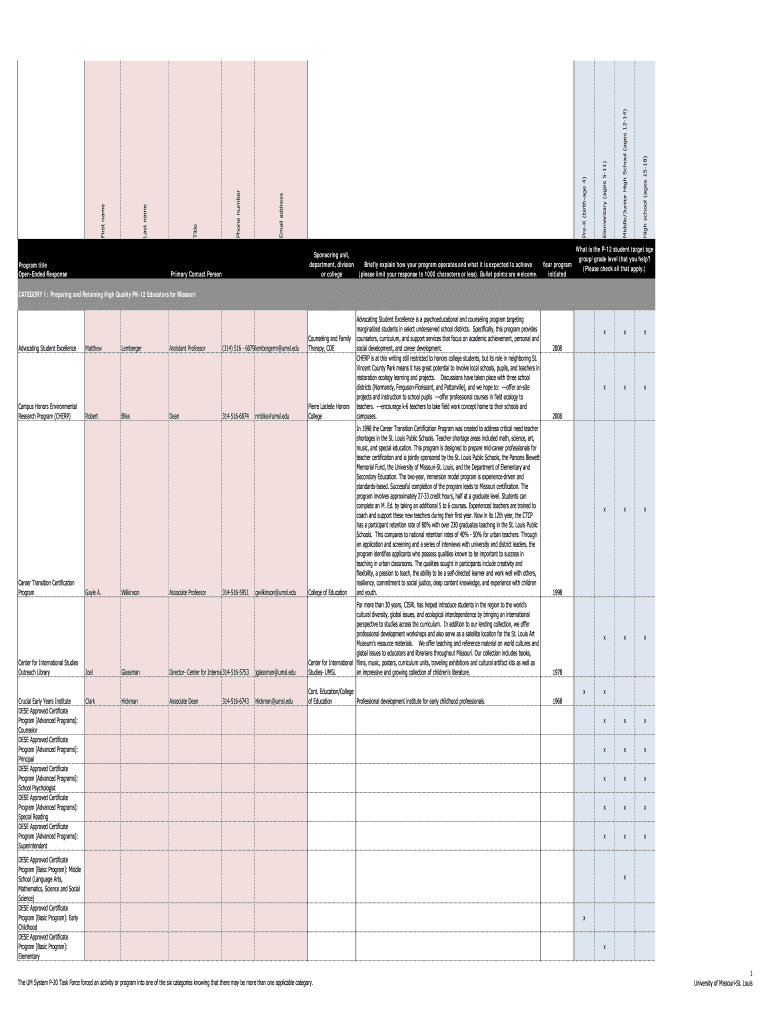
  2. Begin by filling in the 'Sponsoring unit, department, division or college' field. This is essential for identifying the program's administrative support.
  3. Next, enter the 'Primary Contact Person' details including title, first name, and last name. Ensure accuracy for effective communication.
  4. In the section labeled 'Briefly explain how your program operates and what it is expected to achieve', provide a concise description limited to 1000 characters. Bullet points are encouraged for clarity.
  5. Indicate the 'Year program initiated' by selecting from the dropdown menu provided.
  6. Check all applicable age groups under 'What is the P-12 student target age group/grade level that you help?'. This helps categorize your program effectively.
  7. Fill in contact information such as email address and phone number for follow-up inquiries.
  8. Review all entered information for accuracy before submitting the form using our platform’s submission feature.

Start filling out your Copy of um inventory - UM InfoPoint today using our platform for free!

be ready to get more

Complete this form in 5 minutes or less

Get form

Got questions?

We have answers to the most popular questions from our customers. If you can't find an answer to your question, please contact us.
Contact us
On the initial screen, enter the number of the physical inventory document. To make changes to the document header, select Goto Header . To make changes to an item, select Goto Collective processing . To add a new item, select Goto New items . To delete the document, select Document More functions Delete.
Inventory refers to all the items, goods, merchandise, and materials held by a business for selling in the market to earn a profit. Example: If a newspaper vendor uses a vehicle to deliver newspapers to the customers, only the newspaper will be considered inventory.
Ending Inventory = Beginning Inventory Balance COGS + Raw Material Purchases. Weighted Average Cost = Total Cost of Production Quantity of Units Produced. Days Inventory Outstanding (DIO) = (Inventory COGS) 365 Days. Inventory Turnover Ratio = COGS Average Inventory Balance.
There are four main types of inventory: raw materials/components; work in progress or process, or WIP; finished goods; and maintenance, repair, and operating supplies, or MRO. However, some people recognize only three types of inventory, leaving out MRO.
What are the 4 types of inventory? The four types of inventory are raw materials, work-in-progress (WIP), finished goods, and maintenance, repair, and overhaul (MRO) inventory.

People also ask

While stocks are only finished goods ready for sale, inventory refers to a businesss entire range of items, including raw materials, works-in-progress, and finished goods.

Related links