
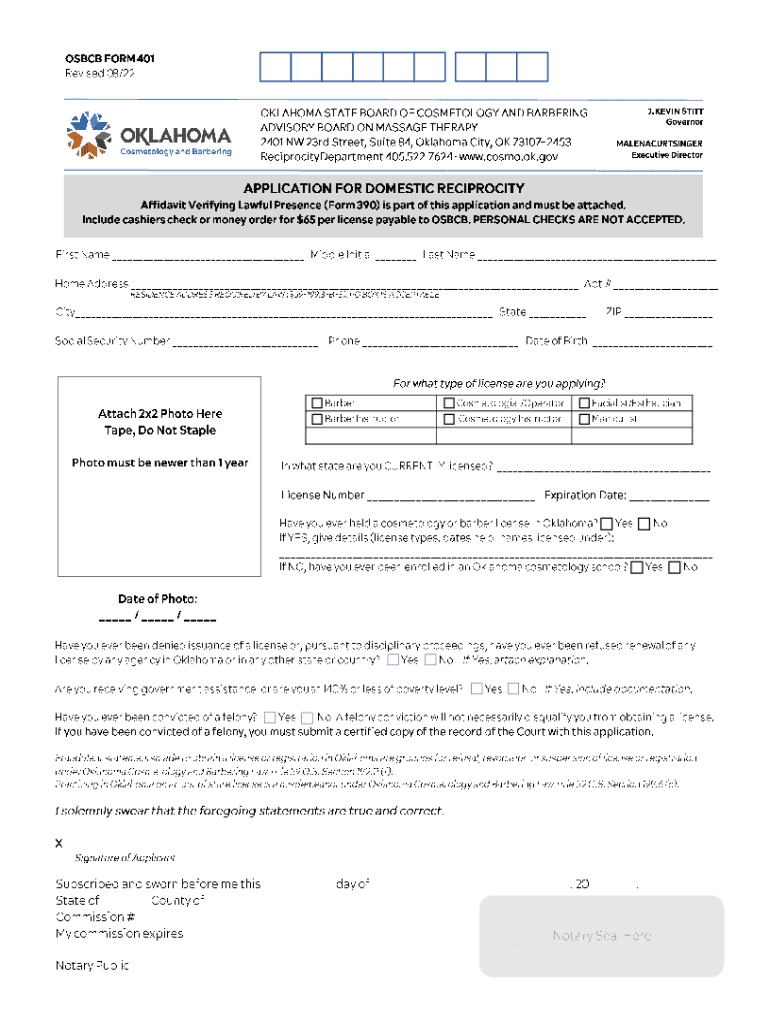







Definition & Meaning
The term "form online" refers to digital documents that can be completed, submitted, and processed over the internet. These forms are a crucial component of modern document workflows, enabling users to manage various administrative, legal, or business-related tasks from their devices, without the need for physical paperwork. Forms online often include interactive fields, such as text boxes and checkboxes, to facilitate efficient data entry and streamline processes that traditionally relied on printed forms.
Unlike their paper counterparts, online forms can be designed to include conditional logic, ensuring that users only see fields relevant to their input, reducing errors, and improving the user experience. Furthermore, they eliminate the need for hard copies, contributing to environmental sustainability by minimizing paper use.
How to Use the Form Online
To effectively use a form online, follow these essential steps:
-
Access the Form: Locate the form by visiting a specific website or receiving a direct link. Ensure that your internet connection is stable to prevent any interruptions during the process.
-
Familiarize Yourself: Before entering any information, take a moment to read through the entire form. This will help you understand the required fields and any instructions provided.
-
Enter Information: Use your keyboard and mouse to fill out necessary fields. Pay attention to required fields, often marked with an asterisk (*), and any specific formatting instructions, such as date formats or numerical inputs.
-
Review and Edit: Carefully review your entries for accuracy. Most online forms allow you to go back and make changes before submission.
-
Submit the Form: Once you are satisfied with your entries, submit the form. Look for a confirmation message or email, which serves as proof of submission.
For additional guidance, some platforms provide tooltips or examples directly on the form to assist with complex fields.
Steps to Complete the Form Online
Online forms typically require a series of straightforward actions to complete:
-
Prepare Necessary Information: Gather all required data, such as personal identification numbers or financial details, before starting the form.
-
Open the Form: Access the form on your preferred device. Ensure your browser is compatible and updated to avoid technical issues.
-
Complete Required Fields: Enter data into the mandatory fields first. Use clear and concise language, especially in descriptive sections.
-
Attach Documents: If the form specifies, upload necessary documents in the accepted formats (e.g., PDF, JPEG).
-
Add Signature: Many forms require an electronic signature. Platforms often provide tools to create a digital signature by typing, drawing, or uploading an image.
-
Final Review: After filling and uploading the required documents, conduct a thorough review to ensure all entries are complete and accurate.
-
Submission: Click the designated submit button. Upon submission, you may be directed to a confirmation page or receive an email verification.
-
Save Confirmation: Keep a record of your submission confirmation for future reference. This could be a screenshot of the confirmation page or saving a confirmation email.
Important Terms Related to Form Online
When working with forms online, it's essential to understand a few technical and legal terminologies:
-
SSL Encryption: A security protocol ensuring that the data transmitted between your device and the server is encrypted and secure.
-
OAuth 2.0: An authorization protocol that ensures secure access to user accounts without handling passwords directly.
-
Interactive Fields: Elements such as text boxes, dropdowns, and checkboxes that facilitate user interaction within the form.
-
Electronic Signature: A legally recognized digital signature that indicates agreement or approval in an online form.
-
File Compatibility: Refers to the form's ability to integrate and function with various file formats and software applications.
Understanding these terms will enhance your ability to navigate and complete online forms confidently.
Key Elements of the Form Online
Online forms comprise several integral components designed for efficiency and clarity:
-
Header Information: Includes the form's title, instructions, and any legal disclaimers or privacy notices.
-
Form Fields: Areas on the form where users input data, such as personal details, identification numbers, or specific information requests.
-
Validation Rules: Guidelines embedded within the form that ensure users provide inputs in the correct format, enhancing data integrity.
-
Submission Button: A feature that allows users to send their completed forms to the intended recipient. This often includes a confirmation dialog to prevent accidental submission.
-
Confirmation Page or Message: Provides proof of submission and often includes instructions for next steps.
Examples of Using the Form Online
Several common scenarios illustrate the utility of online forms:
-
Employment Applications: Candidates complete and submit job applications via an employer's career portal.
-
Tax Filings: Taxpayers file their returns using online platforms provided by tax authorities or financial service providers.
-
Healthcare Registrations: Patients fill out medical history and insurance forms before their appointments through a healthcare provider's website.
-
Event Registrations: Participants register for events, conferences, or workshops by completing an online signup form.
These examples showcase the versatility and widespread adoption of online forms across various industries.
Form Submission Methods (Online / Mail / In-Person)
Submitting forms can occur through several methods, each with advantages and potential limitations:
-
Online Submission: Fast and convenient, enabling instant submission and immediate confirmation. Ideal for those with reliable internet access and familiar with digital tools.
-
Mail Submission: Traditional method involving physical mailing of completed forms. Useful where digital submission is not an option, though typically slower due to mailing times and handling.
-
In-Person Submission: Provides personal interaction, which can be beneficial for resolving queries immediately. However, this method requires physical travel, which may not be feasible for all users.
When choosing a submission method, consider factors such as urgency, accessibility, and personal comfort with technology.
Software Compatibility (TurboTax, QuickBooks, etc.)
Certain online forms integrate with popular software tools, enhancing functionality and user flexibility:
-
TurboTax: Often used for completing and submitting tax forms online, allowing seamless import of financial data.
-
QuickBooks: Compatible with various online forms related to business accounting, such as invoices and financial reports.
-
Google Workspace: Integration allows for document management and sharing, particularly when forms need collaborative input or approval.
Ensuring that your forms are compatible with these tools enhances efficiency by reducing duplicate data entry and minimizing errors.




