
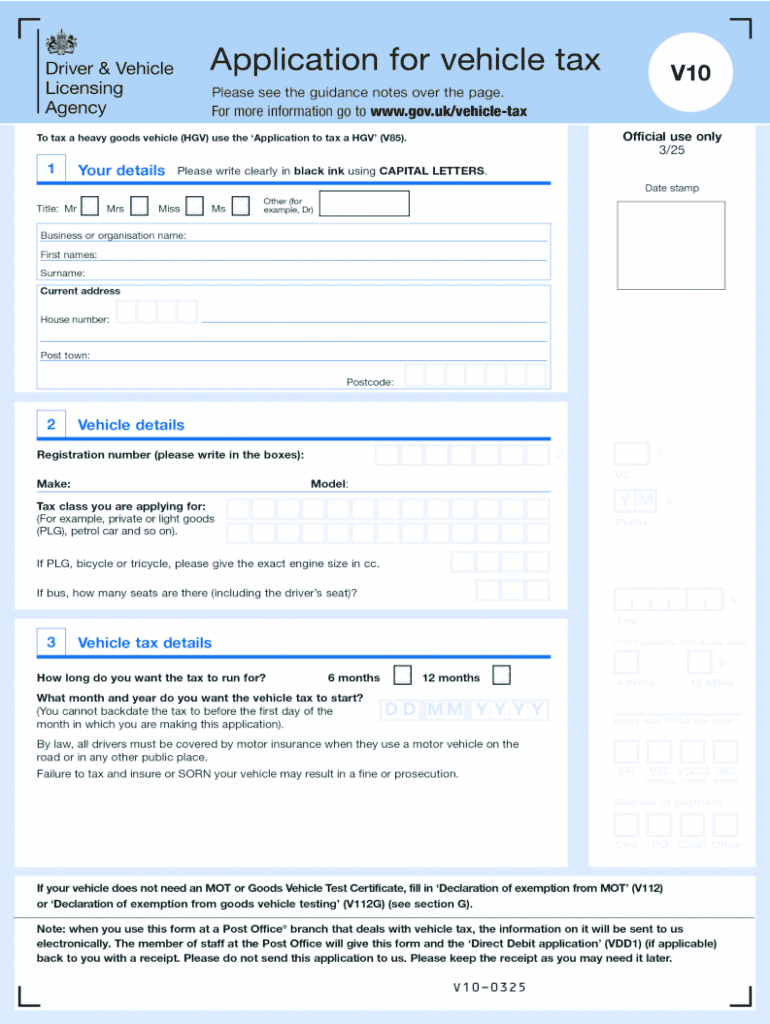







Definition and Meaning of "Form Online"
Form online refers to the digital version of traditional paper forms, allowing users to complete and submit them via the internet. This method has grown in popularity due to its convenience, speed, and accessibility. Forms online can encompass a wide range of applications, including tax forms, legal documents, and business applications. These forms are typically designed to mirror their paper counterparts but offer interactive elements such as dropdown menus, checkboxes, and automated calculations to streamline the process.
How to Use the Form Online
Using a form online involves navigating a digital platform where the form is housed. Users typically:
- Visit the hosting website, such as DocHub.
- Select the desired form from the available options.
- Fill out the form fields, which might include typing text, selecting options from dropdown menus, and checking boxes.
- Review the entered information for accuracy.
- Submit the completed form, which may involve clicking a 'Submit' button.
- Receive confirmation via email or on-screen notification that the form has been successfully sent.
Steps to Complete the Form Online
Completing an online form requires attention to detail and following a structured process:
-
Access the Form Platform:
- Go to the website hosting the form.
- Log in if necessary to access your account.
-
Select and Open the Form:
- Navigate through categories to find the correct form.
- Click on it to open in the editor.
-
Fill Out Required Information:
- Start with the personal information section.
- Move through each field, ensuring all mandatory fields are completed.
-
Review and Confirm:
- Double-check each section for accuracy.
- Make sure all fields are populated correctly.
-
Submit the Form:
- Click the 'Submit' button or similar option.
- Wait for confirmation or further instructions.
-
Save a Copy:
- Download a copy of the completed form for your records.
Why Should You Form Online
Filing forms online presents numerous advantages over traditional methods:
- Convenience: Forms can be completed from any location with internet access, removing the need for physical travel.
- Efficiency: Automation features reduce time spent on repetitive data entry and ensure accuracy.
- Real-Time Processing: Instant submission leads to quicker processing and response times.
- Environmentally Friendly: Reduces paper usage and physical waste.
Key Elements of the Form Online
An online form typically includes several integral components:
- Header and Title: Clearly indicates the purpose of the form.
- Instructions: Provides guidance for filling out the form correctly.
- Form Fields: Text boxes, checkboxes, dropdowns tailored to collect specific data.
- Validation Rules: Ensures that input complies with required formats and conditions.
- Submission Button: Finalizes the entry and transmits the form to the receiver.
- Confirmation: Offers feedback on submission success or directs next steps.
Legal Use of the Form Online
Forms online must adhere to various legal requirements to ensure they are viable:
- Compliance: Forms must comply with relevant laws such as the ESIGN Act, which ensures that electronic signatures are legally binding.
- Security Measures: Protection of personal data through encryption and secure access protocols like OAuth 2.0.
- Privacy Policies: Clear statements about data usage, storage, and sharing are necessary.
Software Compatibility
Online forms often need to integrate with various software to optimize functionality:
- Google Workspace: Seamlessly import from and export to Google Drive and Gmail.
- Accountancy Software: Compatibility with platforms such as QuickBooks and TurboTax can simplify financial form filing.
- Browser Requirements: Must function across multiple web browsers, ensuring wide accessibility.
Penalties for Non-Compliance
Failing to properly submit required forms online can lead to significant repercussions:
- Late Fees and Charges: Missing submission deadlines may incur penalties or fines.
- Legal Actions: Non-compliance with mandatory filings could result in legal fees or court proceedings.
- Business Consequences: Delays in form submission may impact business operations and cause reputational damage.
Ensuring adherence to deadlines and provision of accurate information helps avoid these issues while maximizing the benefits of using forms online.




