01. Edit your form online
Type text, add images, blackout confidential details, add comments, highlights and more.

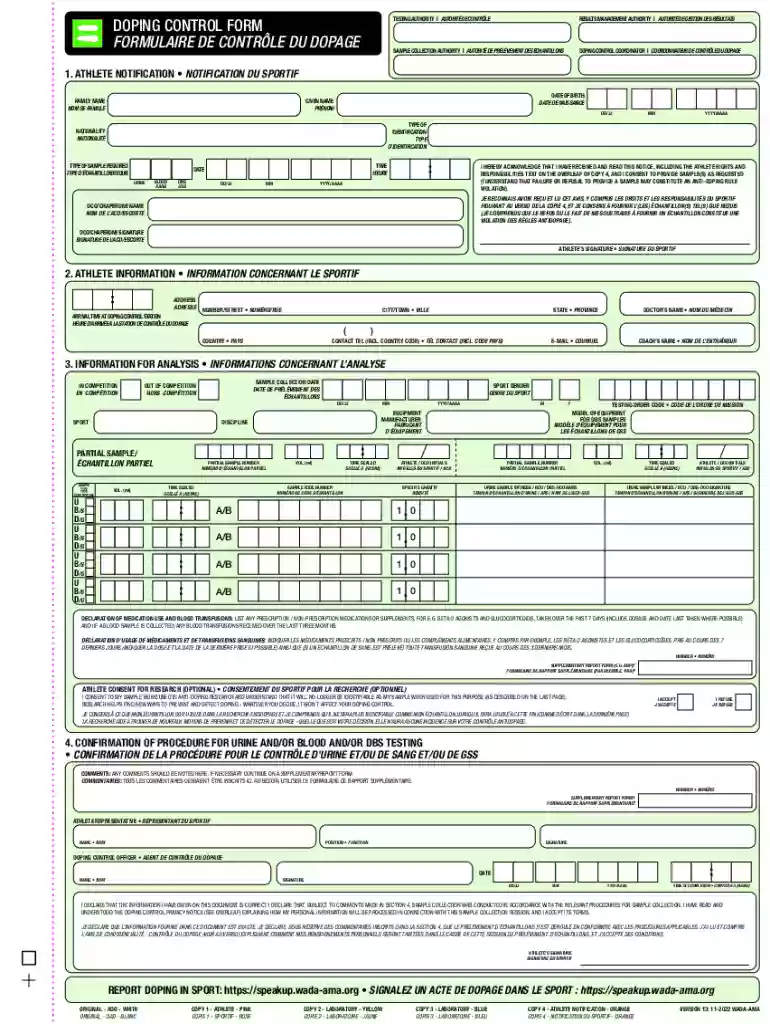
Type text, add images, blackout confidential details, add comments, highlights and more.

Draw your signature, type it, upload its image, or use your mobile device as a signature pad.

Send it via email, link, or fax. You can also download it, export it or print it out.
An online form is a digital page designed for collecting user input, which is then sent directly to a server for processing. Unlike traditional paper forms, online forms can be accessed and submitted using electronic devices like computers, tablets, or smartphones. They are often used for data collection in various sectors, such as education, healthcare, and government services. The primary purpose of these forms is to streamline processes that were traditionally manual, reducing the time taken to collect, assess, and store data.
Online forms often employ a variety of fields to gather specific types of information. These can include text fields for names and addresses, dropdown lists for selecting from predefined options, and checkbox fields for gathering multiple-choice selections. Additionally, online forms are interactive, providing immediate feedback if errors occur, such as invalid input or missing required fields. This feature significantly improves the accuracy and integrity of the data collected.
To use an online form, start by navigating to the web page where the form is hosted. Ensure you have a stable internet connection to prevent any interruptions during the submission process. Most online forms will require you to input specific details; ensure that all required fields, usually indicated by an asterisk (*), are completed. Before submitting, review your input for accuracy, as errors might delay processing or lead to rejection.
Online forms might feature dynamic elements like conditional fields that appear based on previous responses. It's essential to navigate these elements carefully to avoid missing crucial information. Furthermore, ensure to check for any confirmation prompts after submitting the form; these often include a submission receipt or guidance on further steps.
Online forms comprise various components designed to facilitate data collection seamlessly. Essential elements include:
These elements work together to ensure data is collected efficiently and uniformly, streamlining the processing and analysis phases of information management.
Filling forms online offers multiple benefits over traditional methods, primarily focused on convenience, efficiency, and accessibility. Online forms can be completed and submitted from anywhere at any time, providing flexibility that paper forms cannot match. This ease of access is particularly beneficial for individuals with mobility challenges or those residing remotely.
Additionally, online submission reduces the time and cost associated with printing, mailing, and manually processing paper forms. Electronic data can be automatically validated, reducing human error and increasing the speed of processing. The digital format also ensures a higher level of security, as data can be encrypted to protect sensitive information from unauthorized access.
Ensuring the legal validity of online forms is crucial, especially for documents requiring signatures or involving contractual agreements. In the United States, legislation such as the Electronic Signatures in Global and National Commerce Act (ESIGN Act) provides a legal framework for the use of electronic records and signatures in interstate and foreign commerce. This means that online forms, when appropriately executed, can be legally binding.
To comply with legal requirements, online forms should include a clear consent section where users acknowledge the authenticity of their electronic signature. Additionally, maintaining an audit trail that records who signed the document and when can provide further legal validity and transparency.
The integration of online forms with software tools like DocHub enhances form usability and efficiency. Compatibility with applications like Google Workspace allows users to import, edit, and share forms directly from platforms like Google Drive. This seamless integration simplifies the workflow, eliminating the need for multiple steps in data handling and reducing the chance of errors or data loss.
Furthermore, online forms can often be completed using popular browsers such as Chrome, Firefox, and Safari, making them accessible across a range of devices. Compatibility with mobile devices ensures that users can fill out and submit forms from anywhere, fostering inclusivity and accessibility.
While both have their merits, digital forms hold an advantage in terms of efficiency and accessibility. Digital forms can be easily distributed via email or websites, unlike paper forms, which need physical distribution. They are also easier to update, allowing for real-time changes without the need for reprinting.
Digital forms also contribute to environmental sustainability by reducing the need for paper. Moreover, they can integrate with databases and analytics tools, simplifying data monitoring and reporting processes. This makes online forms the preferred choice for organizations looking to optimize data management practices. However, it's essential to consider situations where paper forms are necessary, such as in areas with limited internet connectivity or where users are not comfortable with digital technology.
We've got more versions of the Doping Control Form form. Select the right Doping Control Form version from the list and start editing it straight away!
At DocHub, your data security is our priority. We follow HIPAA, SOC2, GDPR, and other standards, so you can work on your documents with confidence.