






Definition and Meaning of "Form Online"
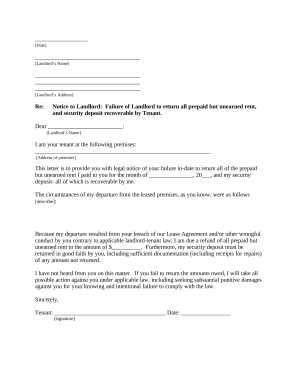
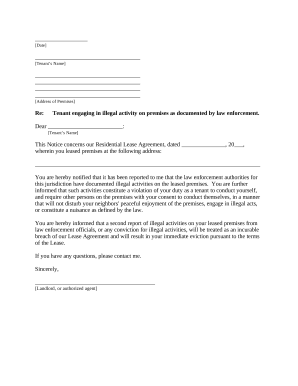
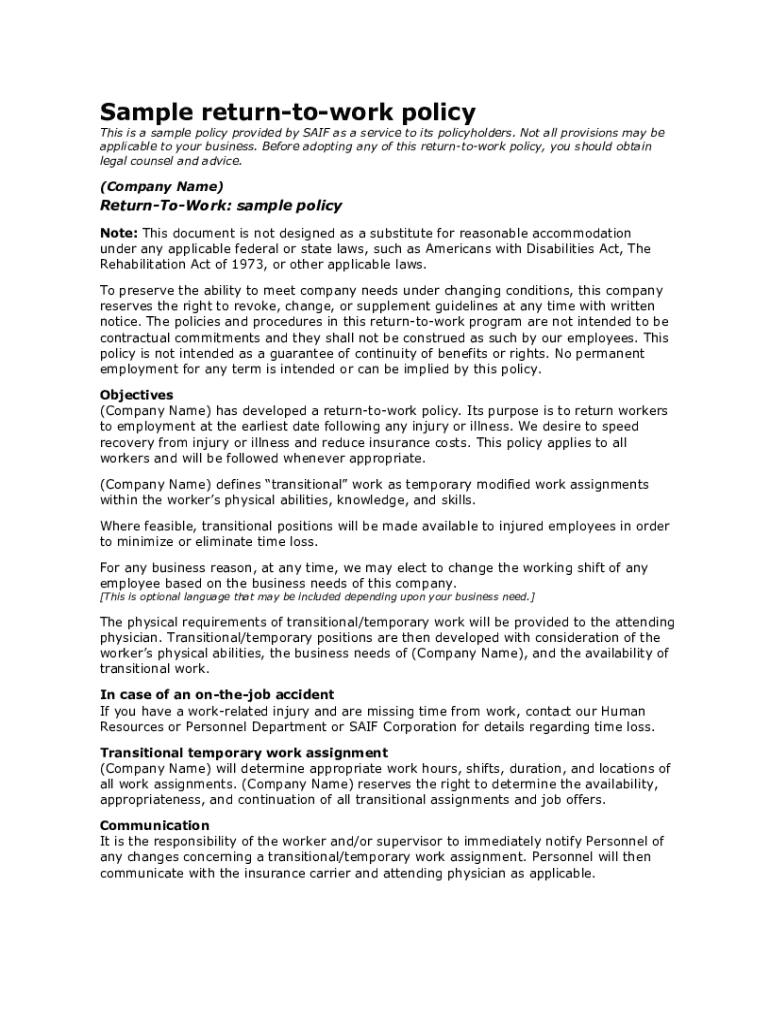
In today's digital landscape, "form online" refers to the process of creating, completing, and submitting digital forms over the internet. These forms are designed to facilitate various tasks such as data collection, application submission, and registration processes without needing physical paperwork. The medium allows for streamlined communication and enhanced efficiency, catering to versatile needs ranging from simple surveys to complex legal documents.
Digital forms are equipped with fields that users can fill out electronically using any device with internet access. The increasing reliance on online forms has been driven by their convenience and security, making them a preferred choice for both individuals and businesses aiming to reduce paper usage and improve workflow efficiency.
How to Use the Form Online
Using an online form typically involves accessing the form via a web platform such as DocHub, where the form is either created or made available for interaction. Users can fill in their information straight into designated fields, including text boxes and dropdown menus. Here's a step-by-step guide:
- Access the Form: Log into a reliable platform like DocHub. Locate the form you need by browsing sections or using search functions.
- Fill Out Required Fields: Enter your information into each field, ensuring accuracy, as the data is often crucial for processing or service delivery.
- Upload Necessary Attachments: Where applicable, you might need to attach files. Platforms like DocHub allow seamless integration with cloud storage to make this step smoother.
- Review Your Entries: Go over your information to check for completeness and correctness.
- Submit the Form: Use the submit button, often at the end of the form, which finalizes and sends your input to the form's recipient or database for further action.
Steps to Complete the Form Online
Completing an online form requires attention to detail and an understanding of the particulars of the form in question. Here is a structured approach:
-
Prepare Required Information: Before starting, gather all the necessary information and documents you need to input into the form. This may include personal information, identification documents, and any specific data relevant to the form's purpose.
-
Navigate the Interface: Familiarize yourself with the platform and the layout of the form. Look out for any instructions or guidelines provided within the form.
-
Provide Accurate Data: Carefully fill out each field. Use the platform's tools to ensure adherence to format requirements (such as date or number formats).
-
Utilize Autofill Options: Some platforms offer autofill features to speed up the process for information, such as address and contact details.
-
Verification and Confirmation: Once completed, some forms offer a summary page or confirmation email that allows you to check all provided data before submission.
-
Save Progress Regularly: Many platforms like DocHub allow you to save your progress periodically to prevent data loss due to unexpected disconnections.
Why You Should Consider Using Forms Online
Opting to use online forms presents several benefits that align well with modern technological trends and practical needs:
-
Convenience: Access these forms from anywhere with an internet connection, eliminating the need for travel or physically mailing forms.
-
Efficiency and Speed: Instant submission and processing of data mean less waiting time for results or service initiation.
-
Environmentally Friendly: Reduce paper use, contributing to environmental conservation efforts.
-
Enhanced Accuracy: Digital forms often incorporate validation checks to ensure that input data adheres to required formats and criteria.
-
Data Security: Platforms like DocHub employ robust encryption methods to protect user data against unauthorized access and breaches.
Key Elements of the Form Online
Forms online typically encompass several elements designed to ensure comprehensive and accurate data collection:
-
Input Fields: These may include text boxes, dropdown menus, checkboxes, and radio buttons that cater to different types of information.
-
Instructions and Guidelines: Often, forms include detailed instructions to navigate users through the process, ensuring they understand what information is required and how to provide it.
-
Mandatory Fields: Certain fields are marked as mandatory, necessitating that users fill them out before submitting the form to avoid incomplete submissions.
-
Interactive Features: Elements such as dynamic sections that appear based on previous selections, helping in tailoring the form to specific user needs.
-
Verification and Validation Tools: These tools help ensure data integrity by checking entries against specified criteria before acceptance.
Legal Use of the Form Online
Many forms have legal implications once submitted online. Recognizing these facts is crucial for compliance and accountability:
-
ESIGN and UETA Acts: These acts give electronic signatures and records the same legal standing as their paper counterparts in the United States, making them legally binding when conducted online.
-
Privacy Policies: Ensure you understand the privacy policy related to your data when interacting with online forms. Platforms like DocHub emphasize secure data handling.
-
Compliance Requirements: Certain industries may have specific compliance standards (like HIPAA for healthcare) applicable to online data collection.
-
Record Keeping: Various forms such as tax documents or contracts must be retained for a specified period for auditing or verification purposes due to their legal implications.
Examples of Using the Form Online
Online forms have a multitude of applications across various domains:
-
Tax Filing: Tax-related forms like the W-9 or submissions to the IRS can be completed swiftly online, with platforms offering assistance in selecting the appropriate fields.
-
Application Processes: Schools, jobs, and government services utilize online forms for streamlined application and data assessment.
-
Surveys and Feedback Forms: To gather opinions or feedback efficiently from a broad audience, many organizations employ digital forms that can easily be distributed via email or social media.
-
Legal Documents: Consent forms and contracts benefit from the seamless signing and submission processes offered by platforms like DocHub.
Software Compatibility for Form Online
The effectiveness of online forms is often tied to their compatibility with various software systems:
-
Cloud Synchronization: Services like DocHub offer integration with popular cloud storage solutions such as Google Drive, Dropbox, and OneDrive, enhancing accessibility and data management.
-
Collaboration Tools: Compatibility with collaboration apps enables multiple users to work on the same form in different capacities, whether for editing, reviewing, or signing.
-
Third-Party Applications: Some forms can be filled or managed using third-party applications like TurboTax or QuickBooks, popular in finance and accounting sectors.
-
Cross-Platform Usability: Ensure that the platform supports major browsers and operating systems, enabling form completion on both desktop and mobile devices seamlessly.