
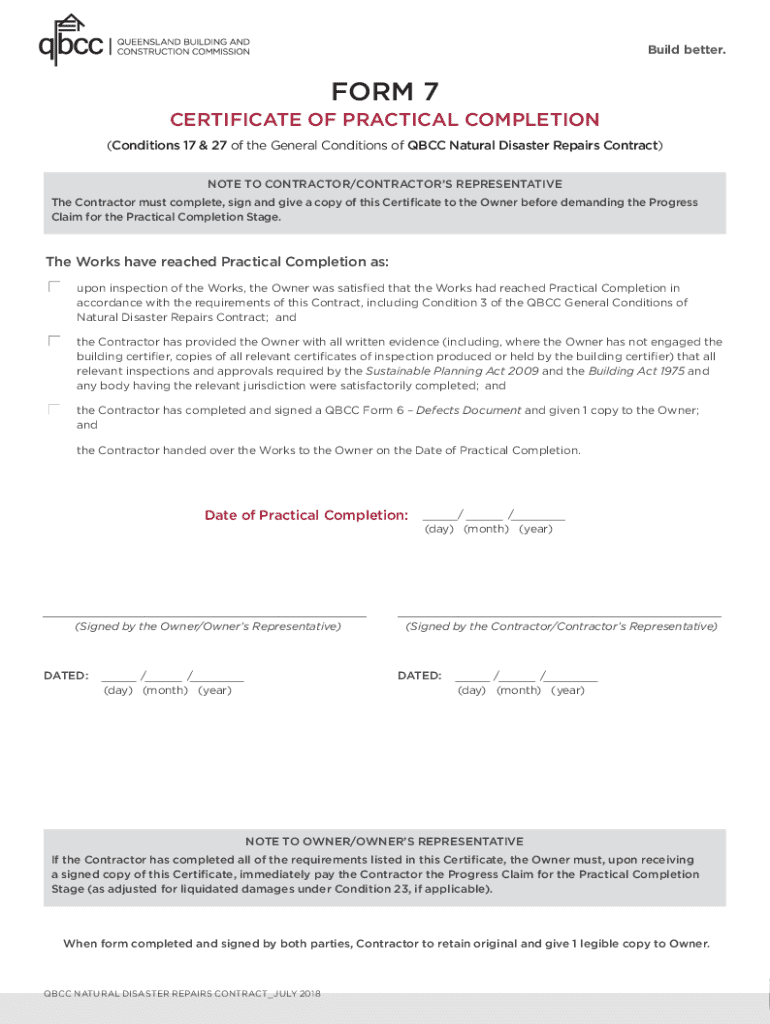







Definition and Meaning of Forms Online
Forms online refer to digital versions of documents that individuals, businesses, or organizations can fill out, submit, and manage through the internet. These forms are designed to replace traditional paper-based documents to increase efficiency and accessibility. Using forms online offers the advantage of being able to eliminate the need for physical storage, enhance data collection accuracy, and provide immediate access to information. Examples of forms that can be completed online include tax returns, application forms, surveys, and legal documents.
Steps to Complete Forms Online
-
Access the Form: Navigate to the website or platform offering the form, such as government portals, business websites, or document management platforms like DocHub.
-
Read Instructions: Carefully review any instructions or guidelines provided to ensure a clear understanding of how to complete the form accurately.
-
Fill Out the Form: Enter the required information in the designated fields, which may include text boxes for names, drop-down menus for selecting options, or checkboxes for agreeing to terms.
-
Review Entries: Double-check all entered information for errors or omissions to avoid delays or potential rejections.
-
Submit the Form: Once satisfied with the entries, submit the form using the online platform’s submission feature. Many platforms will provide a confirmation that your submission was successful.
-
Save Confirmation: Keep a copy of the confirmation or receipt for your records, as this may be necessary for future reference or proof of submission.
Examples of Using Forms Online
- Job Applications: Candidates can apply for positions through online application forms on company websites, often requiring a digital upload of resumes and cover letters.
- Legal Documents: Contracts and agreements can be signed and submitted online, enabling parties from different locations to execute agreements without the need for physical meetings.
- Surveys and Feedback: Businesses use online forms to gather customer feedback, which helps improve services and products without needing to conduct in-person surveys.
Key Elements of Forms Online
- Interactive Fields: Online forms often feature interactive fields such as text boxes, radio buttons, and dropdown menus to capture user inputs efficiently.
- Data Validation: Real-time data validation features ensure entries meet specific criteria, minimizing errors and streamlining information collection.
- Submission Confirmation: Confirmation pages or emails are typically sent to users to verify successful submission.
Who Typically Uses Forms Online
A wide range of users benefit from online forms, including:
- Individuals: For personal tasks like filing taxes, applying for jobs, or completing official documents.
- Businesses: To automate data collection for customer feedback, order forms, or job applications.
- Government Agencies: To streamline processes such as census data collection, passport applications, and voter registrations.
Why Should You Use Forms Online
- Convenience: Access and complete forms from anywhere with an internet connection using devices like smartphones, tablets, or computers.
- Efficiency: Accelerates the processing time compared to manual handling, ensuring quicker responses and decisions.
- Cost-Effectiveness: Reduces the need for physical resources like paper, printing, and storage, leading to financial savings.
Legal Use of Forms Online
Online forms, especially those involving binding agreements or official submissions such as tax declarations, adhere to regulatory standards such as the ESIGN Act, ensuring that electronic signatures and submissions are legally recognized. Certain forms require specific compliance measures which may include validation through security protocols like authentication or CAPTCHA.
State-Specific Rules for Forms Online
Different states may have unique regulations regarding the submission and recognition of forms online, particularly when dealing with government-related documents. It is essential for users to consult state-specific guidelines and ensure compliance with local laws and practices, which can affect how forms are accepted or processed, such as varying deadlines and submission requirements.




