






Definition and Meaning
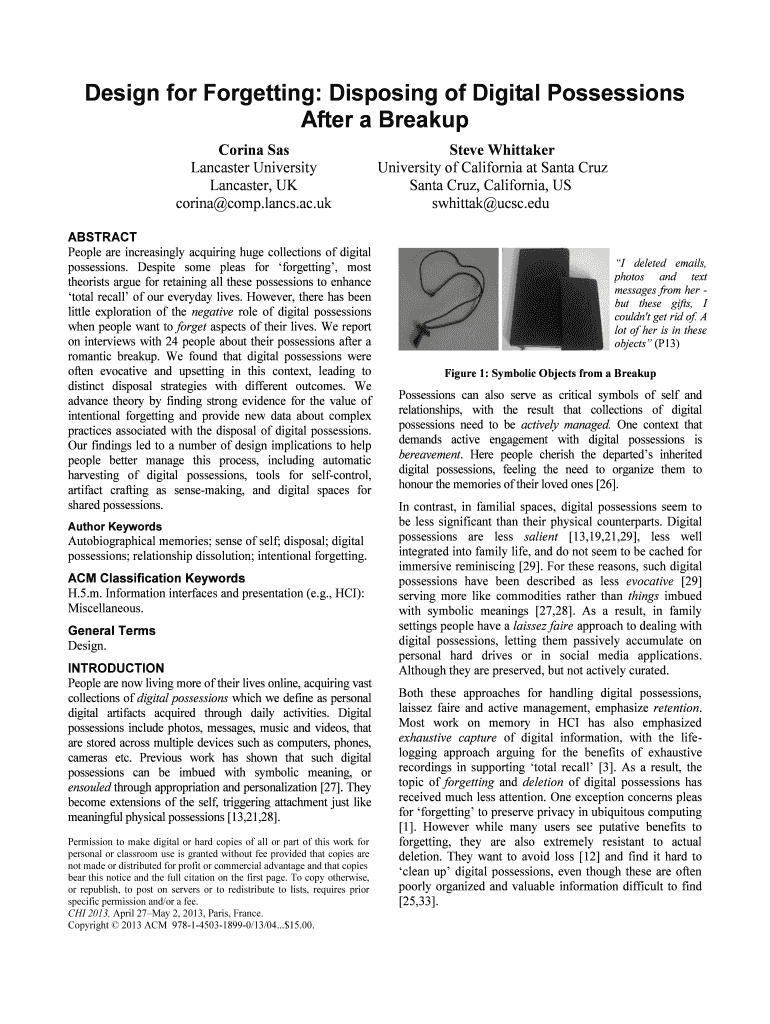
The Design for Forgetting: Disposing of Digital Possessions refers to strategies and solutions implemented to manage digital possessions, particularly after a major life event like a breakup. This concept emphasizes the importance of facilitating intentional forgetting to support emotional recovery and self-identity preservation. The process often involves employing tools that allow individuals to selectively or entirely delete digital artifacts that may evoke painful memories.
Why Design for Forgetting: Disposing of Digital Possessions
The primary reason for embracing the Design for Forgetting approach is to aid in emotional recovery and mental well-being after significant events, such as the end of a relationship. Digital possessions, such as photos, messages, or shared digital spaces, often trigger memories that can hinder the process of moving on. By implementing tools that allow for intentional disposal, individuals can free themselves from constant reminders and aid in their journey towards healing.
Steps to Complete the Design for Forgetting Process
-
Assessment of Digital Possessions: Begin by identifying the digital items associated with past relationships or events. This includes emails, social media tags, shared documents, photos, and any other digital artifacts.
-
Determining Disposal Strategy: Decide whether to pursue total deletion, retention, or selective disposal. Each strategy has different implications for emotional recovery and self-identity.
-
Use of Disposal Tools: Utilize available tools and platforms that support intentional forgetting. These may include software for deleting photos, archiving emails, or unsharing documents.
-
Review and Finalize: After employing the chosen disposal strategies, review the digital spaces to ensure the removal of unwanted memories.
Who Typically Uses the Design for Forgetting Concept
Individuals navigating transitions such as breakups, divorces, or the loss of a loved one are common users of Design for Forgetting strategies. This process is crucial for those seeking a fresh start without the constant digital reminders of their previous life stages. Additionally, therapists and life coaches may recommend these strategies as part of a comprehensive emotional healing process.


Key Elements of the Design for Forgetting Strategy
- Digital Artifact Inventory: Keeping track of digital items that may need disposal.
- Disposal Tools: Utilizing technology tailored for digital memory management, like photo deletion apps or social media settings for untagging and unfollowing.
- Emotional Support Systems: Leaning on support from friends, family, or professional counselors during the process.
- Evaluation and Adjustment: Regular reassessment of digital spaces to ensure ongoing emotional well-being.
Examples of Using the Design for Forgetting Strategy
A common example involves using a social media platform's tools to untag oneself from past photos. Another scenario might include using cloud storage management apps to delete shared documents or messages with an ex-partner. These actions minimize the risk of accidental memory triggers that can impede emotional recovery.
Legal Use of the Design for Forgetting
While individuals have the right to manage their digital possessions, legal considerations come into play, such as shared ownership of digital files. In some cases, mutual consent might be necessary for deleting shared items, particularly in work or creative projects.
Software Compatibility and Platform Integration
The effectiveness of the Design for Forgetting significantly relies on platform compatibility. Popular software and cloud services, like Google Drive, Dropbox, and digital editing tools, offer various ways to manage and dispose of digital content. Integrating these tools ensures smooth and efficient execution of the chosen disposal strategies.
Practical Scenarios and Edge Cases
For example, someone going through a divorce might leverage document management tools to renegotiate digital permissions on shared files. An edge case involves individuals who wish to preserve some digital memories while discarding others, requiring careful selection and use of tools that offer granular control over what is kept. These scenarios illustrate the need for customizable and user-friendly solutions.