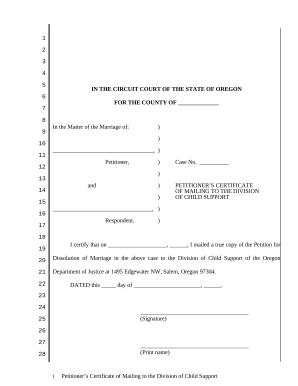
01. Edit your form online
Type text, add images, blackout confidential details, add comments, highlights and more.

Type text, add images, blackout confidential details, add comments, highlights and more.

Draw your signature, type it, upload its image, or use your mobile device as a signature pad.

Send it via email, link, or fax. You can also download it, export it or print it out.
A "form online" typically refers to digital versions of documents that can be accessed, edited, and submitted via the internet. This concept encompasses a wide range of forms, from tax filings to legal documents, to application forms for various services. The primary aim is to streamline document management, reduce paper usage, and enable easier data collection and processing. Forms online increase efficiency and accessibility by enabling users to fill out important documents from any location, provided they have internet access. Many organizations adopt online forms to enhance their services, improve user engagement, and ensure a faster turnaround for processes that traditionally required physical paperwork.
Accessing the Form: Begin by navigating to the website or platform providing the form, such as the DocHub platform. Look for a search or navigation bar to locate the specific form you need.
Filling Out the Form: Once the form is open, carefully input the required information. Most online forms will have interactive fields where you can enter text, select options from dropdown menus, or checkboxes where appropriate.
Review and Edit: Before submission, review the form for accuracy. Correct any errors or omissions. Some platforms provide a preview feature that allows you to see the completed form in its entirety.
Sign the Form: If a signature is required, use the digital signature functionalities provided by platforms like DocHub, which allows you to draw, type, or upload your signature.
Submit the Form: Finalize the process by submitting the form. You may receive a confirmation email or notice once the form has been successfully submitted.
Filling out forms online offers numerous advantages. It saves time and reduces errors associated with manual data entry. Online forms ensure immediate data availability and sharing between users and systems, which can greatly enhance organizational productivity. They also offer convenience, as users can fill out forms from any location using a device with internet access. Additionally, utilizing online forms can lead to cost savings in terms of printing, storage, and postage expenditures typically associated with paper forms. Lastly, online forms offer environmental benefits by reducing paper waste.
Online forms generally consist of various elements designed to collect data effectively. These elements include:
Understanding each element helps users complete online forms more accurately and efficiently, enhancing overall data quality and user experience.
When dealing with forms online, several terms are essential to understand:
Grasping these terms aids users and developers in handling online forms in a secure and compliant manner.
Forms online can be used in numerous scenarios, including:
These examples underline the versatility and adaptability of online forms in various contexts.
Online forms are widely used by individuals and organizations across different sectors:
Understanding who uses online forms helps in designing and developing user-centered form interfaces catering to their diverse needs.


The debate between digital and paper forms is ongoing. Digital forms tend to be more environmentally friendly, cost-effective, and efficient as they require less physical storage space and enable quick data retrieval and processing. They reduce manual errors due to data validation tools and are accessible remotely. On the other hand, paper forms might still be preferred in environments with limited digital access or in situations where a tangible record is needed. Understanding these differences allows organizations to make informed decisions about form implementation based on their specific operational requirements.
In the United States, online forms are legally recognized for various applications. Key legislation, such as the ESIGN Act, ensures electronic signatures and records are held to similar standards as their paper counterparts. This is crucial for business contracts, legal agreements, and compliance documents where legitimacy and enforceability are paramount. Users must ensure that forms online meet industry-specific regulations like HIPAA for health information or FINRA for financial services to comply with legal standards and protect sensitive data.
When completing forms online, certain documents may need to be prepared and uploaded as attachments. These could include identification (e.g., driver's licenses), financial records (e.g., pay stubs), or prior legal documents (e.g., contracts or agreements). Ensuring these documents are available digitally before starting the form filling process can expedite the submission. Additionally, knowing how to convert physical documents into digital formats, like PDFs, is beneficial for users to comply with online form requirements.
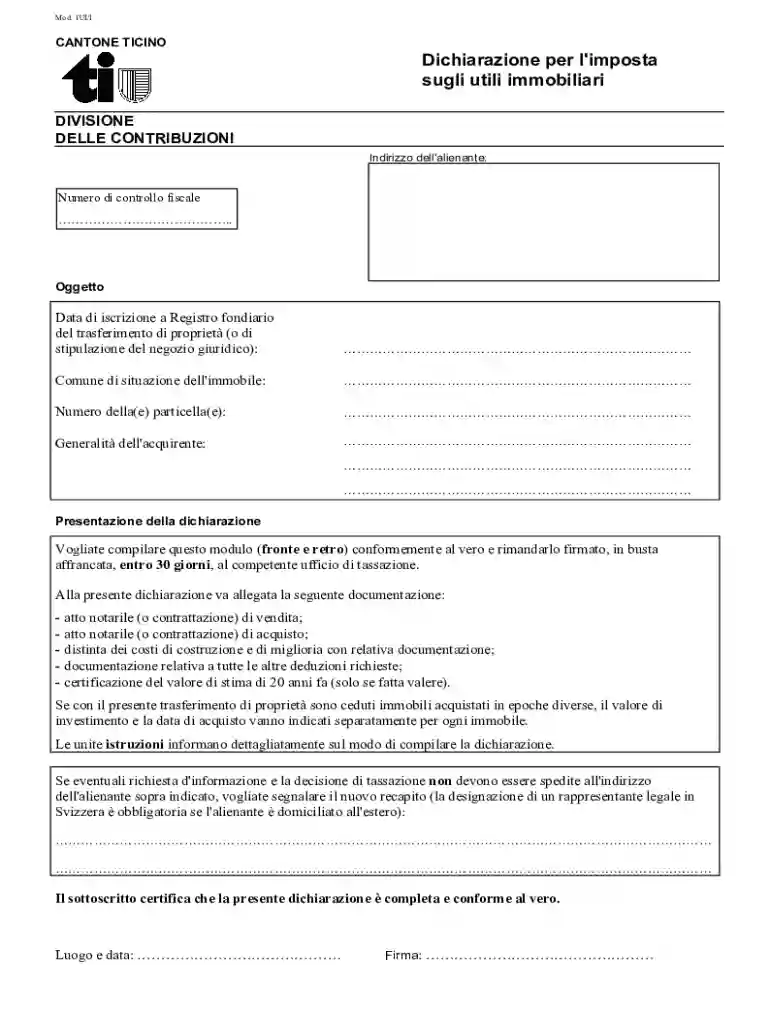
We've got more versions of the Ticino Property Transfer Tax Declaration form. Select the right Ticino Property Transfer Tax Declaration version from the list and start editing it straight away!
At DocHub, your data security is our priority. We follow HIPAA, SOC2, GDPR, and other standards, so you can work on your documents with confidence.