




01. Edit your form online
Type text, add images, blackout confidential details, add comments, highlights and more.

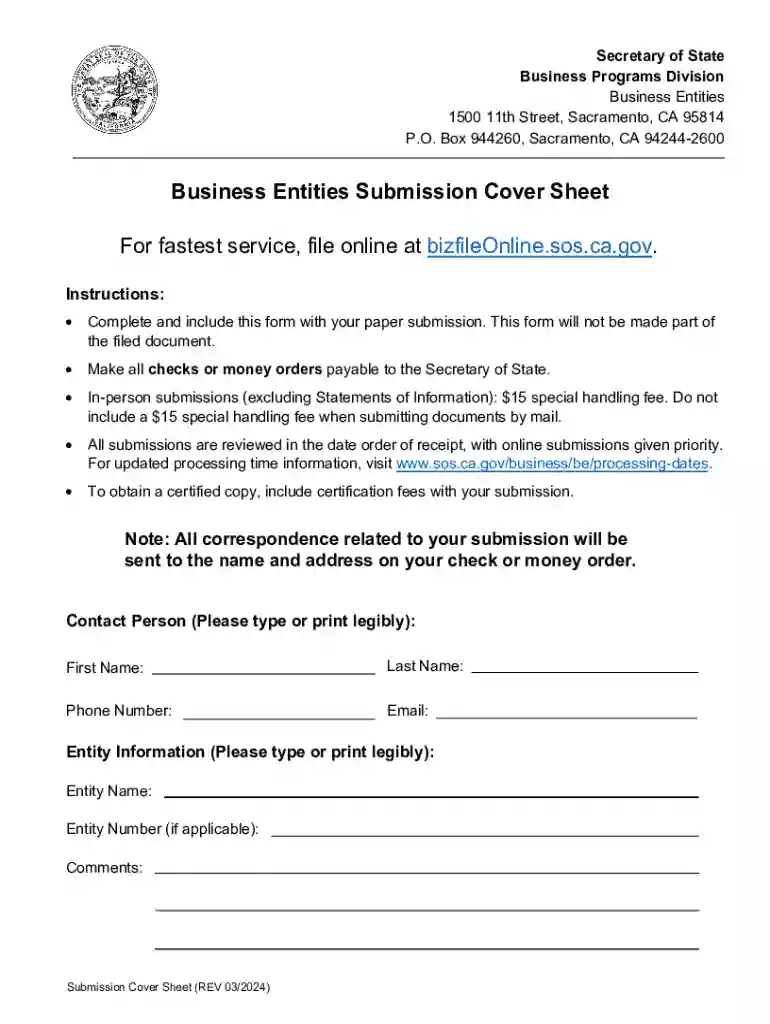
Type text, add images, blackout confidential details, add comments, highlights and more.

Draw your signature, type it, upload its image, or use your mobile device as a signature pad.

Send it via email, link, or fax. You can also download it, export it or print it out.
The California Secretary of State - Business Programs Division is the primary governmental entity responsible for processing various business filings within the state of California. This division handles the incorporation of businesses, registration of trademarks, and the management of business entities such as LLCs, partnerships, and corporations. By maintaining a comprehensive public record of these documents, the division ensures transparency and regulatory compliance for businesses operating within California.
To effectively use the Business Programs Division, businesses or individuals must first identify the specific services they require, such as filing Articles of Incorporation, registering a business name, or obtaining a certificate of good standing. Understanding the paperwork and electronic submission processes is crucial. The Business Programs Division offers online filing services that streamline these processes, allowing users to complete their transactions more efficiently compared to traditional mail submissions.
The required documents vary based on the type of business entity and the specific action being pursued. For instance, filing Articles of Incorporation for a Professional Corporation typically requires:
It's important to consult the Business Programs Division's guidelines to ensure all necessary documents are included in your submission.
Ensuring legal use of the Business Programs Division involves understanding the corporate laws and regulations enforced by the California Secretary of State. Businesses must adhere to compliance requirements, such as timely submission of annual Statements of Information and maintaining the business's good standing status by paying applicable fees and taxes. Failure to comply can result in penalties or revocation of the entity's active status.
The California Secretary of State provides multiple submission methods for business filings:
For those using software for financial management, compatibility with programs like TurboTax or QuickBooks is important. Verify that these software solutions support integration with documents issued by the Business Programs Division to ensure seamless accounting and record-keeping.
The division serves a wide array of business entities, such as:
Each entity type has specific compliance requirements and benefits, often dictating the required forms and filing processes to maintain good standing with the state.
Non-compliance with filing requirements can result in various penalties imposed by the California Secretary of State, such as:
Understanding these penalties and the importance of timely and accurate filings helps in maintaining the operational integrity of a business entity.
The Business Programs Division operates under California-specific regulations, which can differ significantly from other states. For example, California mandates specific disclosures for professional corporations that might not be required elsewhere. Businesses must be aware of these nuances to ensure compliance and avoid potential legal issues.
Digital filing with the Business Programs Division offers several advantages over paper filing, including:
However, traditional paper filing might still be preferred or required in certain instances, where original signatures or notarization are necessary. Depending on the nature of the business transaction, selecting the most suitable filing option can streamline operations and mitigate risks.
We've got more versions of the california secretary of state - business programs division form. Select the right california secretary of state - business programs division version from the list and start editing it straight away!
At DocHub, your data security is our priority. We follow HIPAA, SOC2, GDPR, and other standards, so you can work on your documents with confidence.


