






Definition and Purpose of the Form Online
The term "form online" refers to digital versions of traditional paper forms, accessible and fillable on the internet. These forms encompass a wide range of categories, including legal documents, tax forms, application forms, and more. By digitizing these forms, individuals and businesses can streamline processes, minimize errors, save time, and improve accessibility. A "form online" provides the capability to complete necessary documentation without the cumbersome procedures associated with physical paperwork. This efficiency ensures better data collection, facilitates ease of submission and retrieval, and enhances overall document management.
How to Use the Form Online
Utilizing an online form involves several straightforward steps. First, access the form via the appropriate platform, such as a government website, a dedicated document management service like DocHub, or a business’s own digital resources. Next, ensure you have a reliable internet connection and understanding of the platform’s features. Before filling the form, familiarize yourself with the required fields and instructions that accompany it. You can then input your information directly into the editable fields. After completing the form, review your entries for accuracy and completeness before submitting it online. Many platforms allow you to save a copy for your records or print the completed document.
Steps to Complete the Form Online
-
Access the Form:
- Navigate to the website or digital platform hosting the form.
- Log in if necessary to access personalized or secure forms.
-
Understand Requirements:
- Read any instructions or guidelines provided with the form.
- Gather all necessary information and documents required for form completion.
-
Fill in Details:
- Enter your information in the designated fields.
- Use tools provided on platforms like DocHub to annotate, attach documents, or add digital signatures if required.
-
Review and Verify:
- Double-check all entries for completeness and accuracy.
- Use the preview feature, if available, to see the finalized form.
-
Submit the Form:
- Follow the submission instructions, which may include uploading to a server or sending via email.
- Receive and store any confirmation of receipt, if provided.
Advantages of Using Form Online
Switching to forms online offers multiple benefits, chiefly among them being convenience and efficiency. Users can access forms 24/7 from any location, facilitating faster and more flexible document processing. Additionally, online forms reduce the dependency on physical paperwork, lowering storage and printing costs, and diminishing environmental impact. Enhanced features such as automatic data validation help to minimize errors while real-time updates allow for prompt corrections. The integration of e-signature capabilities within online forms further simplifies and secures the authentication and approval processes.
Key Elements of the Form Online
When using a form online, certain elements need to be understood to navigate effectively. Most online forms will include:
- Editable Fields: Areas where users input specific data.
- Drop-down Menus: Offers pre-defined options for user selection.
- Radio Buttons/Checkboxes: Allow users to select one or multiple options.
- Signature Fields: Enable inclusion of digital signatures.
- Submit Button: Finalizes data entry and sends the information to the intended recipient.
- Error Indicators: Highlight incomplete fields or entry errors.
Security and Legal Use of the Form Online
Security is pivotal in the digital handling of forms. Online forms must employ strong encryption protocols to ensure data protection. Services such as DocHub use 256-bit SSL encryption and OAuth 2.0 for secure access. Legally, forms completed online are recognized by laws such as the ESIGN Act, which validates electronic signatures in the United States. Users should ensure their forms meet legal standards pertinent to their specific context to remain compliant and avoid penalties.
Examples of Using the Form Online
Online forms serve diverse functions across different scenarios:
- Tax Filing: Individuals can use online tax forms, like IRS Form 1040, to declare income and calculate tax liabilities.
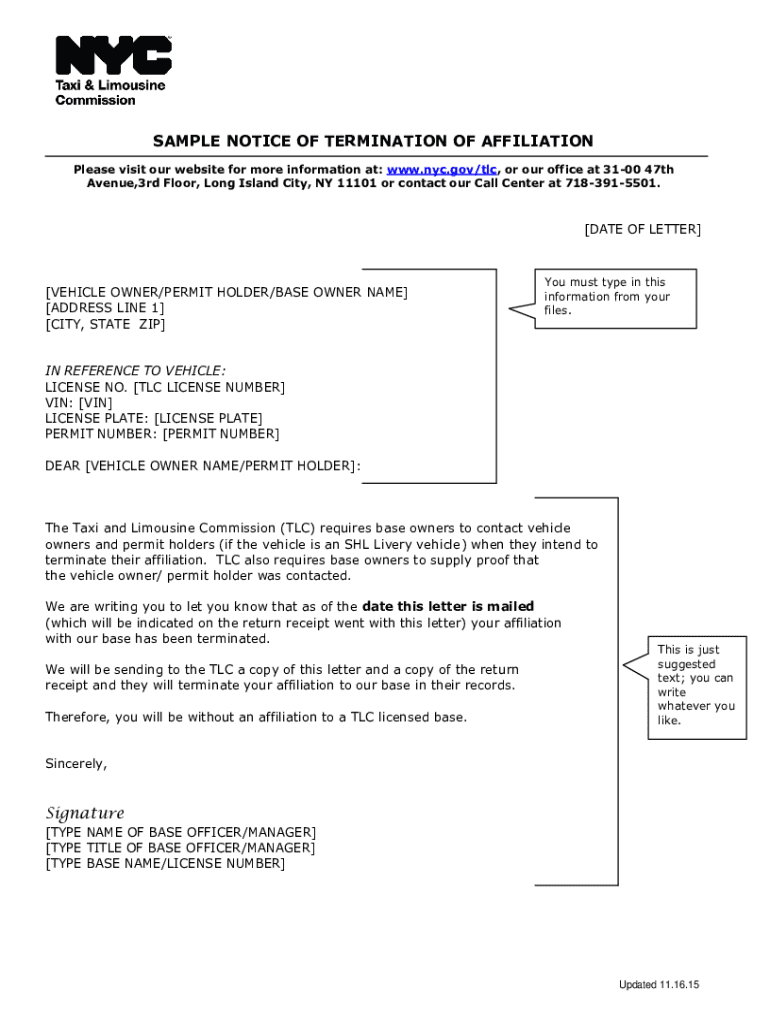
- Business Applications: Companies use forms online to submit applications for licenses, permits, or financial disclosures.
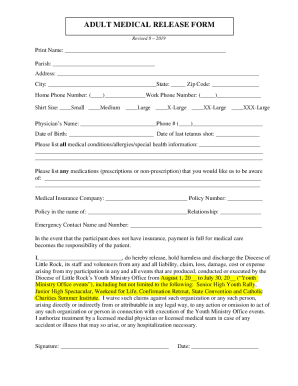
- Healthcare: Patient intake forms completed online streamline data entry and enhance record-keeping efficiency.
- Educational Institutions: Students may submit applications for enrollment or financial aid through online platforms.
Compatibility and Integration with Software
Digital forms require compatibility with various software to maximize their utility. Many online forms can be seamlessly integrated with management systems like Google Workspace, and other software such as TurboTax for tax preparation and QuickBooks for financial management. These integrations facilitate easy data transfer, reporting, and real-time collaboration, making them indispensable for personal and professional use. With platforms like DocHub, users can access enhanced features to import/export documents, maintain consistency, and streamline workflows.