






Definition and Meaning of Form Online
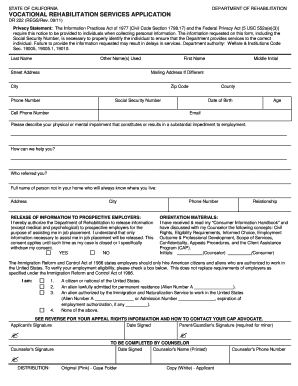
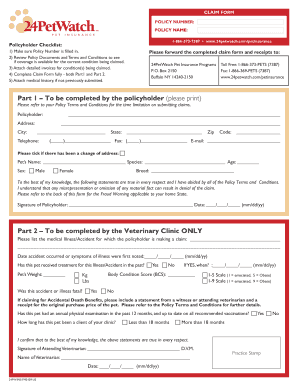
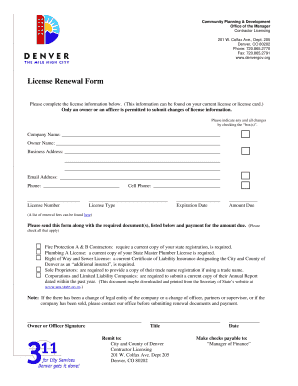
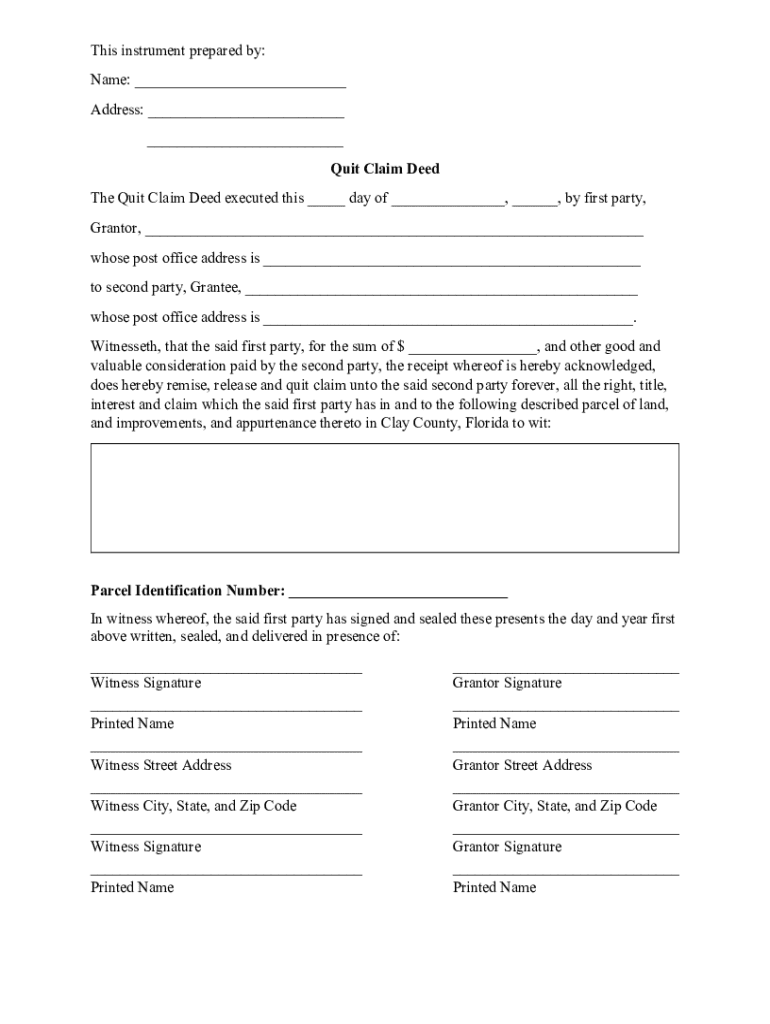
Form online refers to electronic versions of documents accessible through the internet, designed for various purposes such as applications, legal documents, or surveys. Unlike traditional paper forms, online forms can be filled out and submitted over the internet, providing convenience and efficiency. These forms utilize digital technology to streamline processes ranging from data collection to document submission. Often utilized across industries, online forms reduce the need for physical paperwork, making them a staple in modern workflows. Online forms can include text fields, checkboxes, and dropdown menus to facilitate data entry according to user needs.
Advantages of Using Form Online
- Accessibility: Online forms can be accessed from any device with an internet connection, allowing users to complete them from the comfort of their homes or while on the go.
- Efficiency: Automated data entry and submission reduce the time and effort needed for processing, increasing overall efficiency.
- Environmentally Friendly: By reducing paper consumption, online forms help in conserving natural resources and reducing waste.
- Integration with Other Software: Often, online forms can be integrated with various software applications for data analysis, storage, and reporting.
How to Use the Form Online
Filling out a form online typically involves accessing a web page or application where the form is hosted. Users are required to input necessary information in designated fields and submit the form upon completion. Some platforms allow users to save partially filled forms and return to complete them later. Online forms are often optimized for desktop and mobile browsers to enhance usability. It's essential to carefully review all entered data to ensure accuracy before submission, as changes might be difficult to make once a form is submitted. Confirmation emails or on-screen notifications usually follow a successful submission, confirming the process has been appropriately completed.
Step-by-Step Instructions
- Access the Form: Navigate to the website or application hosting the form.
- Read the Instructions: Carefully review any instructions or disclaimers at the beginning of the form.
- Fill in the Required Information: Enter data into each field as instructed.
- Review the Information: Double-check the data to ensure all entries are correct and complete.
- Submit the Form: Click the submit button once all information is verified.
- Save Confirmation: Save or print the confirmation for future reference.
Steps to Complete the Form Online
Completing a form online generally requires a series of straightforward steps designed to guide the user through data entry and form submission. Each form will present its unique fields and requirements based on its purpose. It's crucial to familiarize oneself with these instructions to avoid errors or omissions. The process often includes inputting personal details, answering specific questions, and attaching necessary documentation if required. Some forms may offer features such as autosave, which allows users to preserve their progress and return later.
Detailed Steps
- Input User Credentials (if required): Register or log in to the platform hosting the form.
- Enter Personal Details: Provide your name, address, and contact information in the initial fields.
- Answer Form-Specific Questions: Address any queries or sections relevant to the form’s purpose, such as employment information for job applications.
- Attach Documents: If the form requires additional paperwork, upload the necessary documents as prompted.
- Review: Go through the form to ensure every section is accurately completed.
- Submit and Confirm: Finalize the submission by clicking the submit button and retain any confirmation message or receipt for your records.
Key Elements of the Form Online
When creating or completing a form online, certain key elements ensure functionality and compliance with the form's intended use. These elements might include mandatory fields, digital signature options, and data validation features. Understanding these components helps users complete forms accurately and efficiently.
Common Elements
- Mandatory Fields: Essential fields marked with an asterisk or note indicating that they must be completed before submission.
- Digital Signatures: Options for electronic signing, offering the convenience of signing documents without printing.
- Data Validation: Features such as dropdown menus or character limits to ensure inputs are within specified parameters.
- Guidance Text: Instructions typically appear alongside or below form fields to aid users in entering correct information.
- Security Measures: Encryption protocols to protect user data during form completion and submission.
Legal Use of the Form Online
Online forms can serve legal purposes, providing a means to execute binding agreements, submit official applications, or file regulatory compliance documents. Forms in the legal domain require strict adherence to specific standards to ensure their validity. These standards often involve data protection, ensuring that any personal or sensitive information shared remains confidential. Legal forms may also comply with country-specific legislation, such as the ESIGN Act in the United States, which grants electronic signatures the same legal weight as traditional handwritten ones.
Considerations for Legal Use
- Compliance: Ensure forms meet relevant legal guidelines and regulations to maintain enforceability.
- Confidentiality: Look for encryption features protecting sensitive information.
- Documentation: Maintain records of form submissions and confirmations for reference in legal contexts.
- Authenticity: Use reliable platforms with digital signature capabilities to execute legally binding agreements.
Examples of Using the Form Online
Forms online find usage in diverse scenarios, from simple contact forms on websites to complex applications like tax filings or grant submissions. These examples illustrate their versatility and functional benefits across various contexts.
Illustrative Scenarios
- Employment Applications: Job seekers use online forms to apply for positions, submitting resumes and cover letters directly through employer websites.
- Educational Enrollment: Academic institutions offer online enrollment forms for students to register for classes or submit applications for admission.
- Government Services: Citizens submit forms online for services like renewing licenses or applying for benefits.
- Surveys and Polls: Organizations distribute online forms to gather feedback or conduct research, allowing participants to respond seamlessly from various locations.
Form Submission Methods
Online forms can typically be submitted directly through the web platform where they are hosted; however, certain forms may also offer offline submission methods to accommodate different user preferences. While online submissions are most common due to their convenience, options for mail or in-person submissions might be available for users who prefer or require traditional methods.
Methods Explained
- Online Submission: Direct submission via the internet allows for instant confirmation and processing.
- Mail-In Options: Some forms, particularly those requiring physical attachments, might be mailed to relevant authorities instead.
- In-Person Submission: Less common for online forms, this option might be necessary for cases requiring physical verification of original documents.
- Hybrid Approaches: Certain protocols may allow users to fill out forms online, print them, and either mail or submit in person, providing flexibility.